The Big Picture
Another TikTok-only week: the YouTube Shorts pass on every candidate topped out in the low thousands of views on ‘past week’ uploads, and the Instagram hashtag scraper returned hashtag metadata rather than scrapable Reel posts, so nothing from either platform cleared the volume bar this cycle. Within TikTok, the clearest signal is a split between fast and slow: rapid-fire story stacking and the phonk bass-drop flash edit are both compression formats built to win in the first two seconds, while cozy vlogcore and the muted silent vlog edit are the opposite bet, unhurried pacing as the differentiator instead of a hook.
Both bets are working right now, which suggests the real lesson this week is to pick a pacing lane on purpose rather than split the difference between them. The two transition entries (the CapCut flag whip and the pose-match cut) and the kinetic caption technique are steady, evergreen tools rather than flash trends, worth adding to a permanent toolkit regardless of this week's news cycle. Last week's anime character-edit and glitch-reveal makeup formats did not turn up fresh examples that cleared this week's freshness bar, so they are left off the list below rather than repeated on stale data.
1. Rapid-Fire Story Stacking
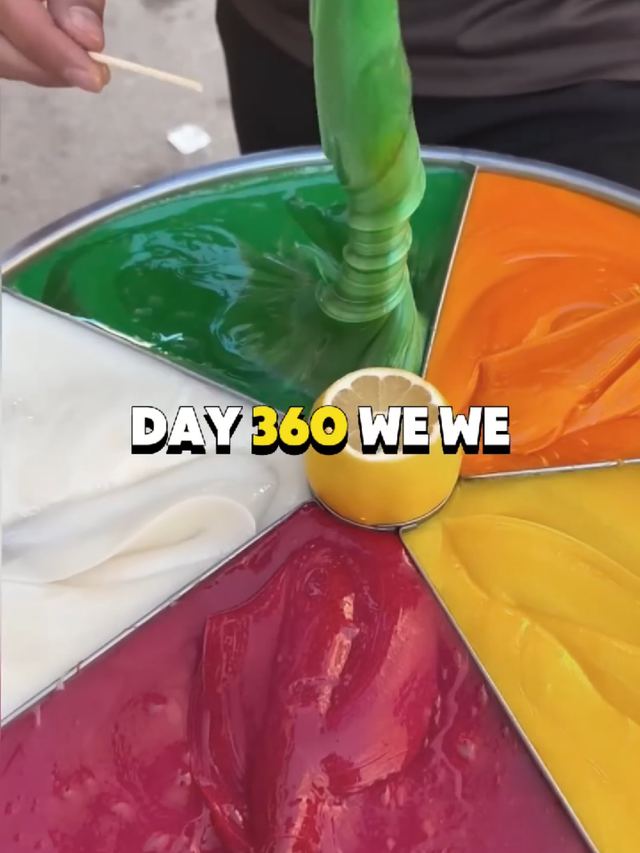
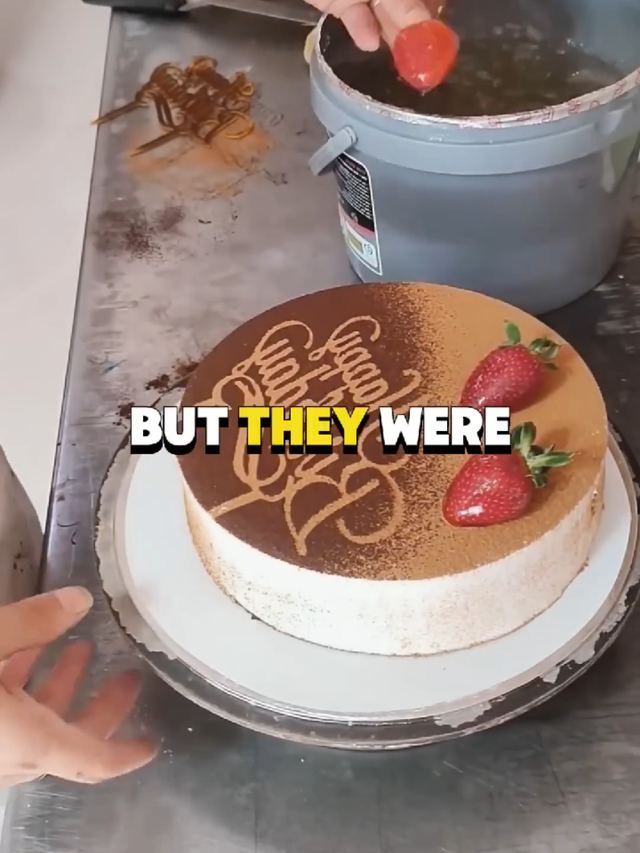
Multi-part personal stories compressed into a single clip with hard chapter cuts every 5 to 8 seconds, borrowing the retention of a cliffhanger series without asking anyone to come back for part two. The story accounts publishing these are posting several a day and each one still clears six figures.
Script the story in 3 to 4 beats before filming. Cut hard on a jump-cut or quick zoom-punch at each beat boundary, never a soft dissolve, so every chapter reads as a new 'scene.' Add a one to two word on-screen label per beat ('the discovery,' 'the confrontation') and keep each beat under 8 seconds so the whole story lands inside 30 seconds. Talk fast and cut out every pause in the edit.
Who's doing it:

2. Phonk Bass-Drop Flash Edit
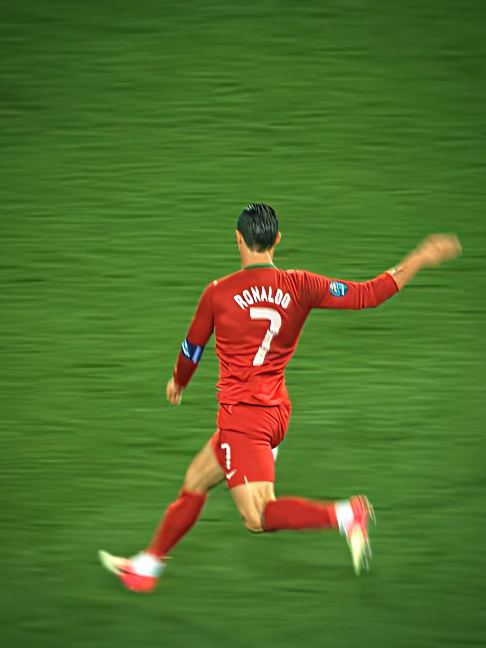
Fast montage cuts timed to a slowed, bass-heavy phonk track, with a hard flash-cut or freeze-frame landing exactly on the sub-bass hit. Works over almost any subject matter as long as the footage has a strong hero moment to land the drop on.
Find the sub-bass hit in the track first and build the edit backward from it. Hold on a static or slow-push shot through the buildup, then cut on 2 to 3 quick clips (0.3 to 0.5s each) in the bars right before the drop, landing on a freeze-frame or flash-white transition exactly on the bass hit. Desaturate slightly and crush blacks for the gritty phonk look.
Who's doing it:


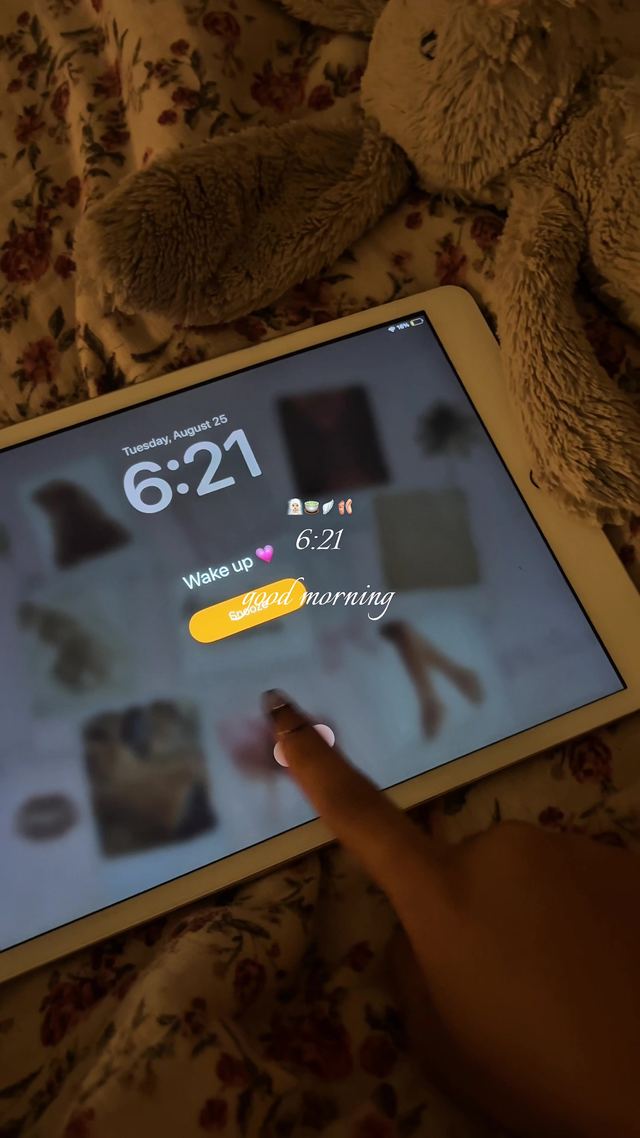
3. Cozy VlogCore Day-in-the-Life
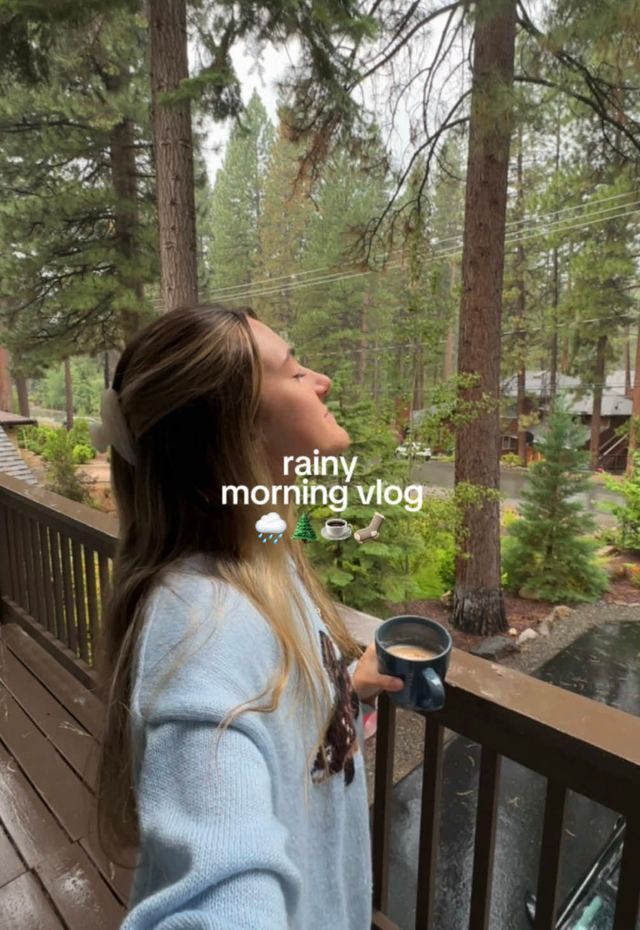
Slow, ambient day-in-the-life vlogging shot handheld at a walking pace, warm natural light, soft indie or lo-fi music under quiet or absent voiceover. The opposite of the fast-cut formats elsewhere on this list: the pacing itself is the aesthetic.
Shoot handheld at chest height, walking pace, and let shots run 3 to 5 seconds each rather than cutting fast. Grade warm and slightly soft (lower clarity, lifted shadows). Use ambient room tone or a quiet indie track under the visuals rather than a voiceover, and let the mundane moments (making coffee, commuting) hold as long as the transitions.
Who's doing it:

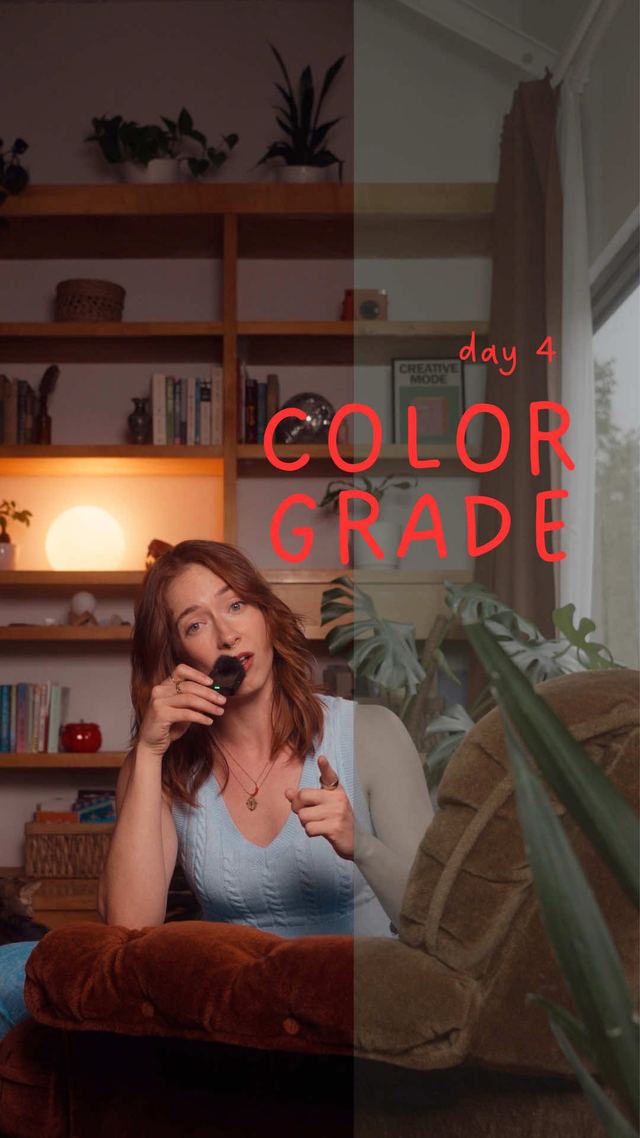
4. Cinematic Color-Grade Push-In
A single hero shot carried entirely by a moody, high-contrast color grade and a slow push-in, rather than by cut count. Teal-and-orange or crushed-black grades over a static or slow-dolly shot, timed to land the push-in on a musical swell.
Pick one hero shot instead of a multi-shot sequence. Push shadows toward teal or blue and highlights toward warm orange/amber, crush blacks slightly for contrast, and add a light grain or haze overlay at low opacity. Time a slow push-in (digital zoom or physical dolly) so it completes exactly on a musical swell or beat, and hold the final framing for a beat before cutting.
Who's doing it:


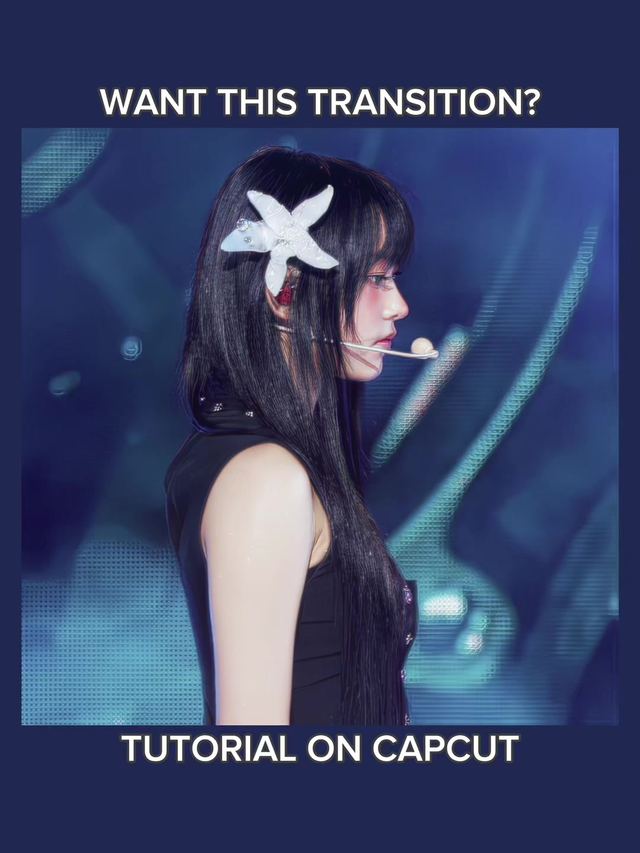
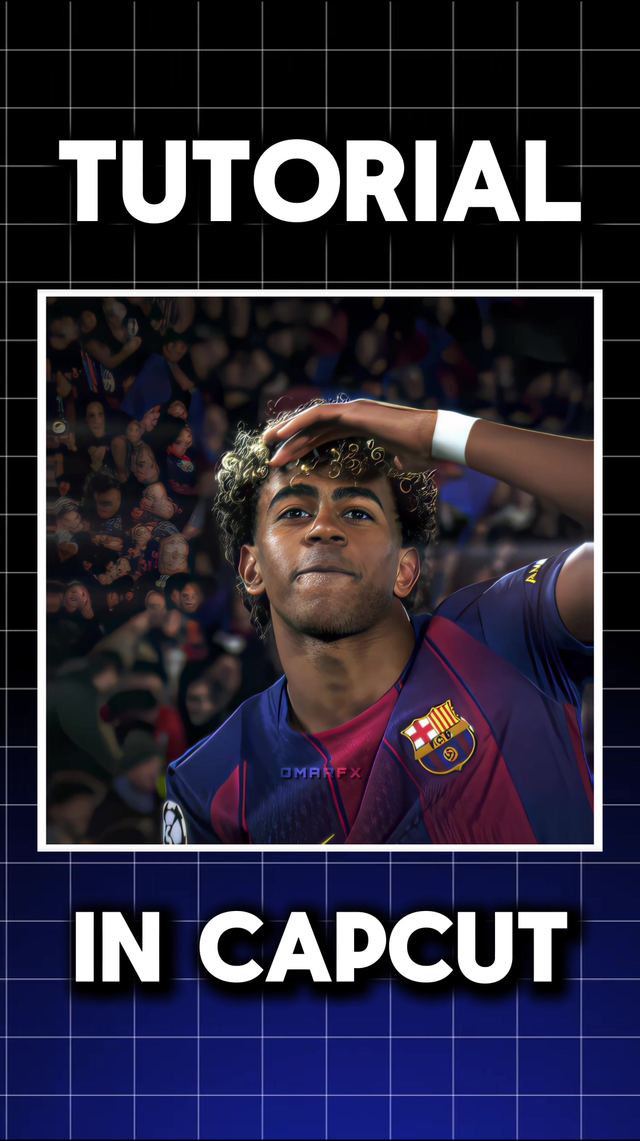
5. CapCut Flag Whip Transition
A whip-style transition built from CapCut's flag/wave distortion effect: the outgoing frame ripples like a flag in wind before snapping into the next shot. Reads as a more textured, less-generic alternative to a plain whip pan.
Apply the flag/wave warp effect to the last 3 to 4 frames of the outgoing clip, increasing distortion amplitude toward the cut point, then hard-cut into the incoming clip on the peak of the ripple. Match camera motion direction across the cut (both panning the same way) so the ripple reads as continuous motion rather than a hard stop.
Who's doing it:
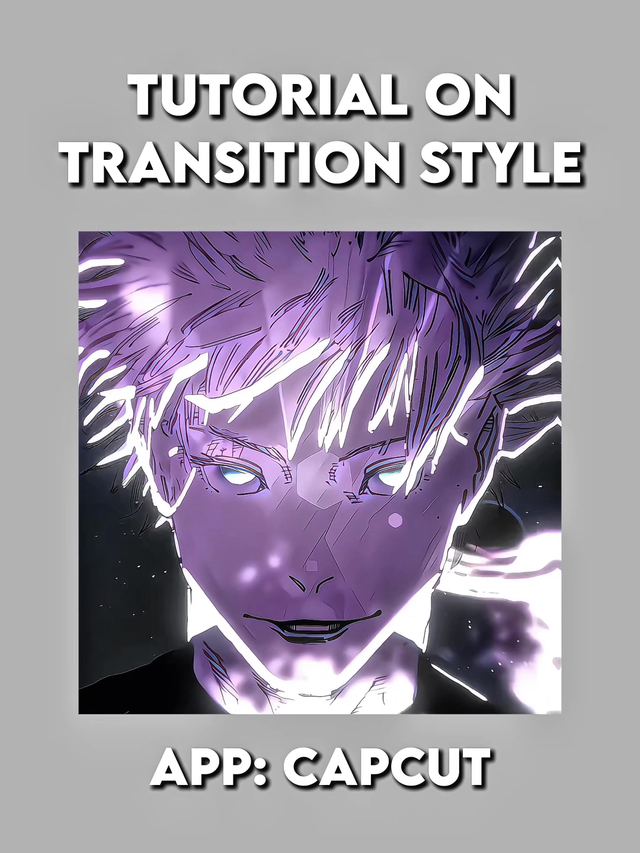
6. Muted Silent Vlog Edit
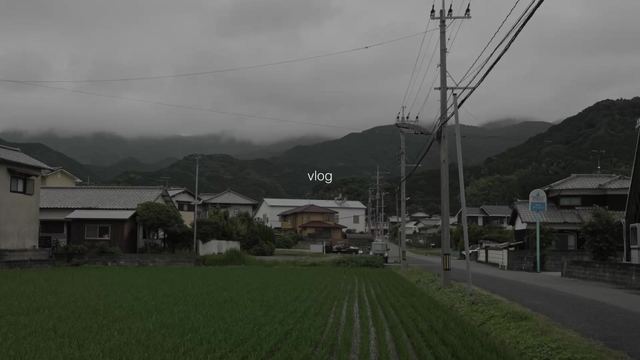
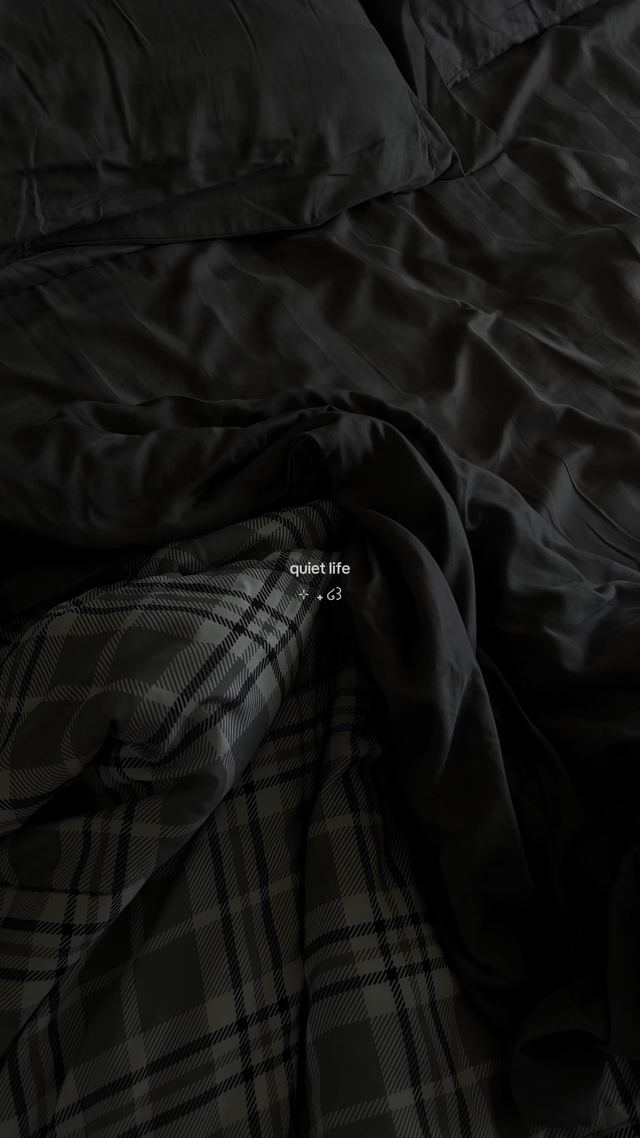
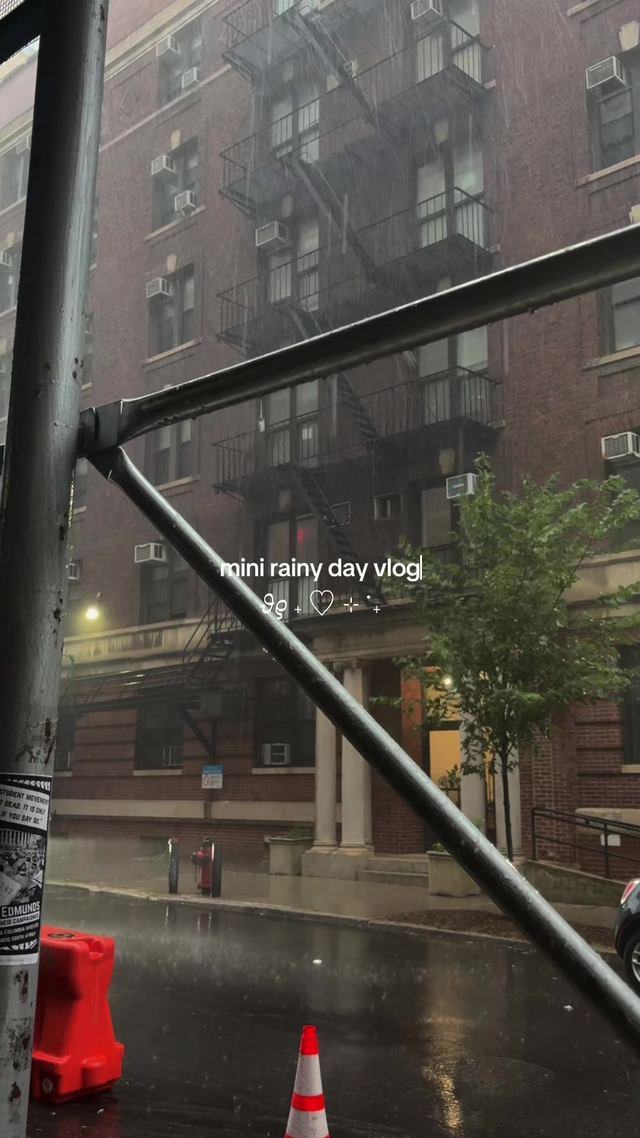
Vlogs cut with zero dialogue or voiceover, dead ambient audio removed entirely and replaced with a single ambient or lo-fi track, letting on-screen text carry any information that would normally be spoken. A quieter counterpart to the cozy vlogcore trend above.
Strip all dialogue and room tone from the edit. Lay a single ambient or lo-fi instrumental under the whole cut and use short on-screen text captions only where information needs to land (a location, a time stamp, a price). Keep cuts soft and unhurried; the silence is the point, not a hard-cut pace.
Who's doing it:
7. Kinetic Word-Pop Captions
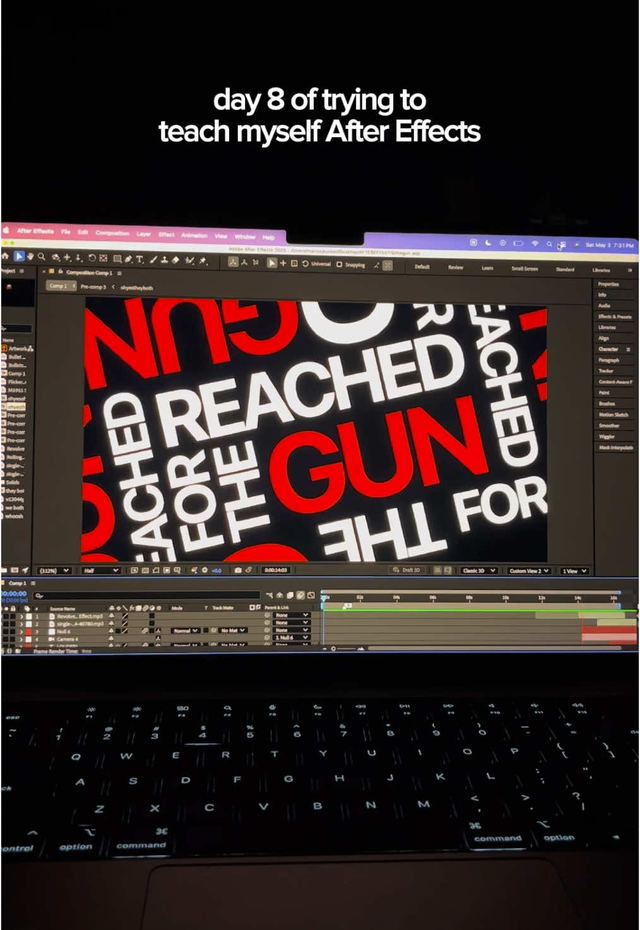
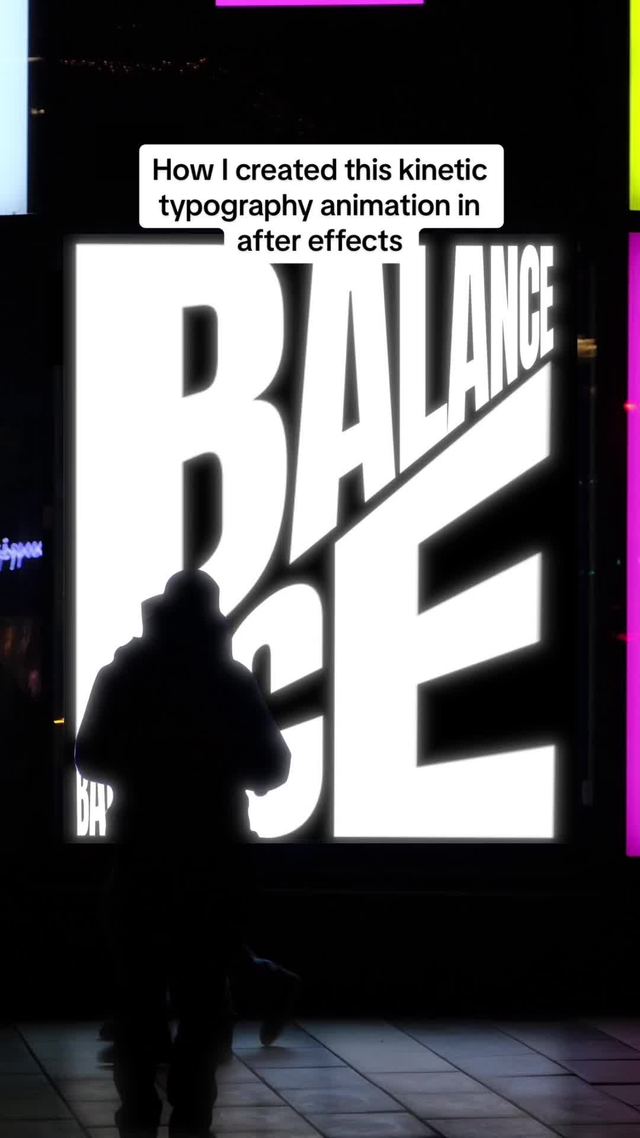
Captions that move with word-by-word timing instead of sitting as a static block: each word scales up briefly as it's spoken and key words get a color or size pop. Static subtitles read as dated next to this now.
Time captions to appear one word (or short phrase) at a time, synced to speech. Scale the active word up 10 to 20% for the duration it is on screen, then settle back to base size as the next word appears. Reserve a distinct accent color or extra scale bump for the single most important word per sentence rather than applying it to every word.
Who's doing it:

8. Pose-Match Transition
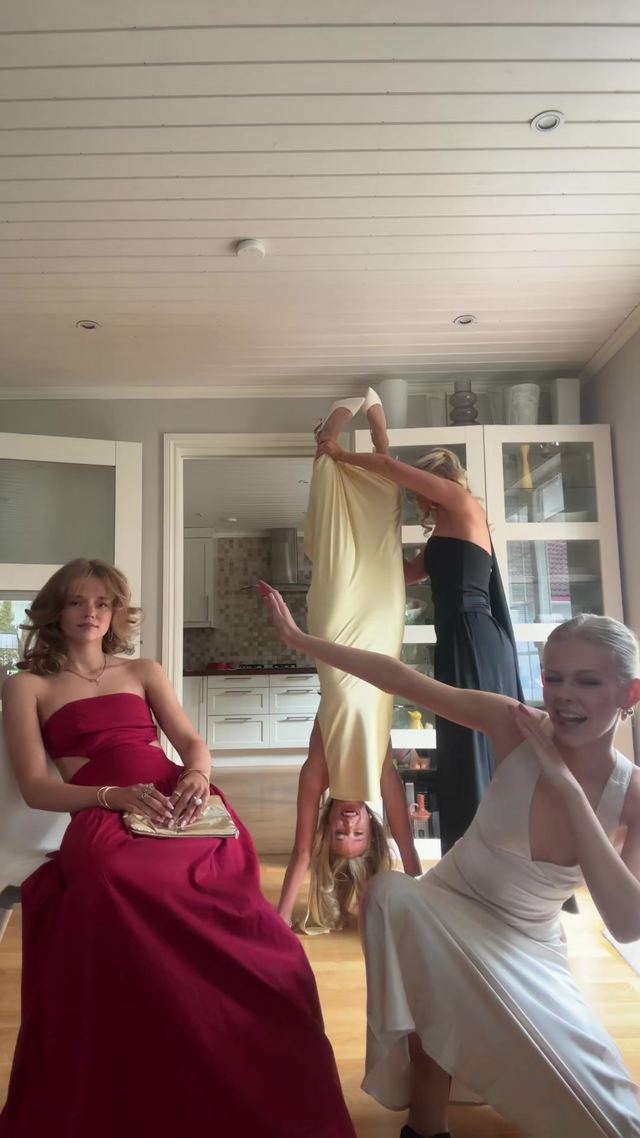
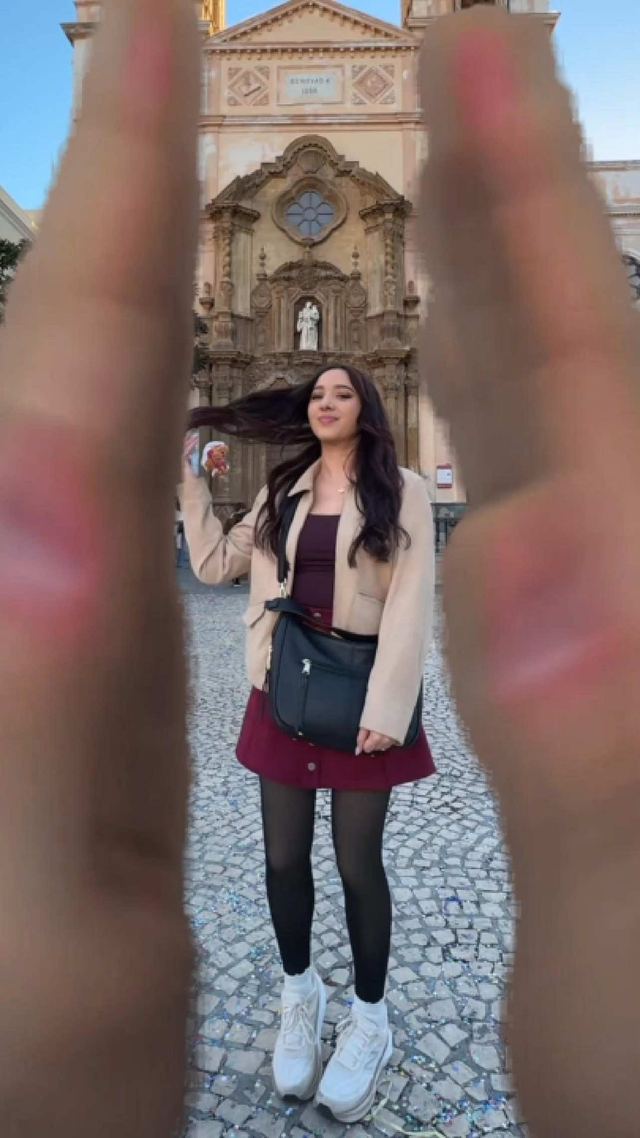
A cut between two shots where the subject holds the same body pose in both, so the transition reads as one continuous motion even though the location, outfit, or lighting changed completely. A subtler cousin of a whip-pan transition since there's no motion blur doing the work, just the pose match itself.
Pick one clear pose (arm raised, head turned, mid-step) and hit the exact same pose and camera framing in both the outgoing and incoming shot. Cut on a single frame at the peak of the pose rather than a range of frames, and match focal length/distance between the two shots as closely as possible so scale doesn't jump on the cut.
Who's doing it:
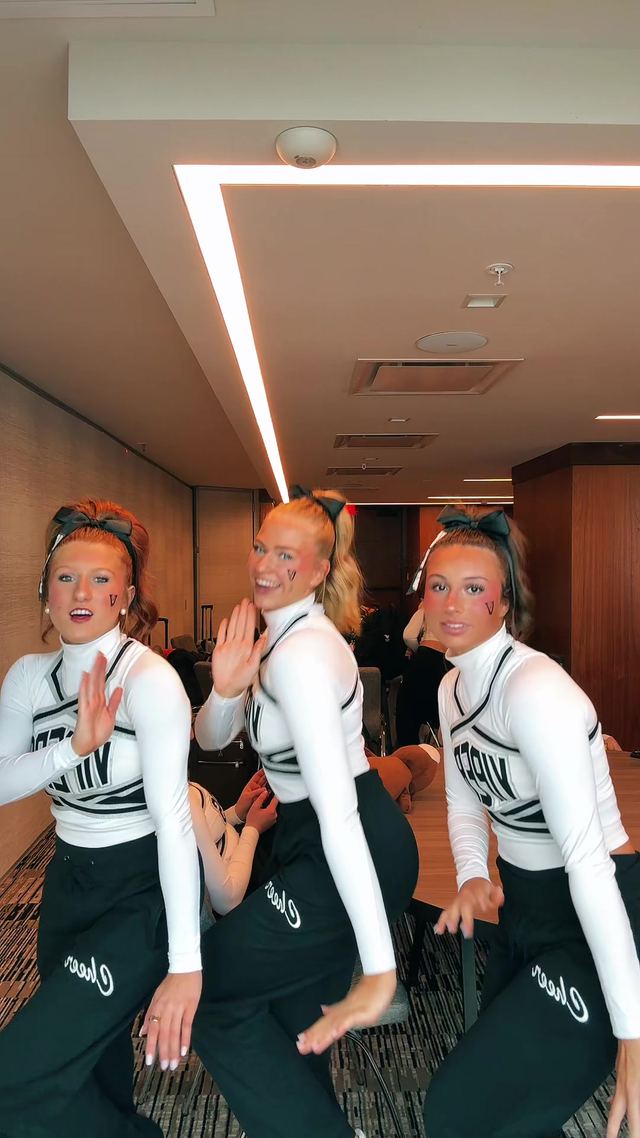
If you only build one thing from this report, make it the rapid-fire story-stacking format. It needs no special effects or trending audio, just a script broken into hard beats and a willingness to cut fast, and it is the one entry on this list that is still visibly accelerating rather than settling into an evergreen pattern.
Turn a Trend Into Your Hook
The template gives everyone the same edit. The hook is what makes yours the one people stop on. Paste a topic, get hooks built on what is actually working this week. Free to try.
Generate a Hook →
- Wes Fleming
ScriptHooks Weekly Trends