The Big Picture
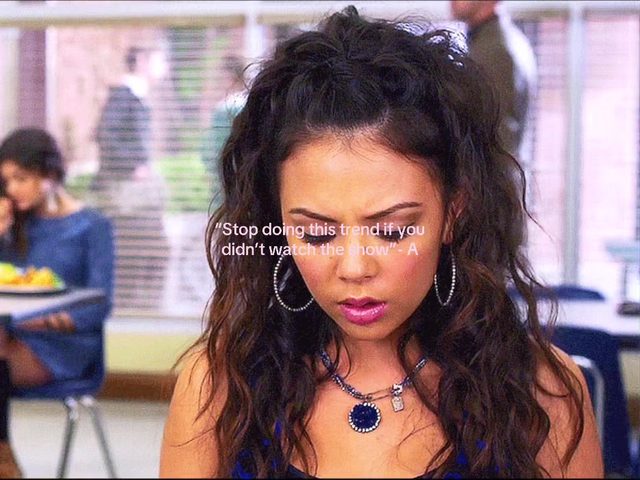
This week's data came back TikTok-heavy again, but three trends carried verified YouTube Shorts examples alongside their TikTok ones, so this report is genuinely cross-platform for the first time in a few cycles. The headline number belongs to the "-A" text overlay, a format built on Pretty Little Liars' anonymous-texter device: no talking head, no voiceover, just a phone-message bubble delivering a deadpan line over an unrelated relatable clip. Its top example cleared 8.6M views this week, the highest single number in this report.
Audio is doing most of the work elsewhere on the board. Adela's single "Nicole Kidman" is powering a manifestation-style reveal transition that cleared 6M views on a single cut and 4.4M on a second, and the Tung Tung Tung Sahur green-screen character keeps spreading past its original mukbang format into storytime and reaction content. Against those spikes, the aura edit and the freeze-frame slow-motion cut remain the two steady evergreen earners, still posting fresh six-figure examples every single week regardless of what audio is trending. A couple of trends worth watching didn't make the final cut: a split-screen "day in my life" format and a single-creator CapCut year-recap template both turned up in the scrape but without enough independent creators behind them yet to call them real trends rather than one account's template push.
1. Aura Edit
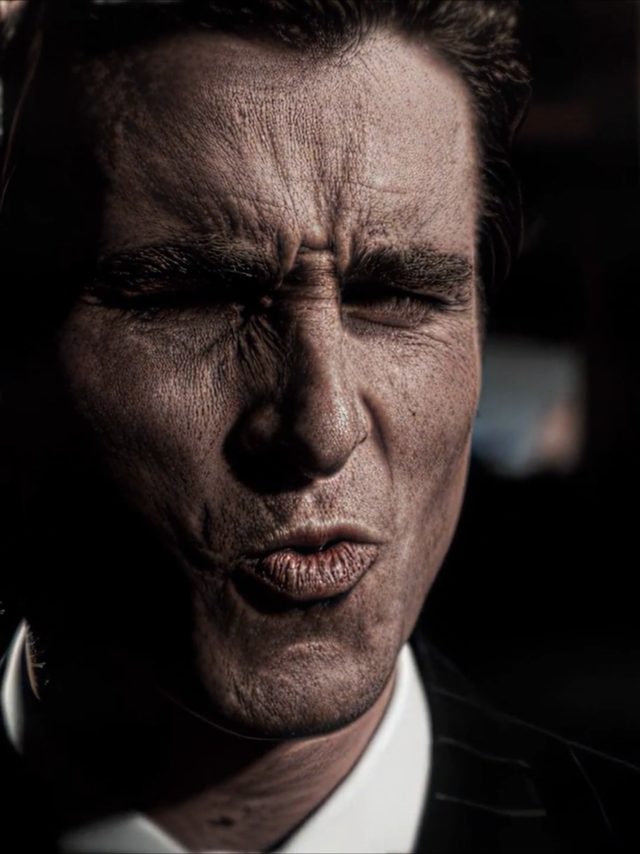
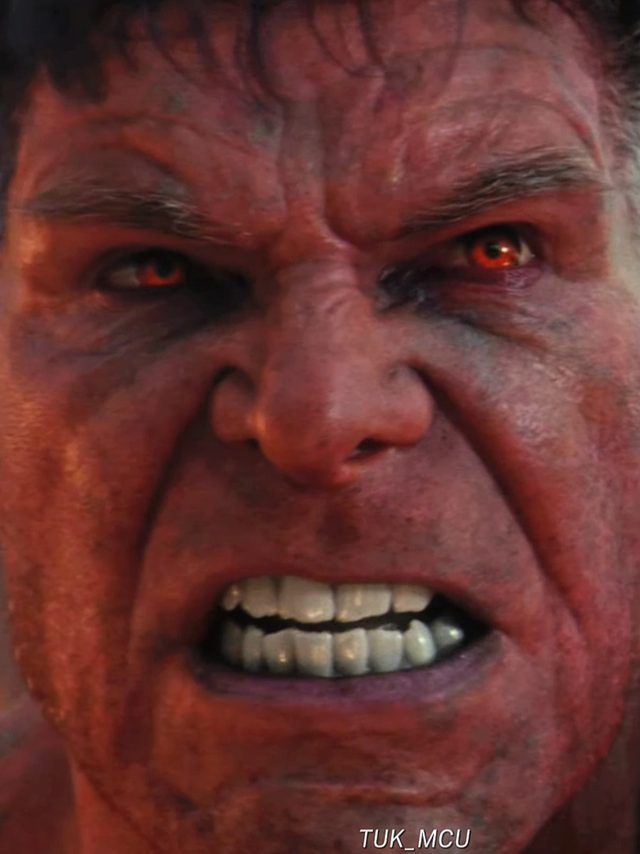
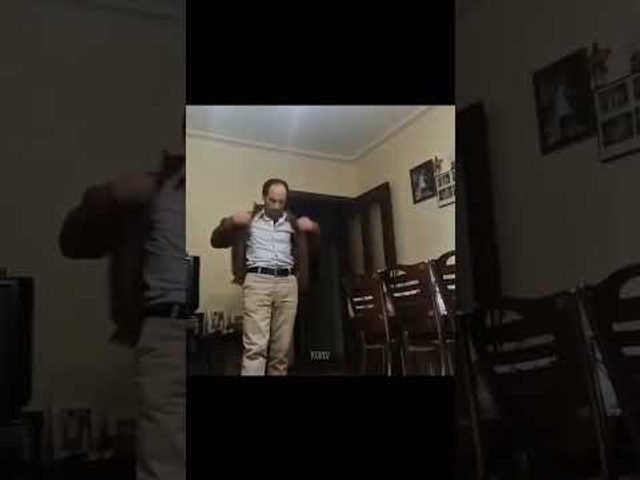
A fast beat-synced overlay effect, a flash of light or a glowing outline dropped over a subject at the exact beat of the drop, framed as showing off someone's aura. Still the single most reliable views-per-post format in the sigma-edit genre, and it just as easily crossed over to YouTube Shorts this week.
Cut in on the beat drop, apply a radial glow or light-leak overlay at 60 to 80 percent opacity centered on the subject, punch-zoom 100 to 115 percent over 4 to 6 frames with ease-out, hold for one beat then cut. Works on selfie footage or licensed character clips equally well.
Who's doing it:
2. Freeze-Frame Slow-Motion Edit
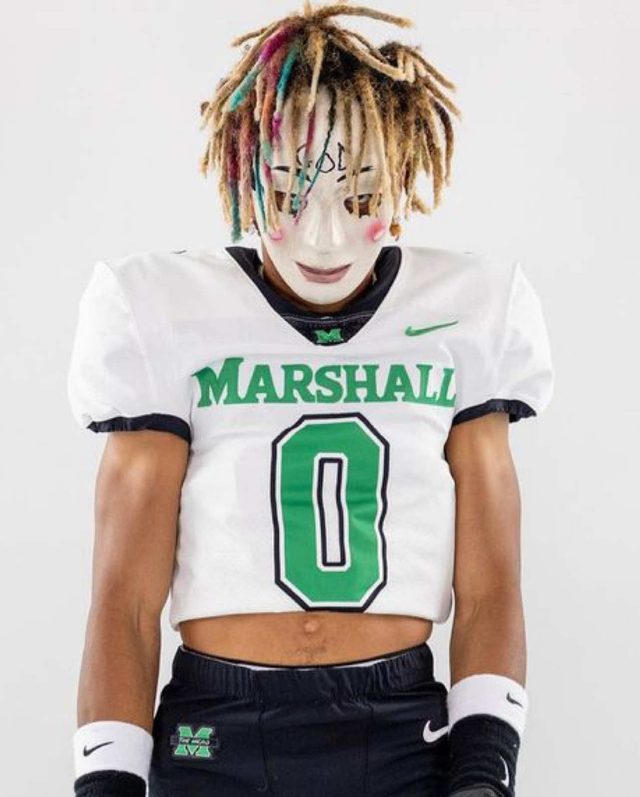
A clip eases into slow motion right before the punchline or highlight moment, then hard-freezes on a single frame for emphasis before cutting away. A CapCut staple that keeps resurfacing across sports clips, memory edits, and comedy cuts.
Ramp playback speed from 100 to 20 percent over 8 to 10 frames with ease-in timed to the beat, freeze the final frame for 12 to 15 frames, add a shutter-click or whoosh sound effect at the freeze point, then hard cut to the next clip.
Who's doing it:

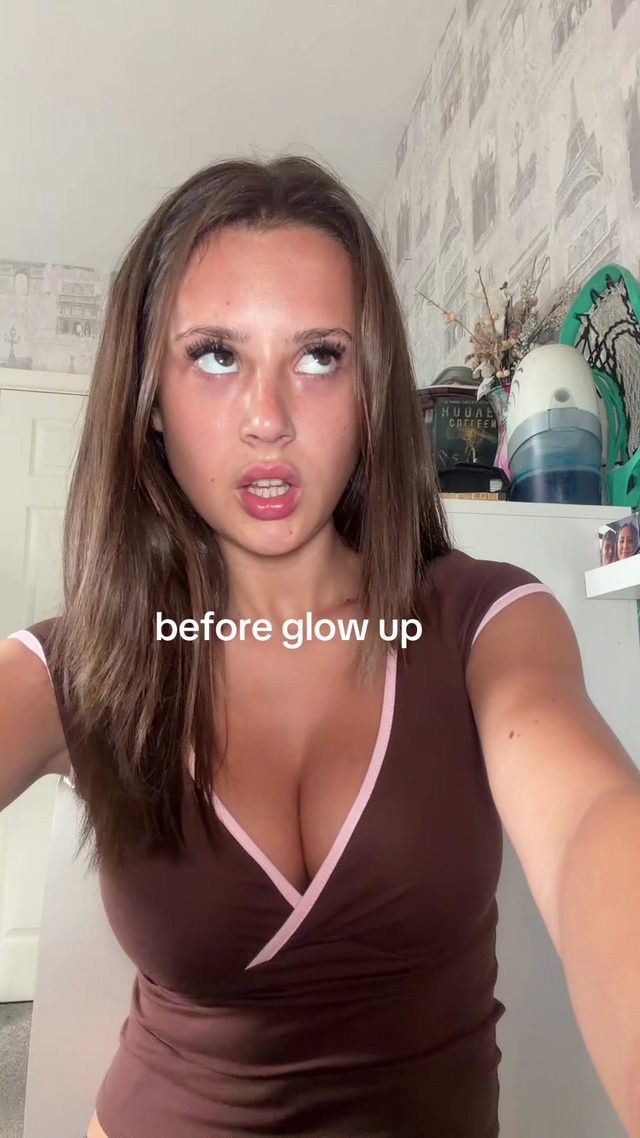
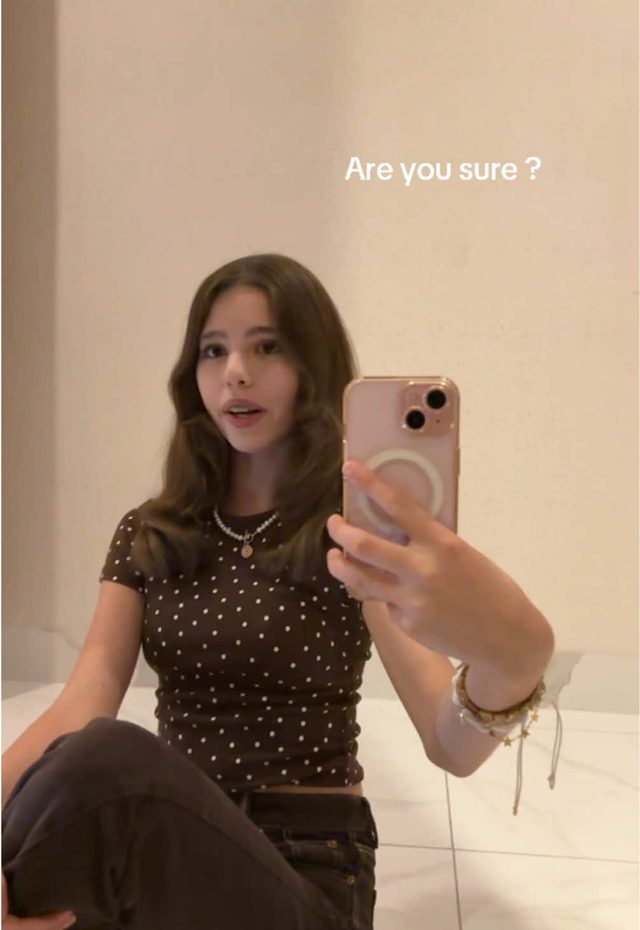
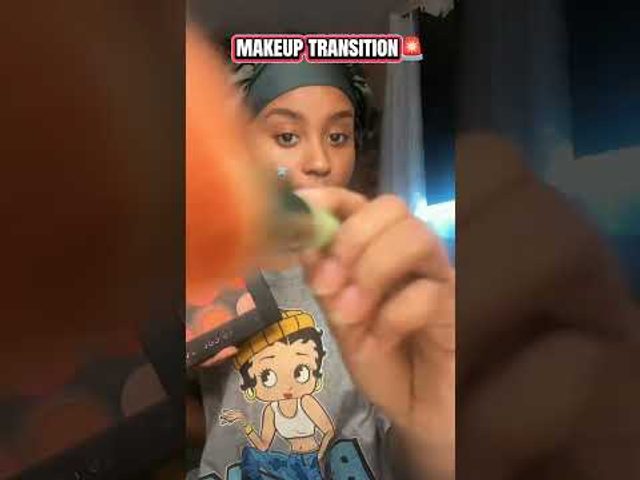
3. Glow-Up Transition
A hard hair-flip or hand-swipe transition cut exactly on a beat drop, revealing a styled or made-up version of the same person mid-motion. The evergreen glow-up cut, still spiking every few months on a new trending audio.
Time the flip or swipe gesture to the beat, cut on the frame where the hand or hair fully occludes the lens, swap footage during the occlusion, and match the follow-through motion on the other side so the cut reads as one continuous gesture.
Who's doing it:
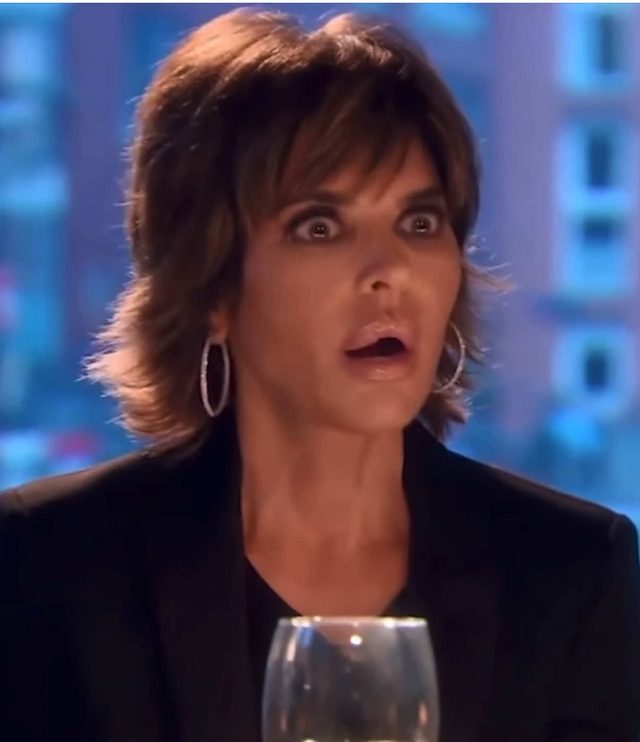
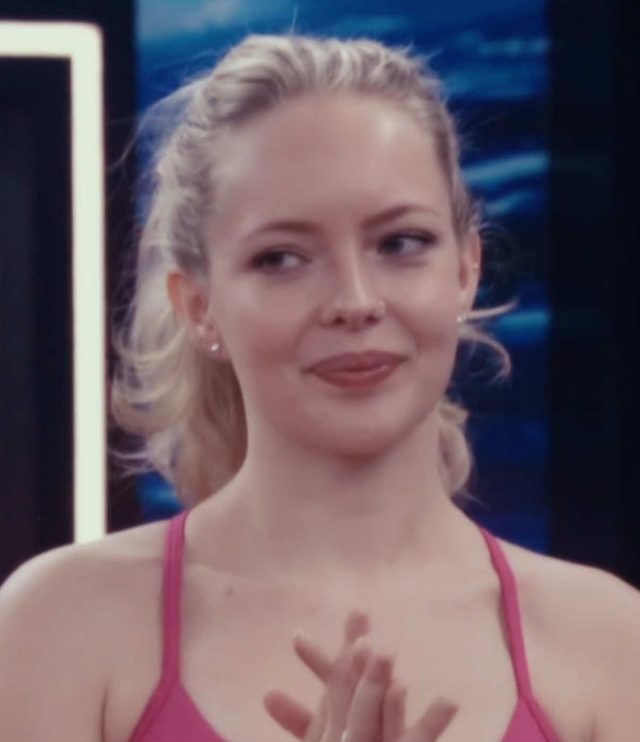
4. Reality TV Confessional Edit
Dramatic reality-show scoring, the Bravo-style string stab or the Big Brother diary-room cue, laid under a straight-to-camera recap of ordinary drama, played completely straight to make mundane commentary feel like a reunion special.
Cut in the scoring sting exactly as the speaker starts a sentence, add a subtle vignette and slight desaturation to mimic broadcast color, and insert a quick zoom-punch on any key word for emphasis. No visible text overlay needed since the audio carries the joke.
Who's doing it:
5. Sketch-to-Reality Reveal
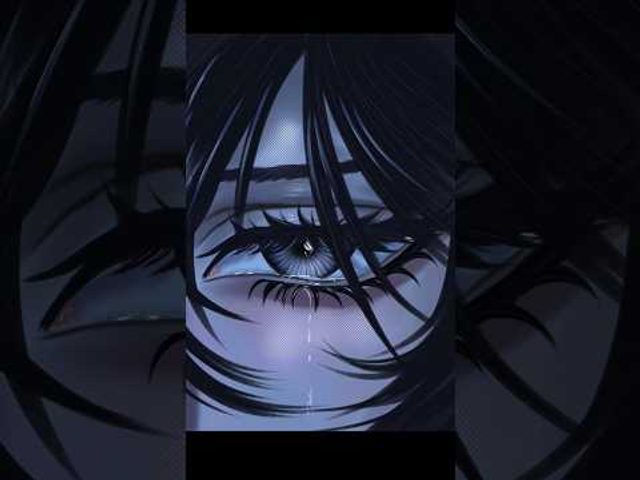
A rough pencil or digital sketch match-cuts into the finished, fully rendered product or artwork on a hard whip-pan, sold as watching an idea become real. Product reveals and illustration accounts both run the same match-cut.
Frame the sketch and the final asset from the same angle and crop, whip-pan the camera or timeline 4 to 6 frames on a fast blur, cut at peak blur so the eye can't catch the swap, and land on the finished asset held static for a beat.
Who's doing it:

6. Tung Tung Tung Sahur Overlay
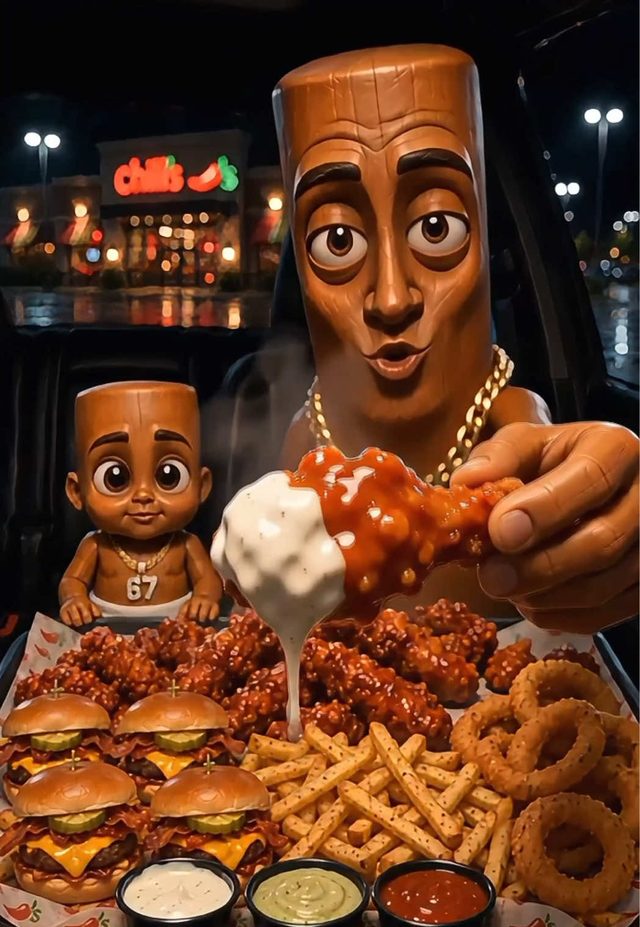
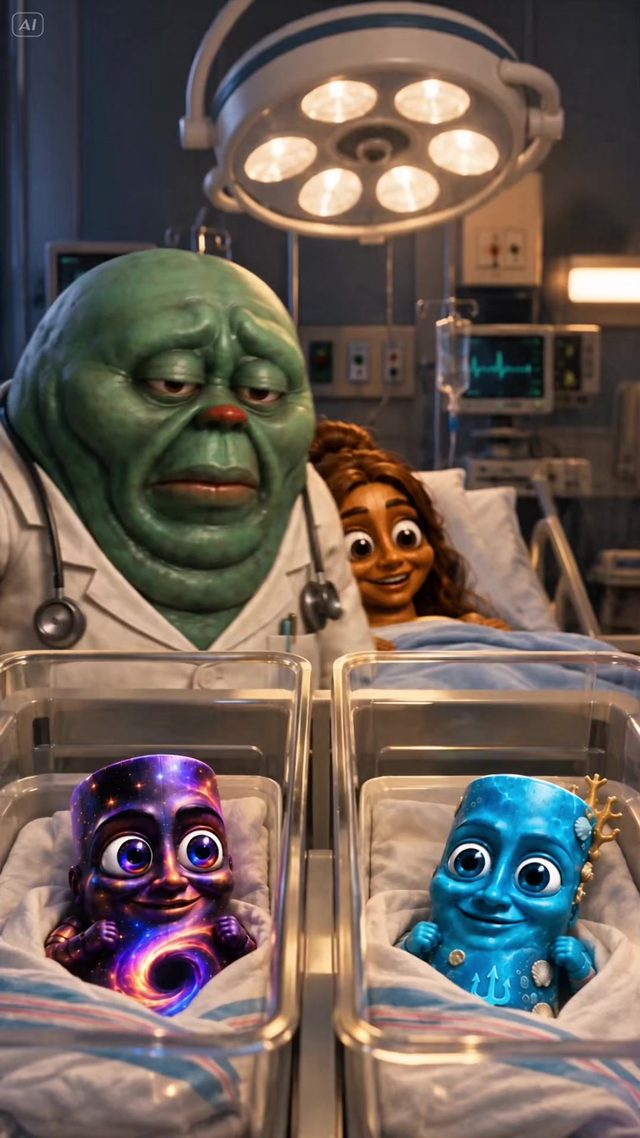
The 3D-rendered wooden-log meme character is green-screened over otherwise ordinary footage, mukbangs, AI-story voiceovers, and more, currently the largest meme-edit overlay format running on TikTok.
Key the character asset onto a green-screen or auto-cutout layer, scale it to occupy 30 to 40 percent of frame in a lower corner, add a subtle drop shadow so it reads as sitting in the scene, and sync any of the character's stock sound bites to action beats in the base footage.
Who's doing it:
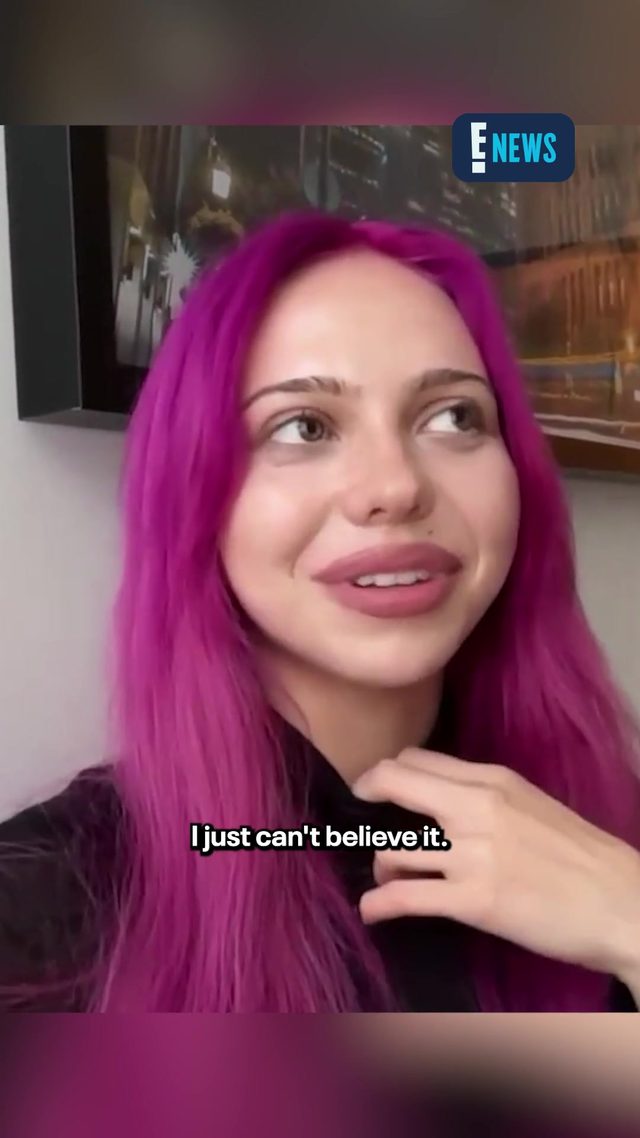
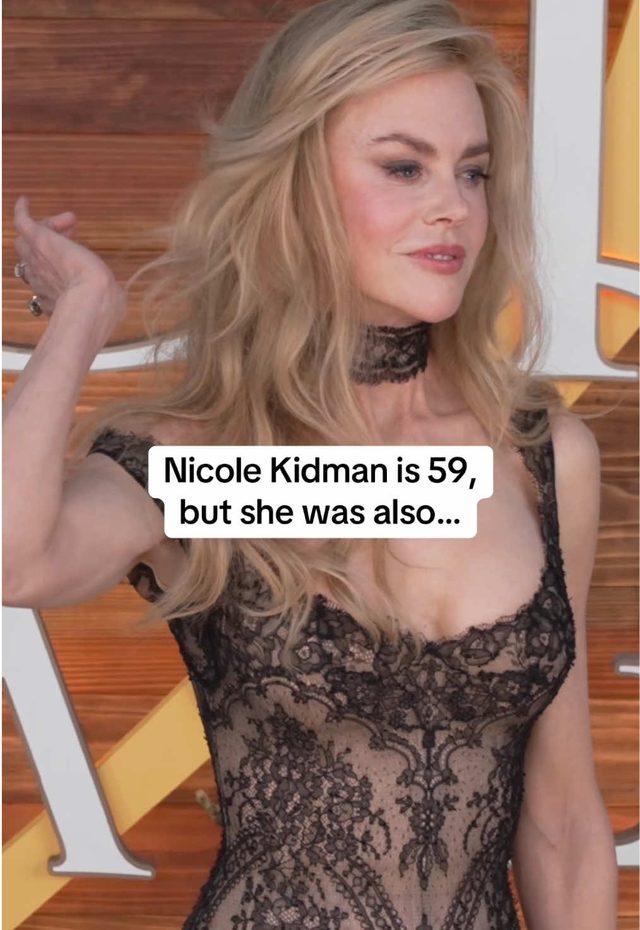
7. Nicole Kidman Manifestation Transition
Built on Adela's single "Nicole Kidman," creators cut from a plain setup shot into a styled reveal exactly on the song's hook, riding the manifestation framing the lyric implies. Currently one of the highest-view audio-driven transitions running.
Mark the hook's downbeat in the timeline, cut from the plain shot to the styled reveal on that exact frame, add a quick brightness pop of 10 to 15 percent on the reveal frame to sell the shift, and keep the camera static so the transition reads purely as a cut on the beat.
Who's doing it:
8. "-A" Text Overlay
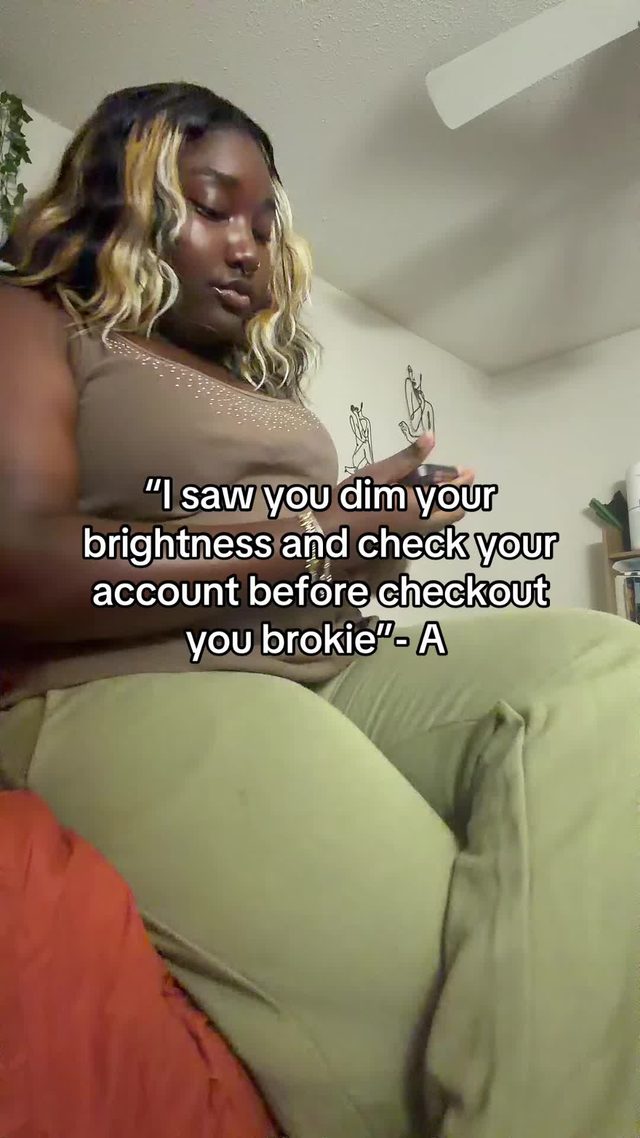
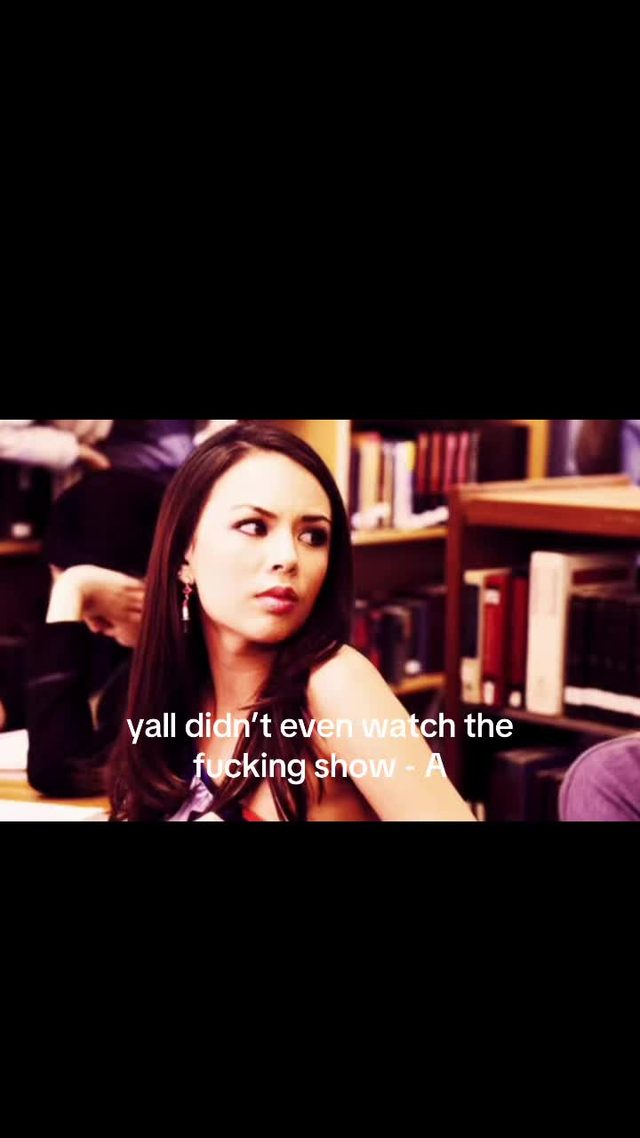
Riffing on Pretty Little Liars' anonymous-texter device, creators overlay a phone-message bubble delivering a deadpan, slightly threatening line over an unrelated relatable clip. No talking head, no voiceover, just the text and a suspenseful audio bed. The highest view count in this week's report.
Use an iMessage-style bubble template, keep the message to one short line so it reads in under a second, sync the bubble's pop-in to a sting in the audio bed, and hold the final frame for 2 full seconds so the joke lands before the loop.
Who's doing it:
9. Concert Outfit-Reveal Transition
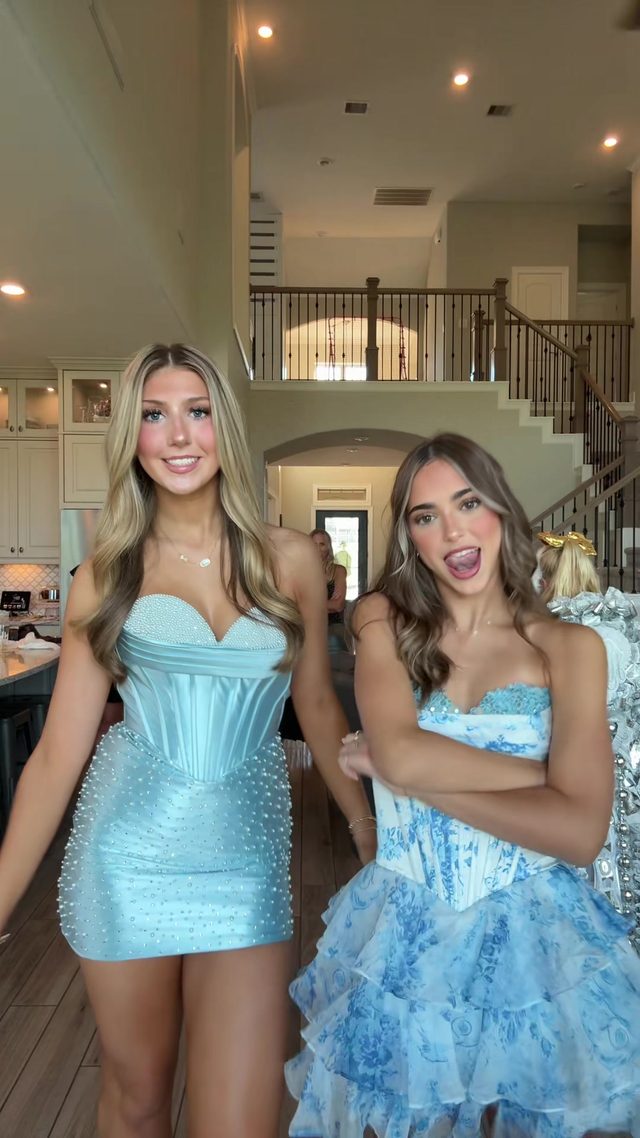
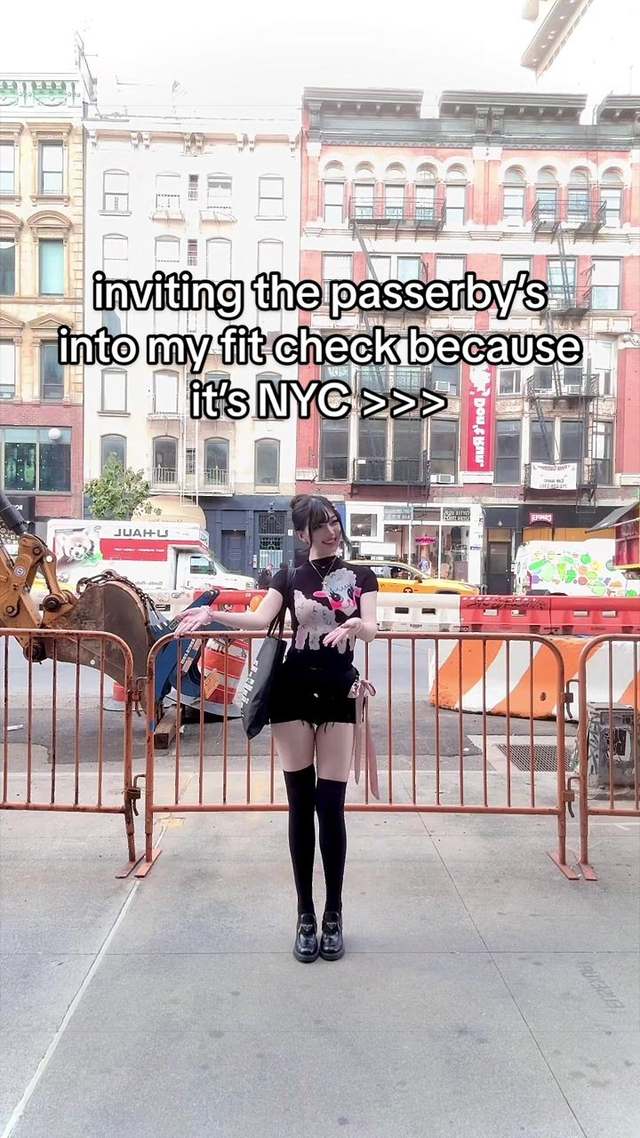
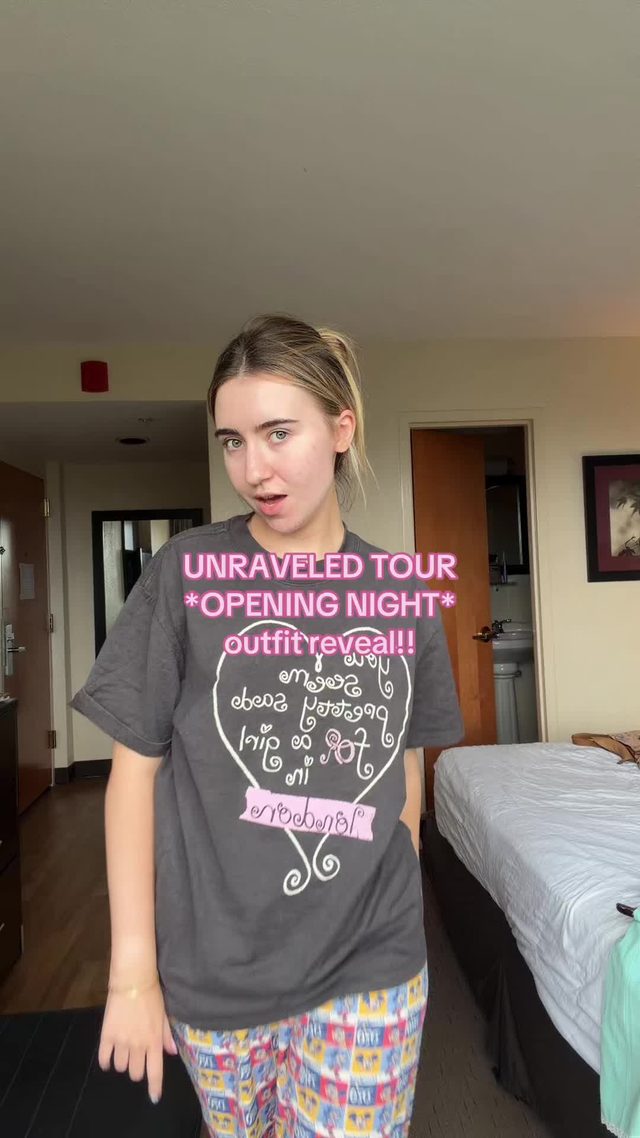
A snap-cut transition timed to a beat drop reveals a full going-out or event outfit mid-motion, running heavy through concert, homecoming, and fashion-week season content right now.
Time a snap of the fingers or a spin to the beat drop, cut on the frame where the motion blurs the frame fully, swap to the finished outfit on that exact frame, and match the blur direction on the incoming clip so the motion reads as continuous.
Who's doing it:
If you only build one thing from this report, make it the "-A" text overlay. It needs no camera setup, no talking head, and no editing skill beyond a text bubble template and a well-timed sting, and it posted the single biggest number of the week.
Turn a Trend Into Your Hook
The template gives everyone the same edit. The hook is what makes yours the one people stop on. Paste a topic, get hooks built on what is actually working this week. Free to try.
Generate a Hook →
- Wes Fleming
ScriptHooks Weekly Trends