The Big Picture
Another TikTok-only week: the YouTube Shorts and Instagram Reels passes on this week's candidates again failed to clear the volume bar, so this report is TikTok data only, same as the last several cycles. The headline number belongs to the 80s AI photo trend, where creators run a current photo through an AI tool with a decade-specific prompt and cut to the stylized result. It cleared 2.3M views on its clearest how-to and had already spread across at least two language communities in the same week.
That trend sits alongside two other AI-photo-adjacent formats this week, the 3D parallax depth push and the aura glow overlay, which suggests the current appetite is less about camera or cut technique and more about AI-generated stills doing work that used to require actual footage or manual masking. Outside that cluster, the photo dump got a small but genuinely useful upgrade: swapping flattened stills for Live Photos in a slideshow template, which costs nothing extra to shoot since iPhones capture Live Photos by default. A handful of trends from last week (the velocity flash-cut fan edit, the glitch makeup transition, the CapCut shake style, and others) were still turning up fresh, high-view examples in this week's scrape too, but we're leaving them out here rather than repeating coverage. None of them show signs of cooling.
1. Aura Edit
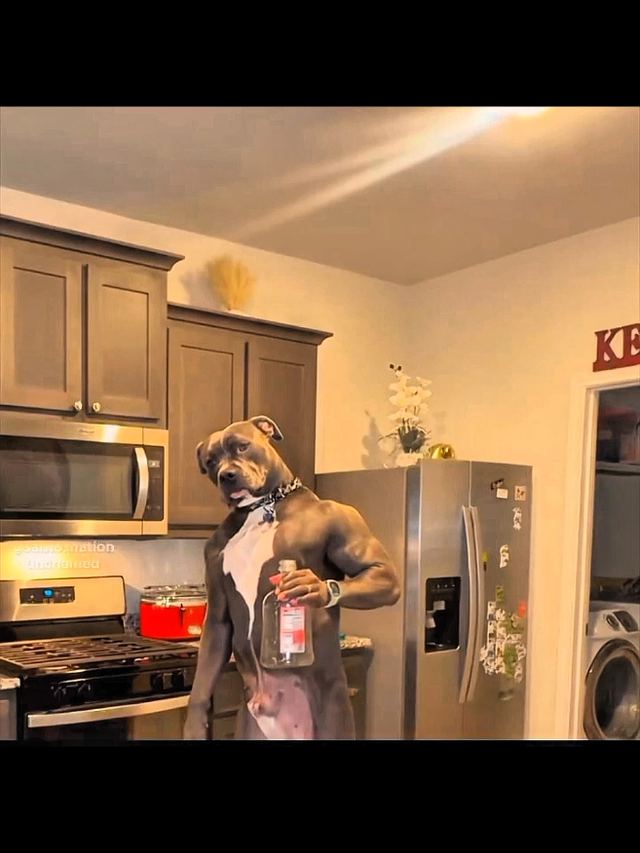
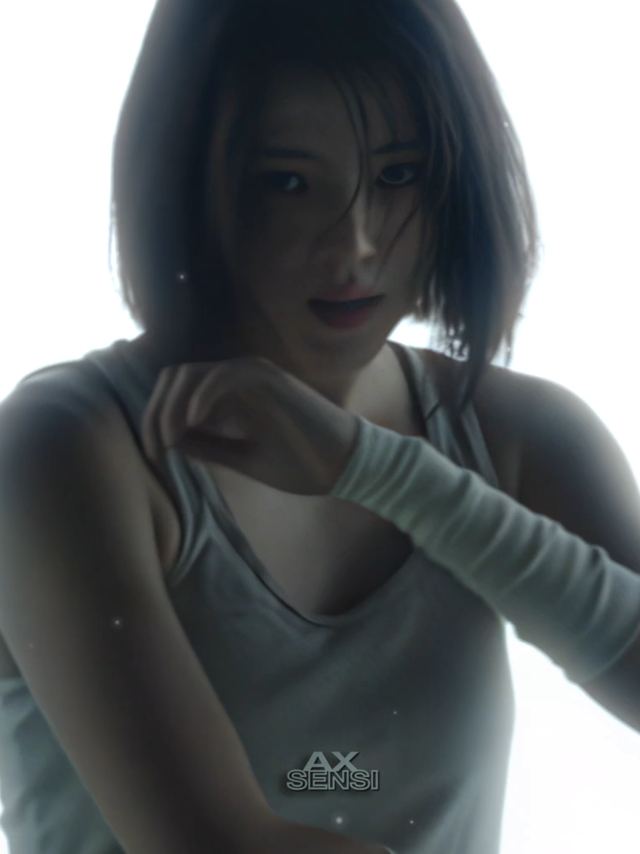
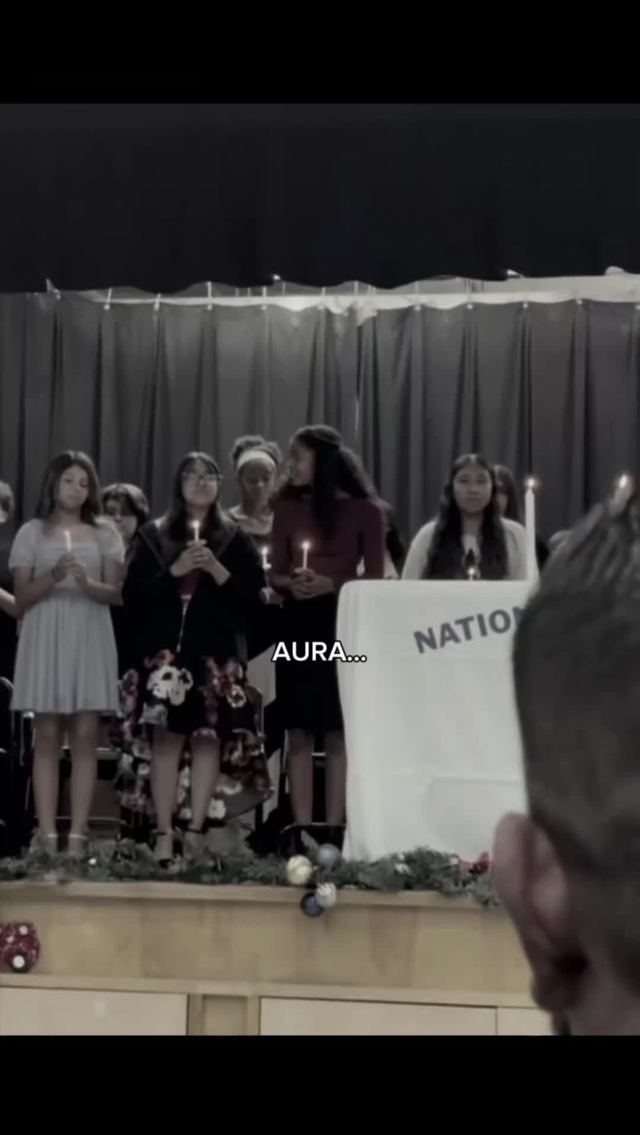
A glowing particle or flame "aura" overlay applied around a subject (an anime character, a k-pop idol, an athlete) to visually signal dominance or hype at a key beat. It has become a full sub-genre of CapCut edit with its own hashtag community rather than a one-off filter.
Mask the subject with CapCut's built-in aura/glow preset or a quick manual cutout, layer a radiating particle or flame overlay behind them in Screen or Add blend mode at 60 to 80 percent opacity, and add one or two hard zoom-punches synced to the beat drop while the aura is visible. Keep the aura visible for a beat and a half at most so it reads as a hit, not a constant background effect.
Who's doing it:
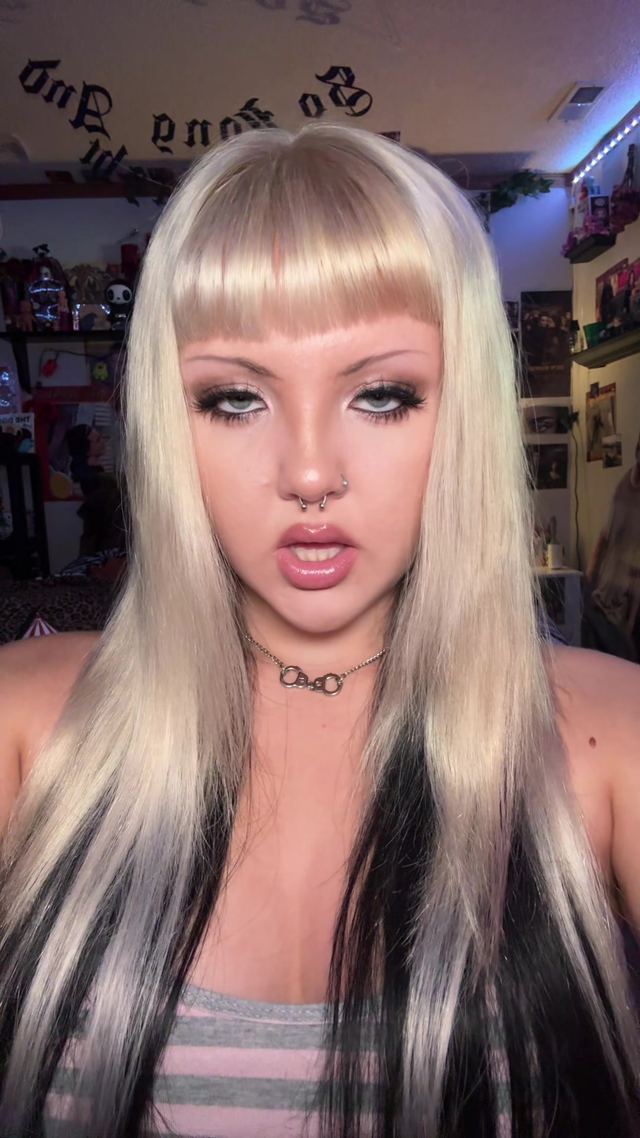
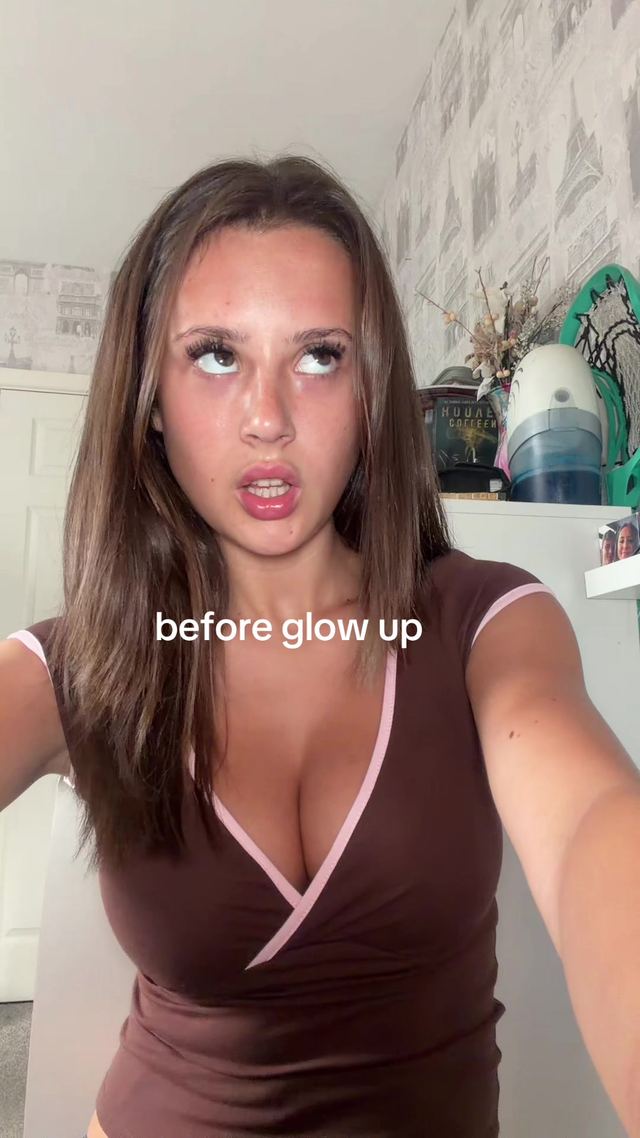
2. Dab and Glow Up
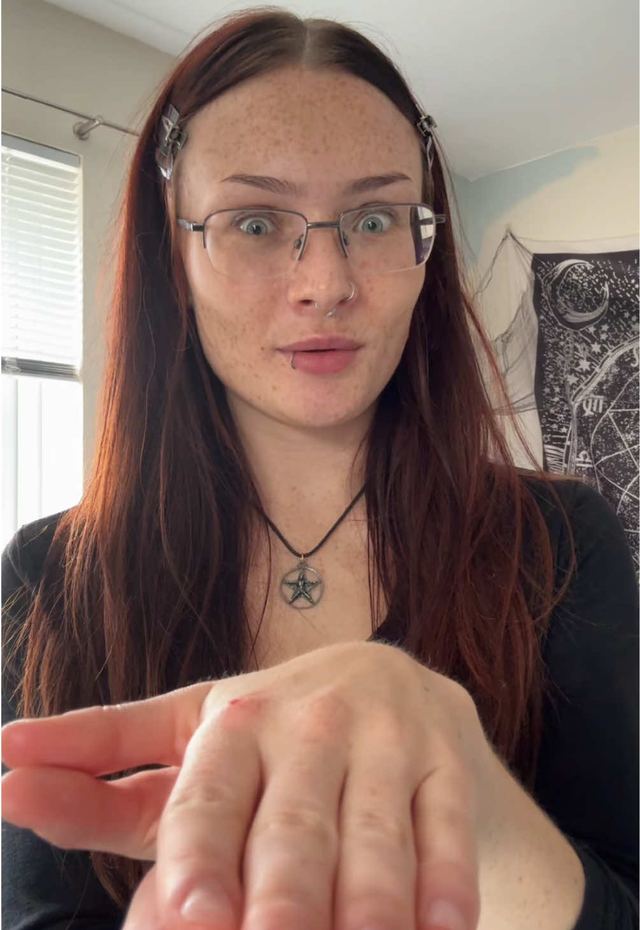
A before/after transition where a physical gesture, a hair flick, a dab, a hand snap, momentarily covers the lens and hides the cut, so the transformation reads as one continuous motion instead of a hard splice. It is a hands-on variant of the whip-transition family built specifically for glow-up and makeup reveals.
Time the hand or hair motion so it fully covers the lens for 2 to 4 frames at the peak of the gesture, and cut to the after clip on the exact frame the motion clears the lens. Match the gesture's speed and direction across both the before and after clips so the eye reads it as one continuous move, and add a snap or whoosh sound effect timed to the covered frames.
Who's doing it:
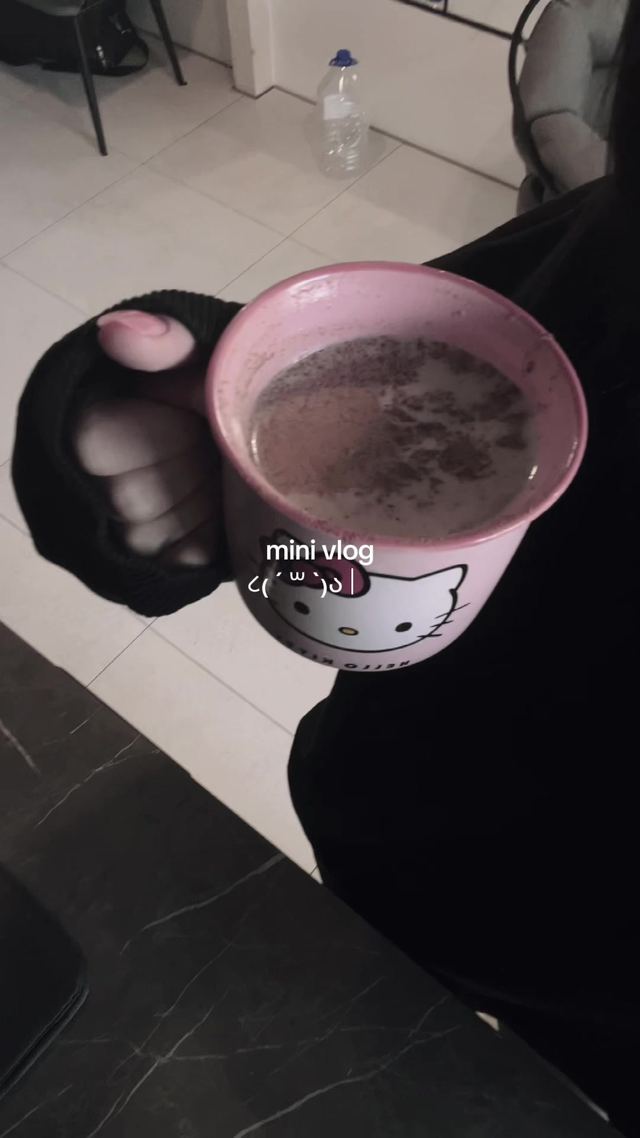
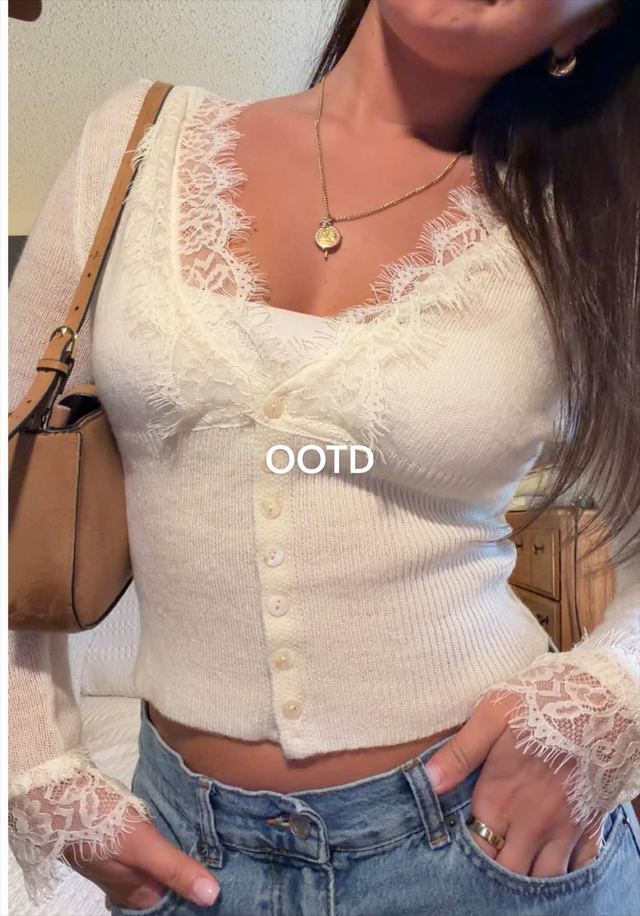
3. Split-Screen Mini Vlog
A vertical frame divided into two or three stacked panels running at once, each panel a different short clip of the same day (an outfit, a location, a meal, a mood), giving full day-in-the-life coverage in one 15 to 30 second video without ever cutting to a single full-screen scene.
Use a split-screen template with 2 or 3 stacked vertical panels, trim each panel's clips to 1 to 3 seconds, and swap all panels on the same beat at once so the cuts feel synchronized rather than staggered. Run one continuous audio track under the whole grid instead of syncing audio per panel, which is what makes it read as a single mini-vlog rather than three separate videos.
Who's doing it:

4. Kinetic Captions
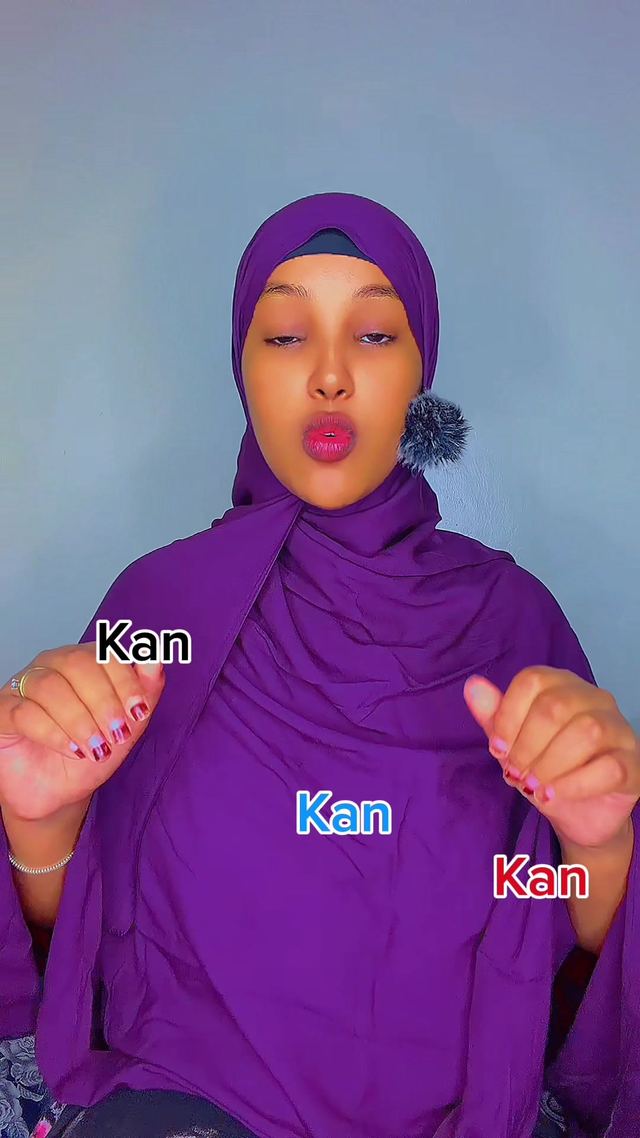
Hand-keyframed motion-graphics text, words popping, rolling, or bouncing into frame, replacing the flat auto-caption bar. Editors are teaching it explicitly as a manual CapCut/DaVinci keyframe skill rather than relying on the built-in caption tool.
Keyframe each word or short phrase in on a scale pop from 60 to 100 percent with an ease-out over 4 to 6 frames, and stagger word groups by a beat so the text builds rather than appearing all at once. Add a small overshoot bounce (105 percent settling back to 100) on the single word you want to emphasize, timed to land on the beat.
Who's doing it:
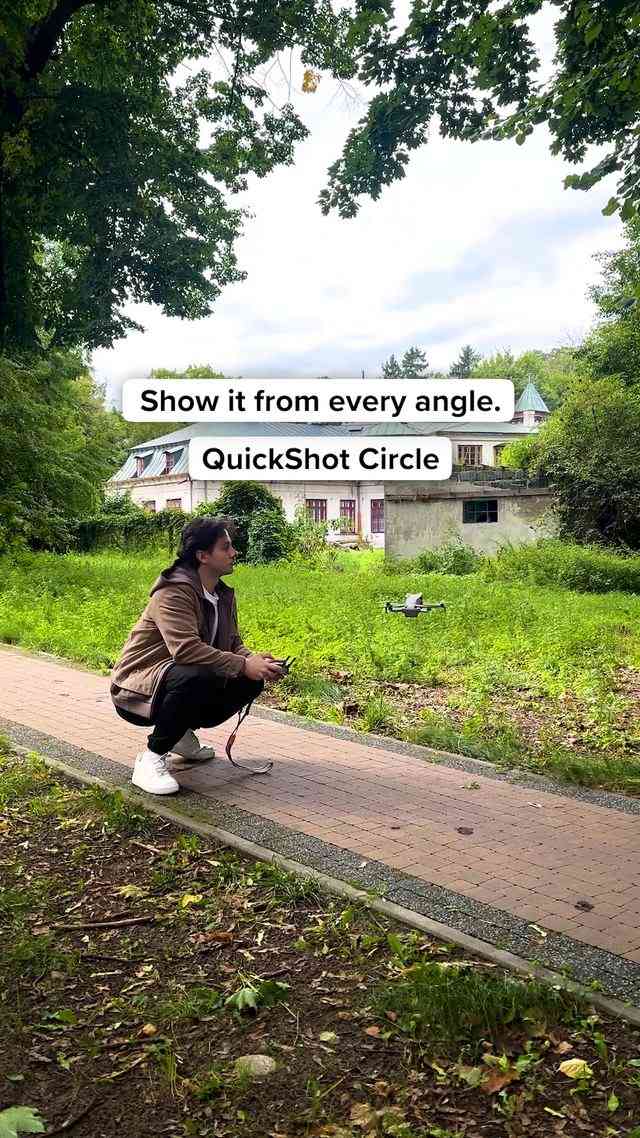
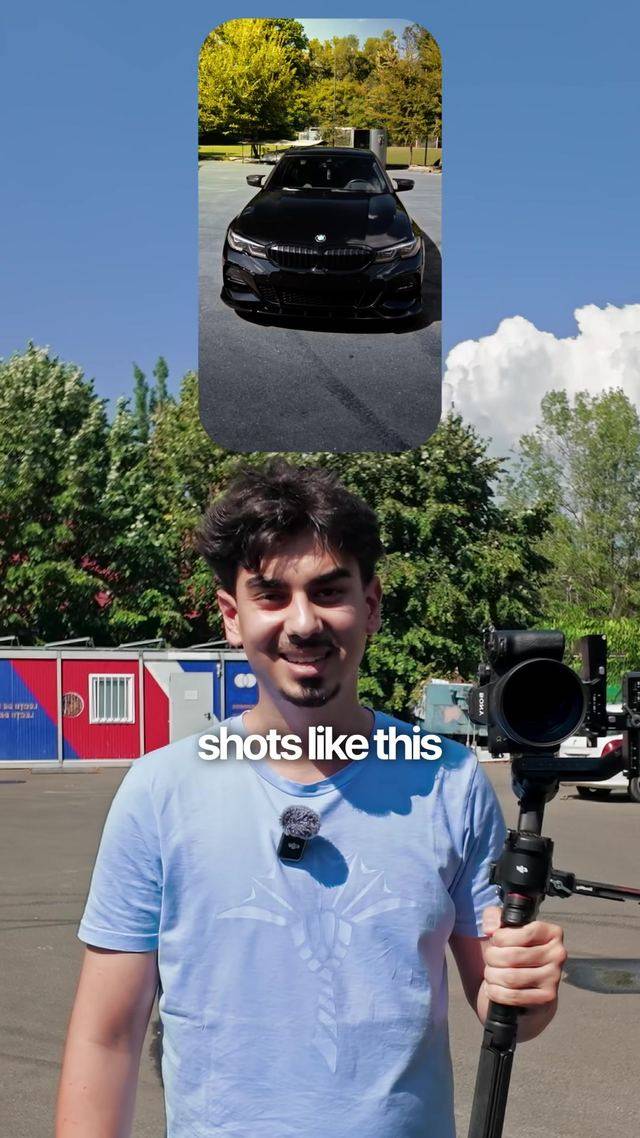
5. Cinematic Orbit Shot
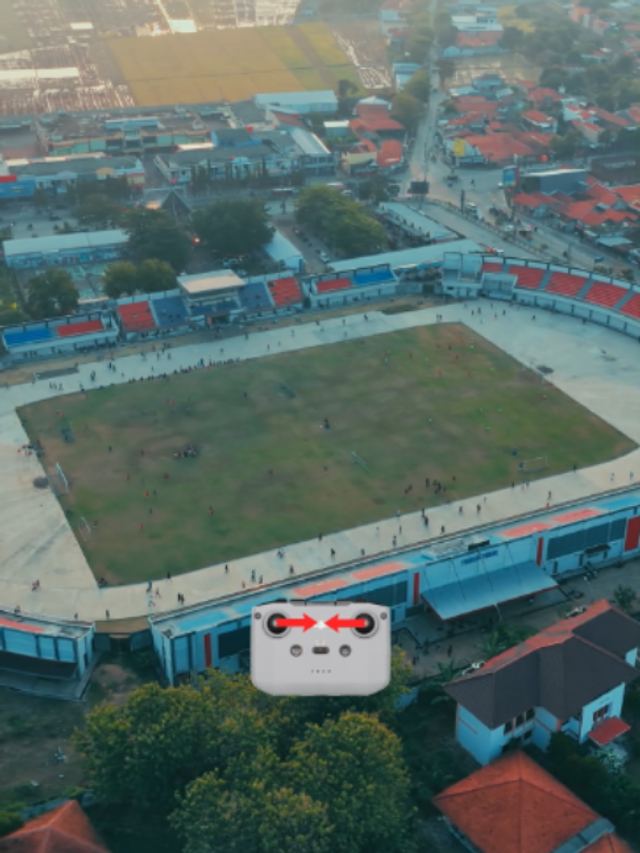
A single continuous shot where the camera circles 180 to 360 degrees around a stationary subject using a gimbal's built-in orbit mode, giving portraits and product reveals a one-take cinematic feel without a crew or a slider rig.
Use the gimbal's orbit or QuickShot-Circle mode rather than hand-panning, and lock the subject centered in frame for the full rotation. Keep the rotation speed constant through the move, shoot at a slightly higher frame rate than normal so you have a light slow-motion option in post, and cap the shot at 4 to 5 seconds so it reads as a hero moment instead of dragging.
Who's doing it:
6. 80s AI Photo Trend
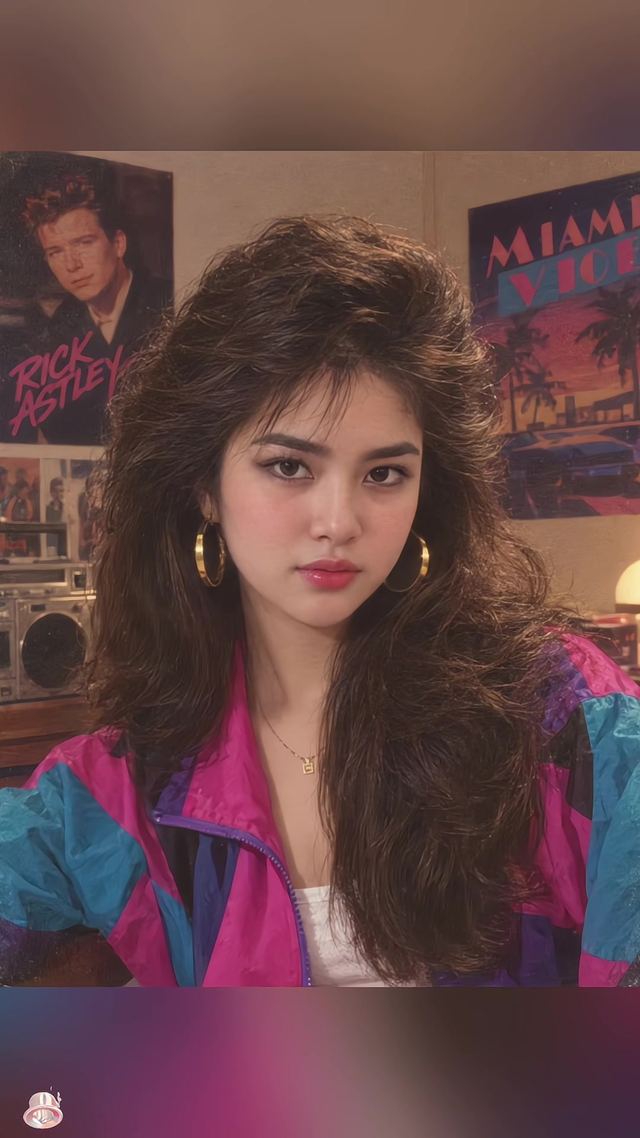
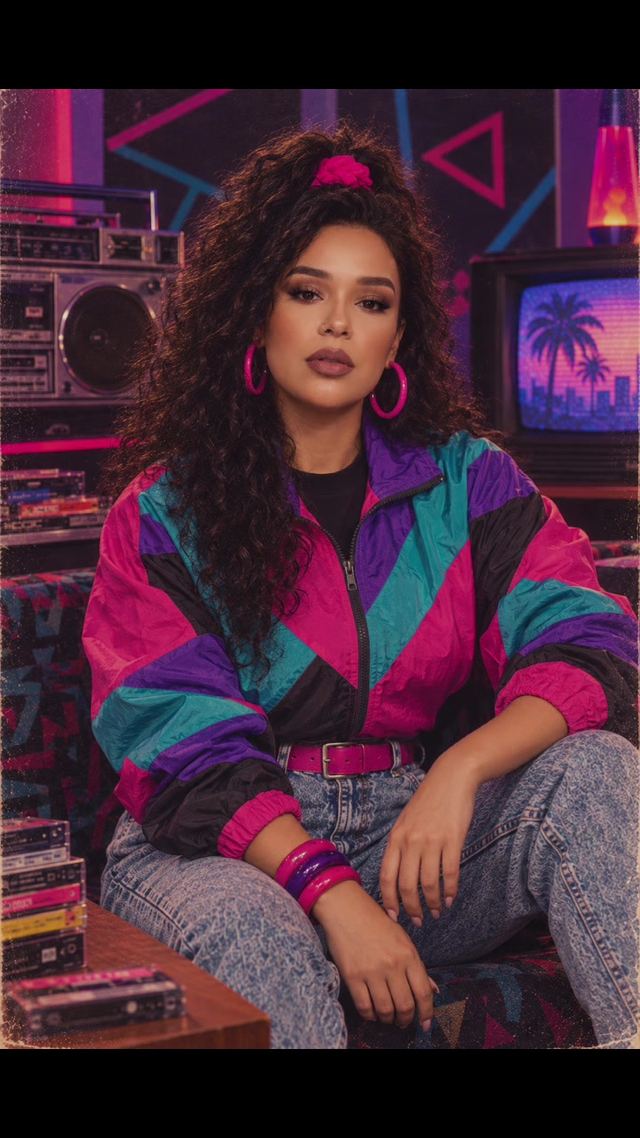
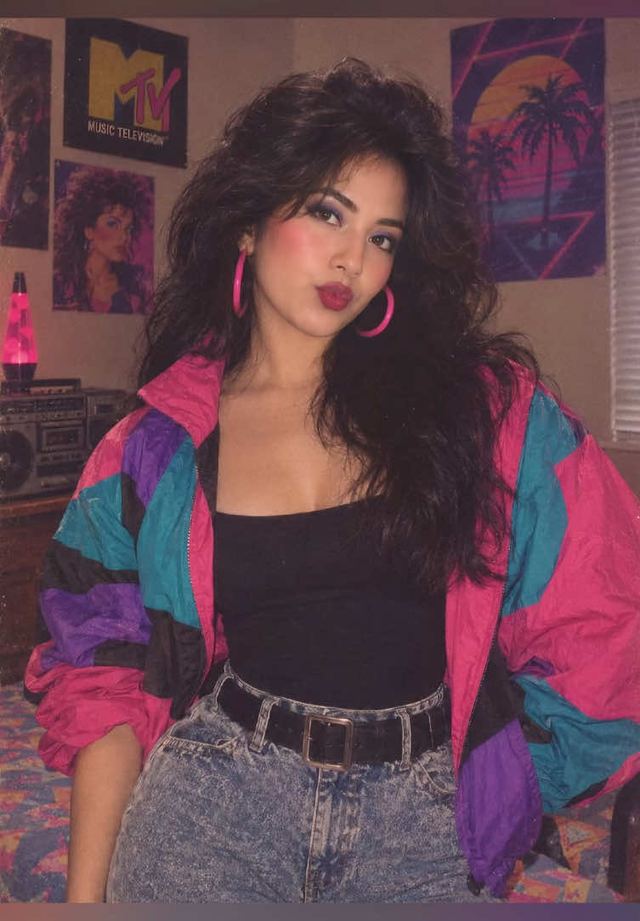
Creators run a current photo through an AI image tool with a decade-specific prompt ("what would I have looked like in the 80s") and cut from the real photo to the stylized AI portrait, big hair, film grain, warm cast, direct-flash character. It is the biggest single trend this week by view count.
Generate the AI portrait with a decade-specific prompt and keep the subject's face and framing consistent between the real photo and the AI output so the before/after reads instantly. Add subtle film grain, warm-toned color grading, and a soft light leak around the edges to the AI still so it feels like a photograph pulled from an album rather than a modern filter, and hold on the real photo for a beat before the reveal cut.
Who's doing it:
7. 3D Parallax Photo Effect
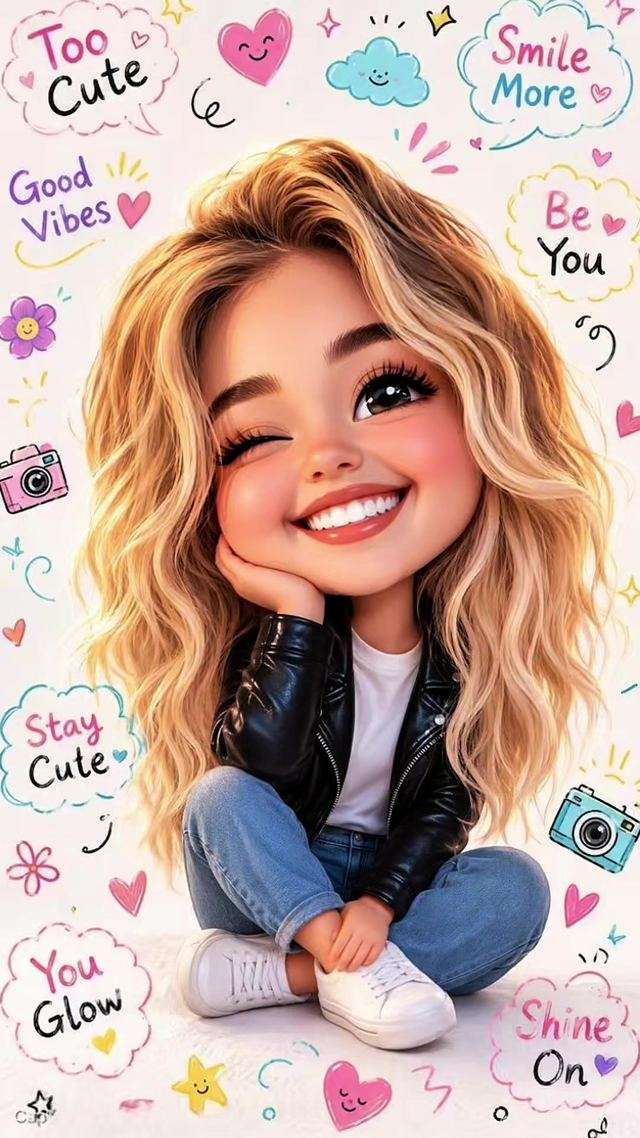
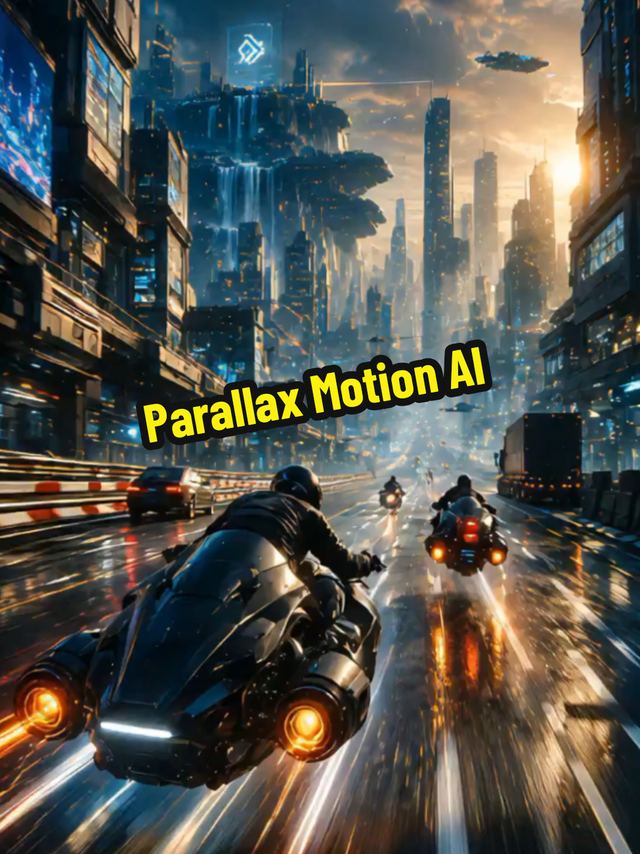
A still photo gets a fake depth push, foreground subject and background separated and moved at different speeds during a slow push-in, using an AI depth-map tool instead of manual rotoscoping. The result looks like a flat photo suddenly has real dimension.
Run the source photo through a parallax or depth-map AI tool to separate the subject from the background into layers. Keyframe a slow push-in where the background moves slightly more than the subject so the eye reads depth, and keep the total move under 2 seconds since the illusion starts to warp and distort past that point.
Who's doing it:

8. Photo Dump Live-Photo Slideshow
Instead of static photos in a slideshow, creators import iPhone Live Photos so each frame in a "photo dump" carries a couple seconds of real subtle motion before cutting to the next, using a CapCut template built specifically for Live Photo imports rather than a plain photo slideshow template.
Import Live Photos, not flattened stills, into a slideshow or photo-dump CapCut template built for motion stills. Trim each clip to 1 to 2 seconds so the motion reads without dragging, cut on the beat between clips, and keep a consistent light color grade across every clip so mixed source footage feels like one continuous shoot.
Who's doing it:
If you only build one thing from this report, make it the Live Photo slideshow swap. It costs nothing extra to shoot since your phone already captures Live Photos, it is a five-minute template change, and it is the highest ratio of payoff to effort in this whole week's list.
Turn a Trend Into Your Hook
The template gives everyone the same edit. The hook is what makes yours the one people stop on. Paste a topic, get hooks built on what is actually working this week. Free to try.
Generate a Hook →
- Wes Fleming
ScriptHooks Weekly Trends