The Big Picture
Another TikTok-only week: the YouTube Shorts and Instagram Reels passes on every candidate again failed to clear the volume bar (YouTube results stayed in the low thousands of views, and the Instagram scraper returned hashtag metadata rather than scrapable Reel posts), so this report is TikTok data only, same as the last several cycles. The editing-community formats (velocity flash-cut fan edits, the CapCut shake-style tutorial cycle, freeze-frame flashback, match-cut zoom) point to a week where the 'edit' hashtag community itself is the trend: several of this week's clearest examples are tutorials teaching a named technique rather than finished content in an unrelated niche, meaning creators are optimizing for teaching the edit as much as using it.
Sitting alongside that is a strong transformation-reveal week: glitch makeup transitions, glow-up reveals, and gym-progress montages are three different takes on the same underlying appetite for before/after payoff, with the martial-arts transformation example clearing 11.2M views, the single biggest number in this report. If you only have time for one thing this week, the glitch makeup transition is the most portable outside its home niche: any two-state reveal (a workspace before/after, a code refactor, a room makeover) can borrow the RGB-split burst instead of a plain hard cut.
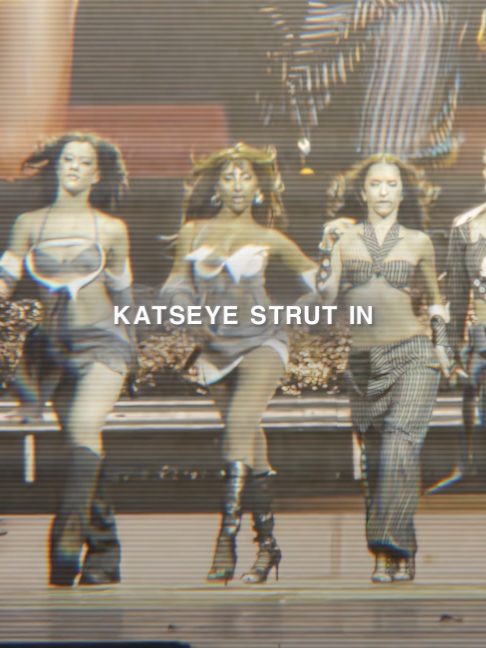
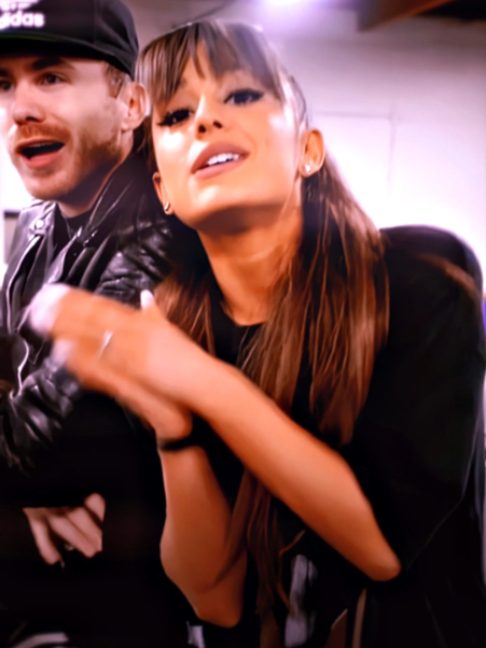
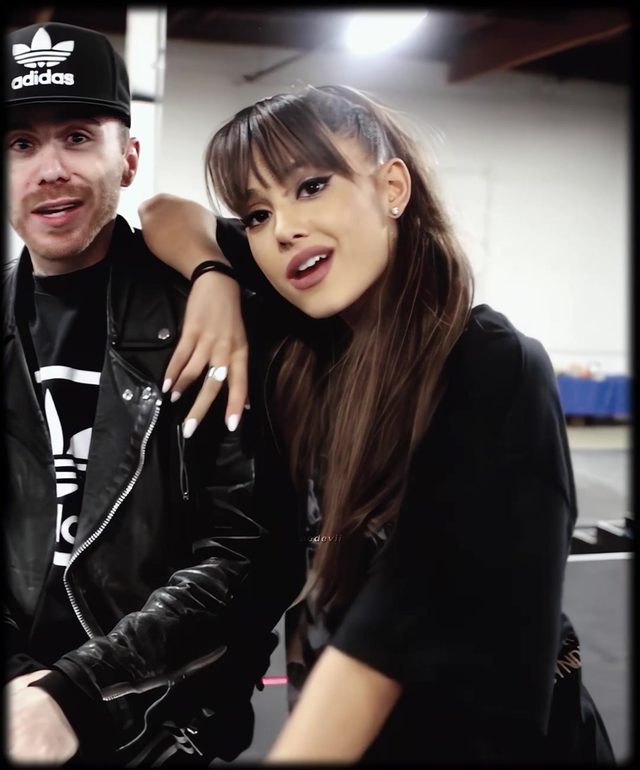
1. Velocity Flash-Cut Fan Edit
Fast montage edits built around a subject (a K-pop group, a movie character, a celebrity) using rapid zooms, flash-white cuts, and camera-shake timed hard to a music drop, produced in After Effects or CapCut and tagged directly with the edit-community hashtags. It is less a single trick than a whole subgenre of fan-made hype edits.
Cut on the beat every 0.2 to 0.4 seconds through the build, using a mix of quick zoom-punches and a flash-white frame (2 to 3 frames of pure white) at each hit. Add camera shake (2 to 4px, high frequency) on impact frames only. Time the biggest zoom and a slow-motion holdout for the drop or hook line, then snap back to fast cuts immediately after. Desaturate slightly and add a light vignette to unify mixed source clips.
Who's doing it:
2. Glitch Makeup Transition
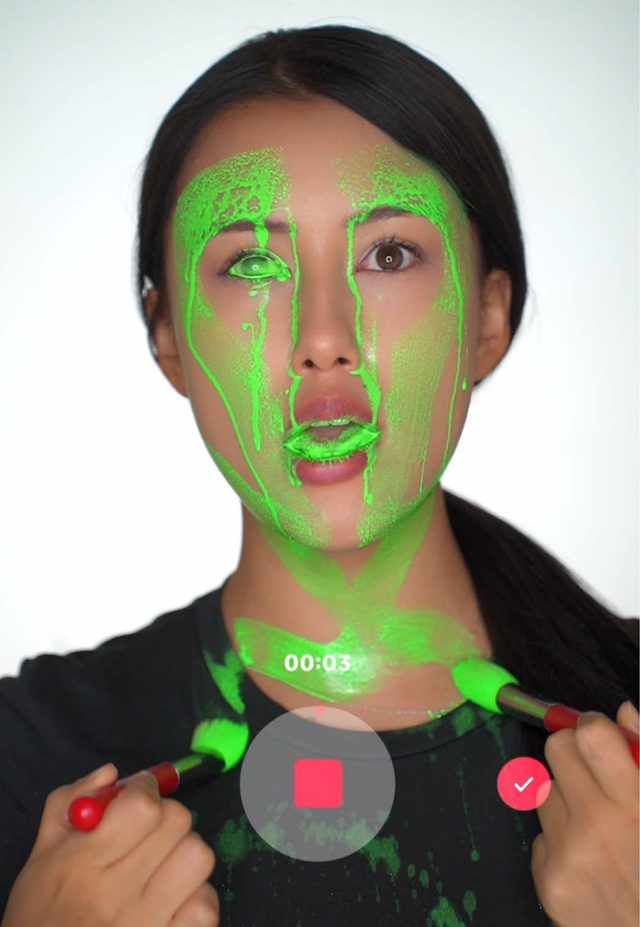
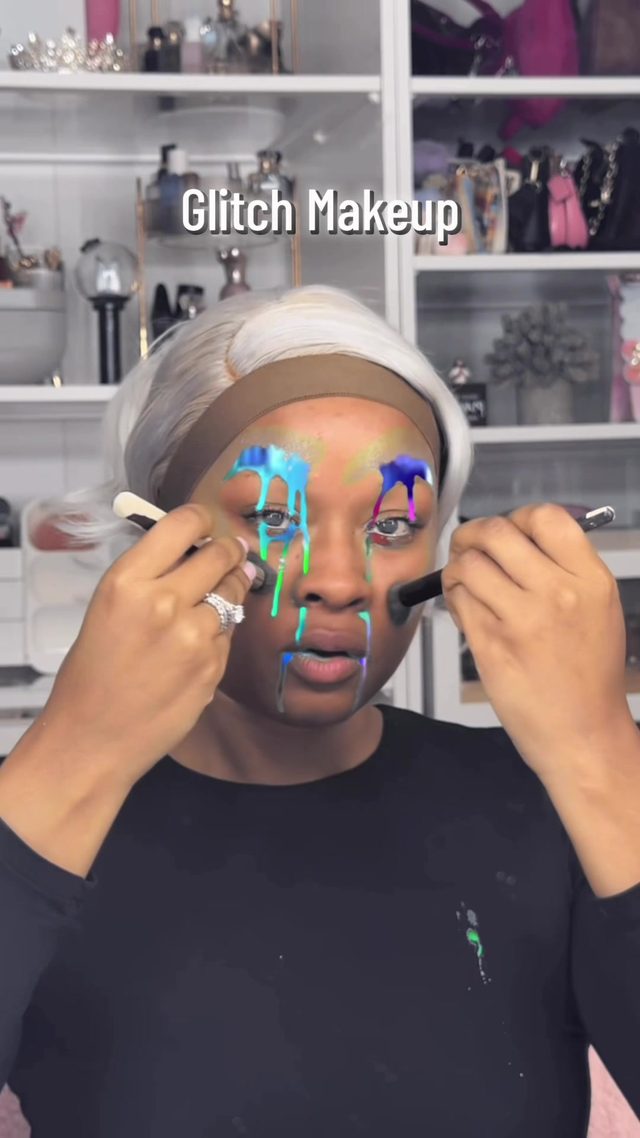
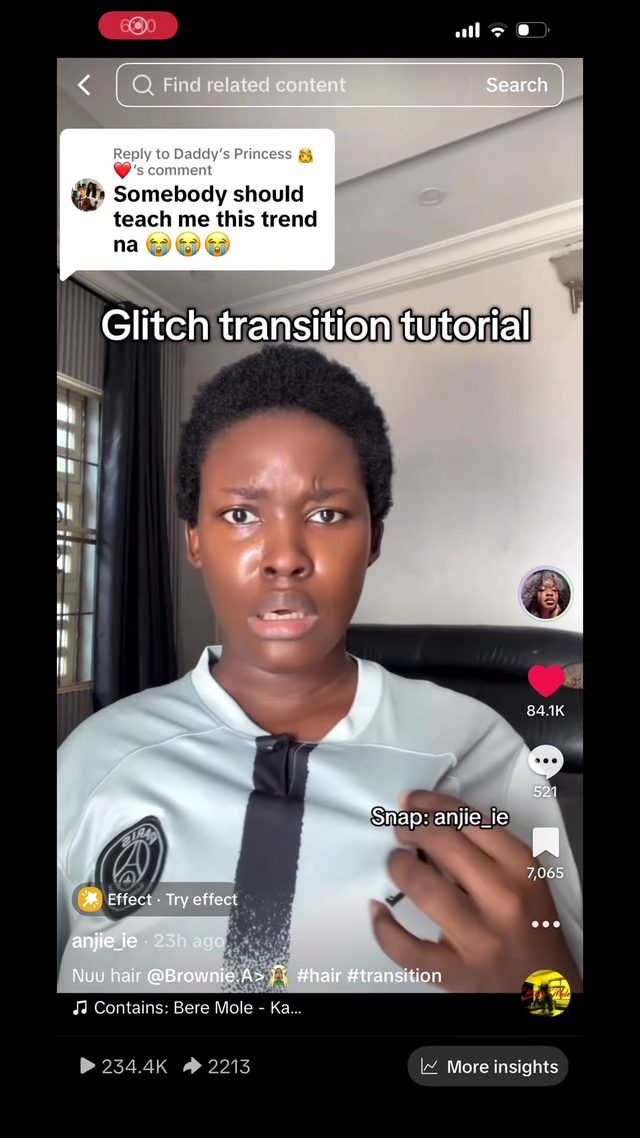
A before/after makeup reveal cut through a digital glitch effect (RGB channel split, scan-line tear, brief pixel-sort) instead of a plain hard cut or whip pan. The glitch sells the reveal as a 'system update' moment rather than a simple splice.
Hold the before frame for a beat, then trigger a 3 to 5 frame glitch burst: RGB channel offset (4 to 8px), horizontal scan-line displacement, and a quick static/noise flash, timed to a sound-design hit. Cut to the after frame on the final glitch frame so the eye reads the noise as the transition, not the cut itself. Keep the glitch burst under a quarter second so it reads as an accent, not a gimmick.
Who's doing it:
3. Glow-Up Transformation Reveal
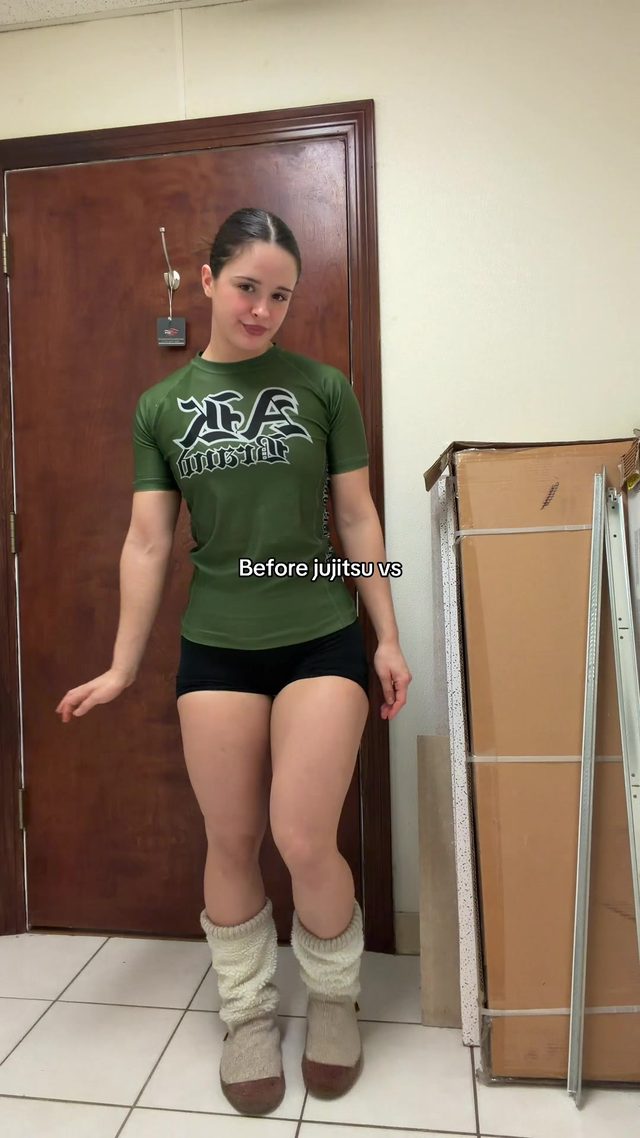
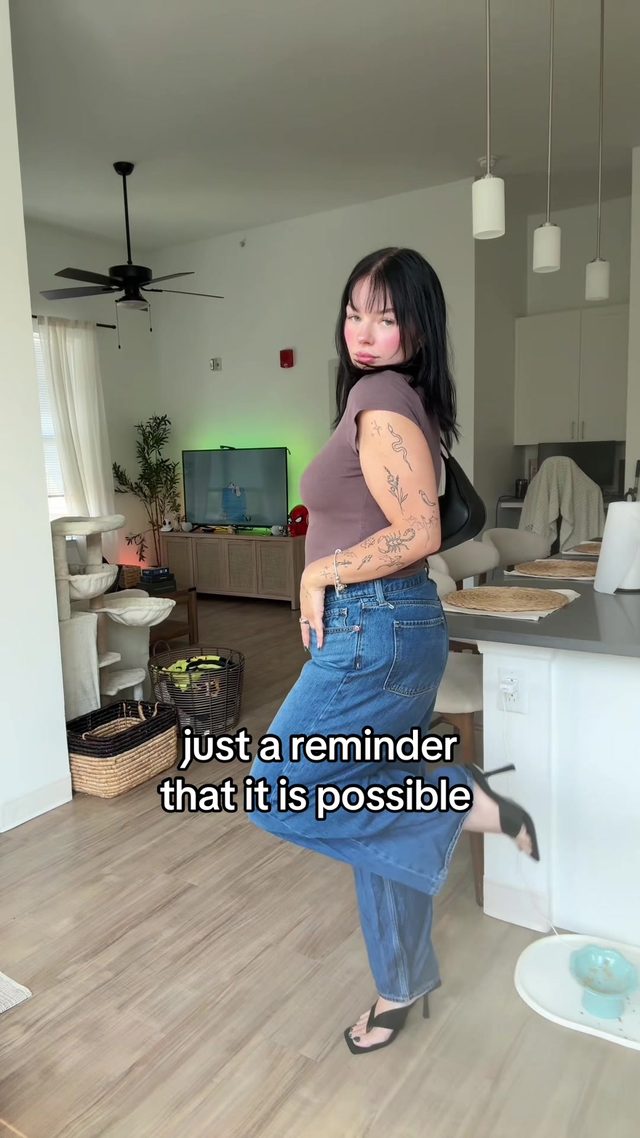
A single hard-cut transition from a clearly labeled 'before' clip to an 'after' clip, used for physical transformation stories (weight loss, fitness, cosmetic recovery, style glow-ups). The caption almost always frames it as a long personal journey compressed into one cut.
Frame the before and after shots identically (same angle, same distance, same framing) so the only variable that changes is the subject, which is what makes the transformation read instantly. Cut hard with no transition effect, sometimes with a single beat-synced snap or a one-frame flash-white, and hold the after shot at least twice as long as the before shot. Caption text stays minimal, one or two words tops ('after 8 months').
Who's doing it:
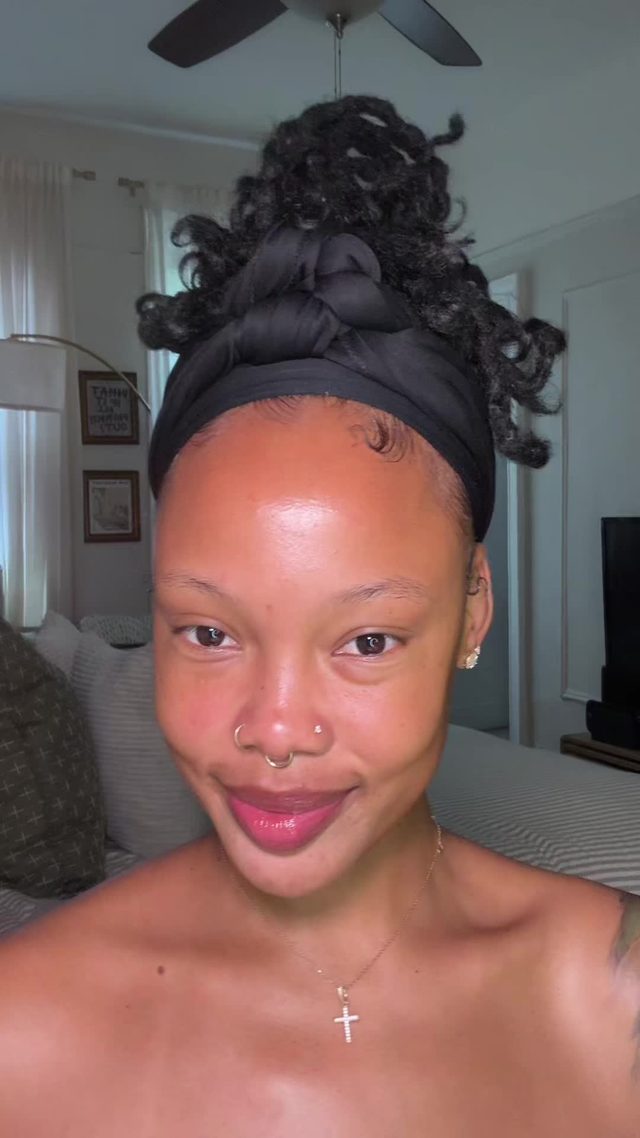
4. Gym Progress Transformation Montage
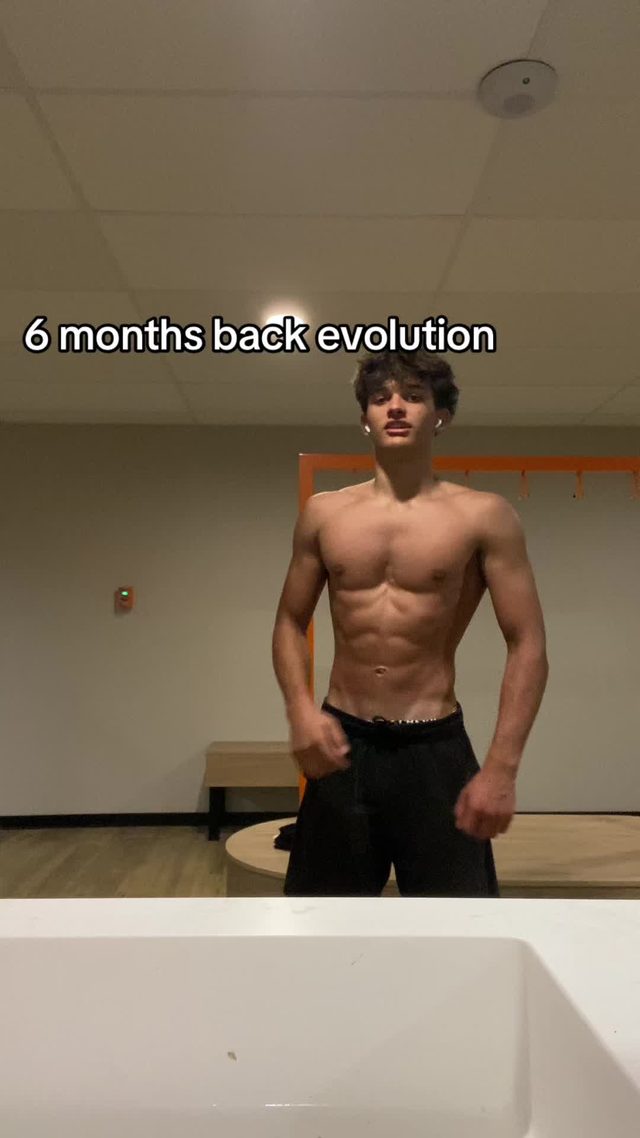
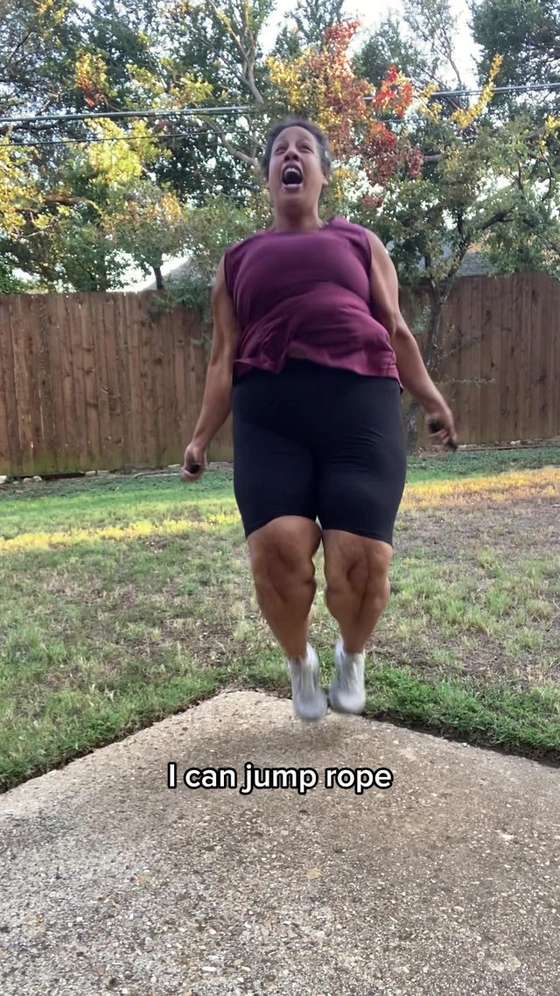
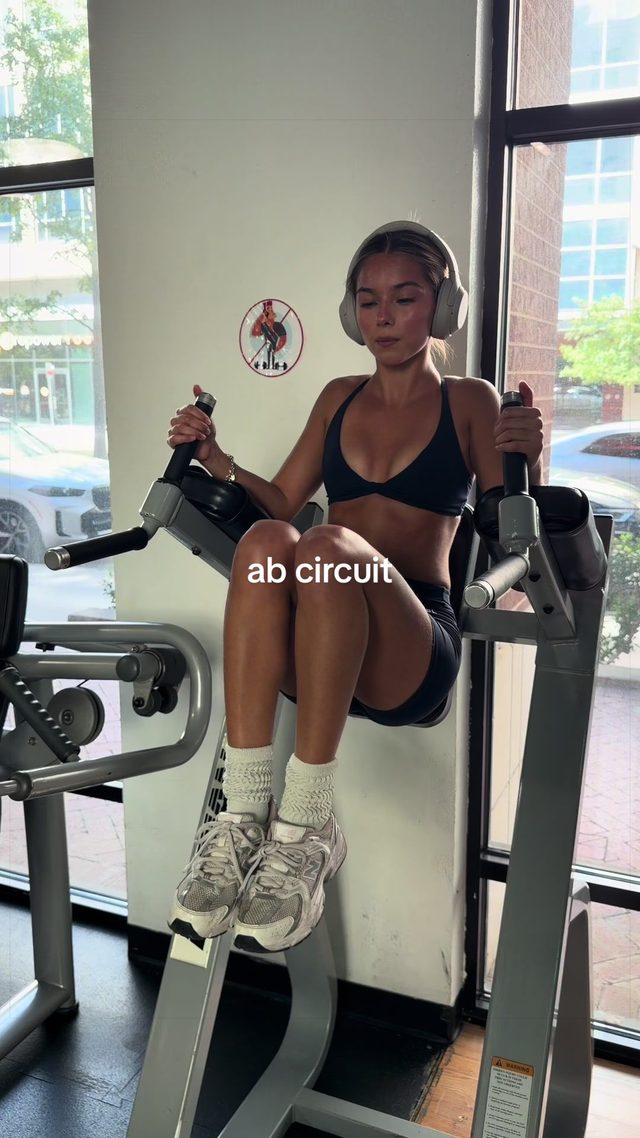
A multi-clip montage (not a single before/after cut) stitching together short training clips spaced across weeks or months to show physical progress over time, usually set to a hype or emotional track with on-screen dates or captions marking the timeline.
Pull 5 to 8 short clips (1 to 2 seconds each) spanning the full timeline, order them chronologically, and cut on hard beats rather than dissolves. Add small on-screen timestamps or week/month labels so the progression reads even without narration. Keep the final 2 to 3 clips slightly longer than the rest to let the 'current' result land and breathe before the video ends.
Who's doing it:
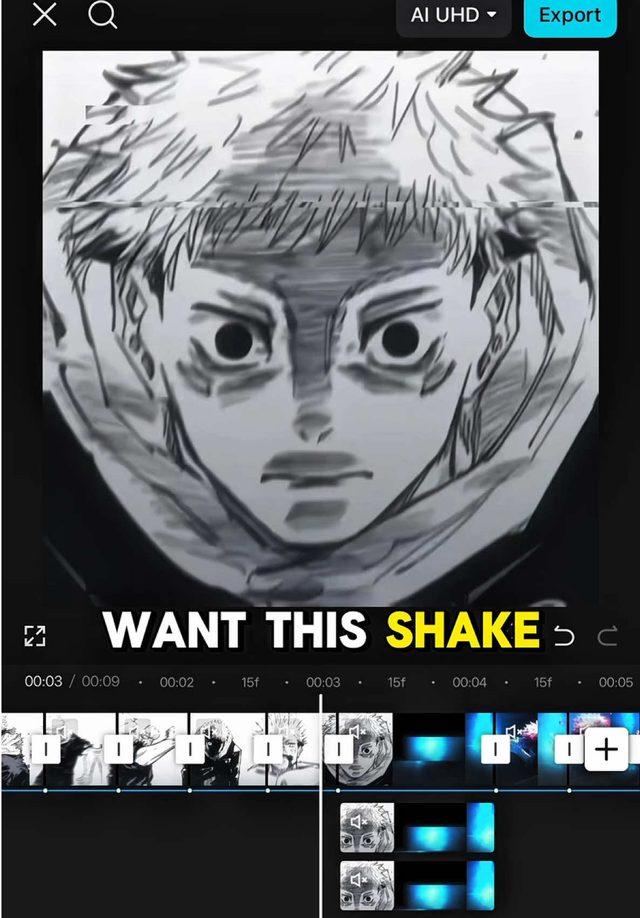
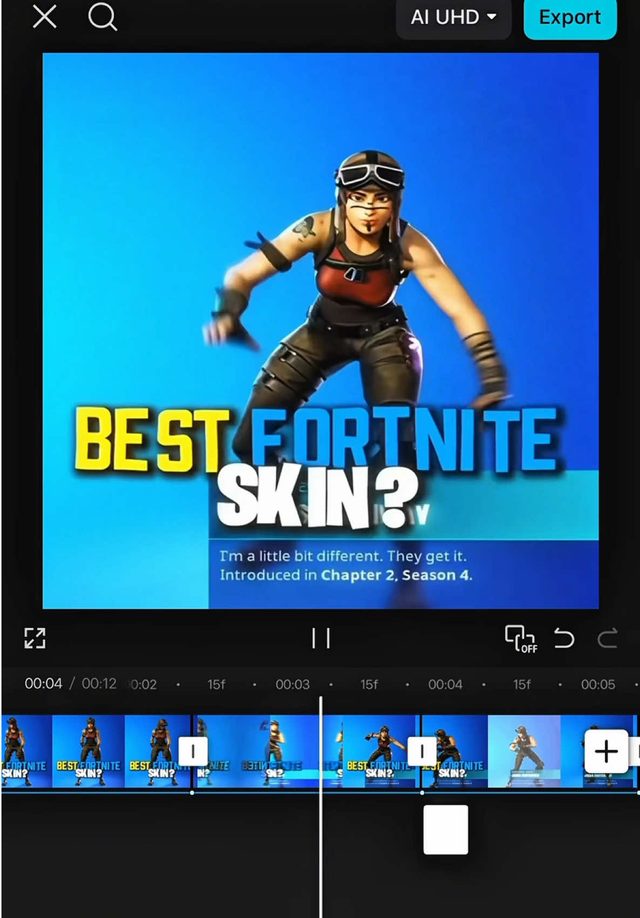
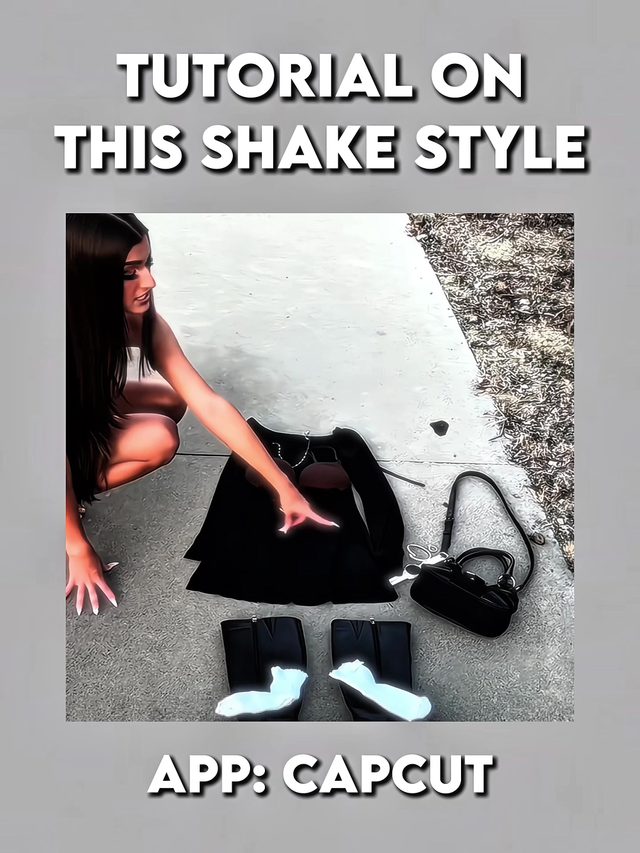
5. CapCut Shake-Style Flash Edit
A specific CapCut preset technique nicknamed the 'shake style,' where the frame itself vibrates in short high-frequency bursts on impact beats, layered under a fast cut, and is being taught account-to-account this week as a named, replicable move rather than a vague 'cool effect.'
On each beat, apply a short (2 to 4 frame) high-frequency position-shake keyframe to the clip (small amplitude, 4 to 10px, alternating direction each frame) rather than a smooth camera shake. Stack a quick zoom-punch (105% to 115%) under the shake on the hardest hits. Reset to a static frame between beats so the shake reads as a percussive accent, not constant motion.
Who's doing it:
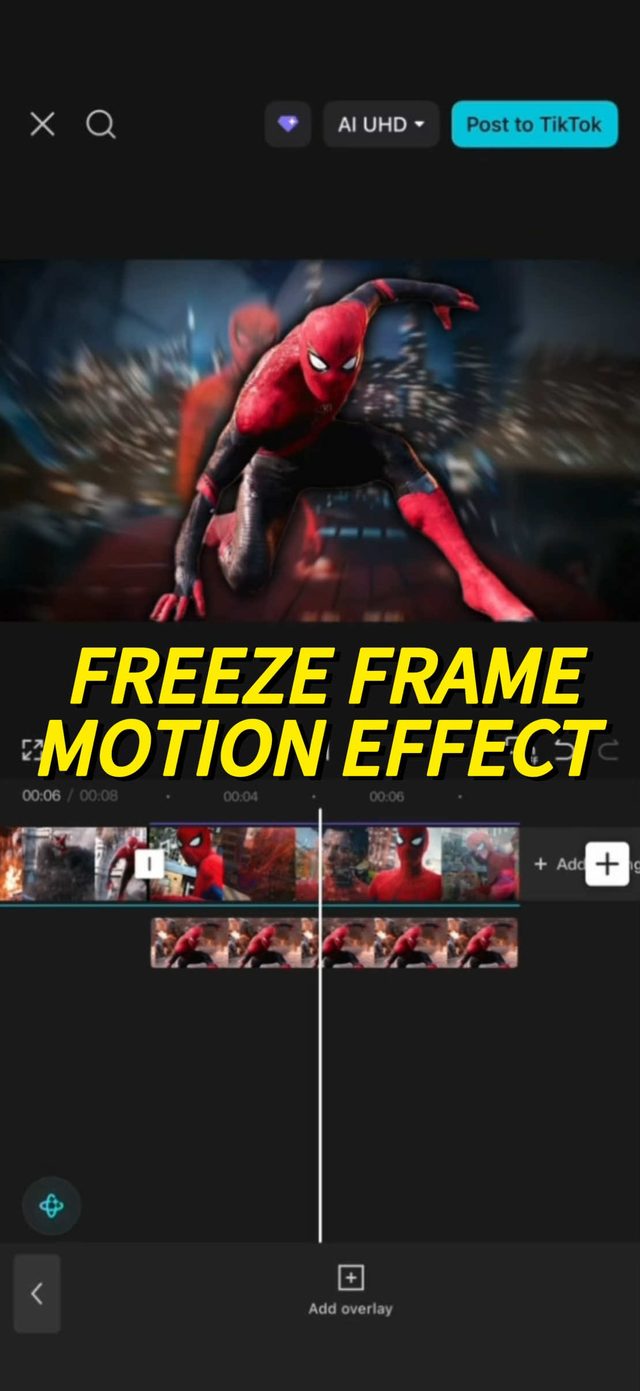
6. Freeze-Frame Flashback Effect
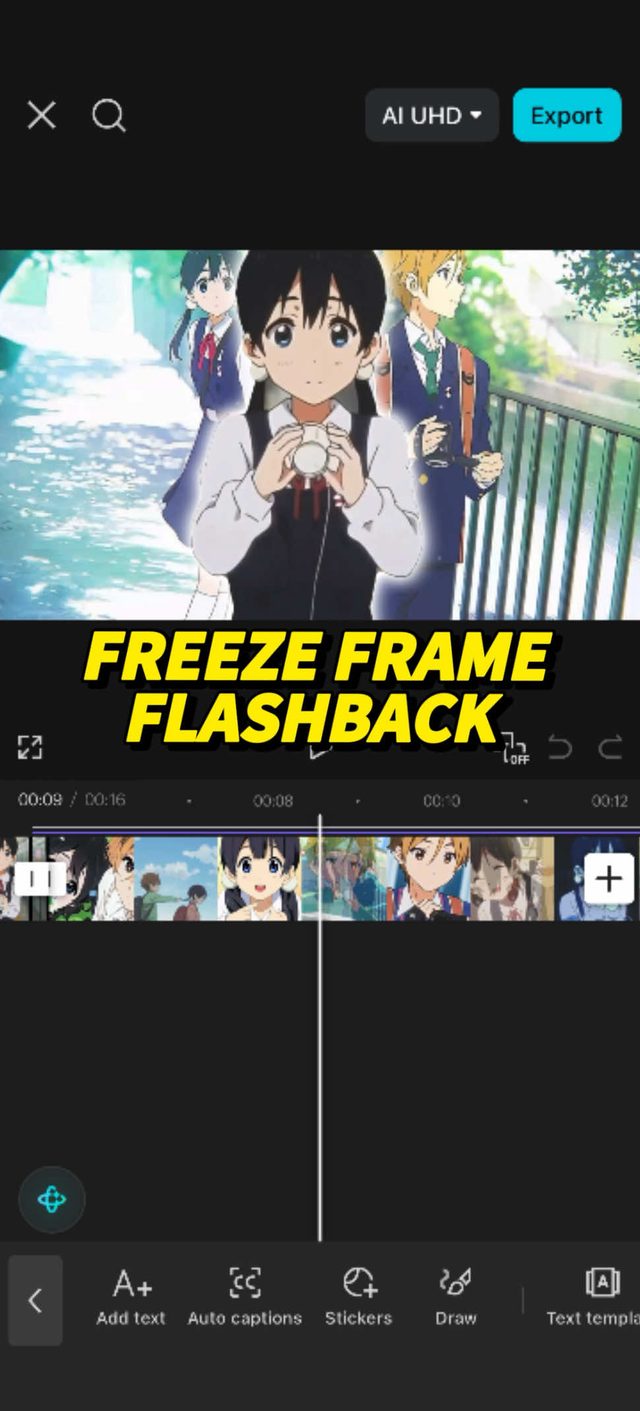
A hard freeze on a single frame mid-action, held with a subtle push-in or desaturation, used to punctuate a flashback beat or a comedic 'wait, rewind' moment before continuing the clip. Distinct from a stylistic pause because the freeze is framed explicitly as a flashback device in both examples this week.
Freeze the exact frame at the beat you want to punctuate, hold for 0.5 to 1 second, and add a slow push-in (102% to 108%) plus a light desaturation or sepia shift during the hold so the freeze reads as a flashback rather than a glitch. Add a quick whoosh or record-scratch sound cue on the freeze-in, then resume normal playback with a hard cut, not a fade.
Who's doing it:
7. Cinematic Speed-Ramp Reveal
A slow-motion hold that ramps hard into full speed (or the reverse: full speed easing into a slow-motion hero moment) as a single continuous clip, without a cut, used to land a reveal or hero shot with a sense of weight rather than through montage editing.
Shoot at a high frame rate (60fps or higher) so there is real slow-motion data to ramp from. Keyframe the speed curve from 20 to 30 percent speed up to 100 percent (or the reverse) over roughly 1 second, with an ease that front-loads the ramp so most of the transition happens in the first third. Add a rising whoosh synced to the ramp so the audio sells the acceleration as much as the visual does.
Who's doing it:


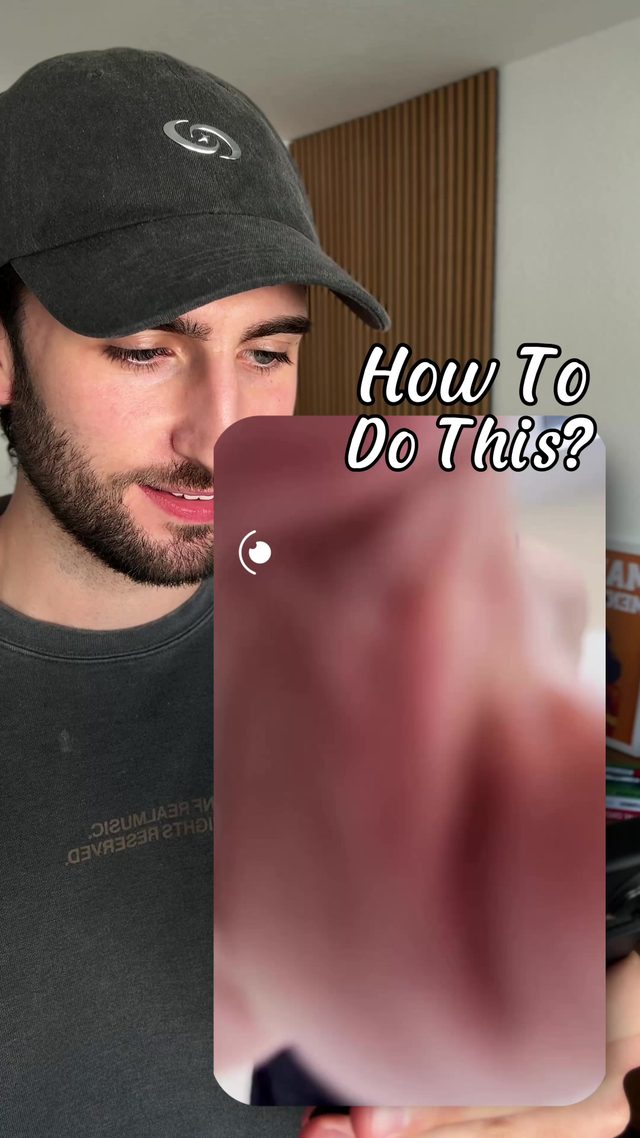
8. Match-Cut Zoom Transition
A transition where a zoom-in on one shot matches the framing and pace of a zoom-in (or out) on the next, so the cut lands mid-zoom and reads as one continuous camera move across two completely different locations or subjects.
Match the zoom speed and direction on both the outgoing and incoming clips exactly (same percentage-per-frame rate). Cut at the midpoint of the zoom, not at the start or end, so momentum carries across the splice. Keep the subject roughly centered and at a similar scale in both clips at the cut point so the eye doesn't have to hunt for a new focal point.
Who's doing it:
If you only build one thing from this report, make it the glitch makeup transition. It needs no fandom footage or months of progress clips, just a three-frame RGB-split burst timed to a hard cut, and it ports to any two-state reveal outside its home niche.
Turn a Trend Into Your Hook
The template gives everyone the same edit. The hook is what makes yours the one people stop on. Paste a topic, get hooks built on what is actually working this week. Free to try.
Generate a Hook →
- Wes Fleming
ScriptHooks Weekly Trends