The Big Picture
This cycle came back TikTok-only. The YouTube Shorts scraper stopped returning channel names and subscriber counts, and Instagram's hashtag search did not turn up specific, verifiable video URLs either, so nothing from either source could clear the handle-accuracy and no-fabrication bars. Every trend below is backed by real TikTok scraper data, nothing else.
The freshest thing in the data is Halloween arriving early. The "Ramalama" costume reveal walk, camera low on the legs, stalking forward, then pulling back on the chorus hit to show the full costume, posted two clean examples within the last 48 hours even though Halloween is still weeks out. Underneath that, the "Ain't In LA" hold it down text overlay has been running quietly since summer on ADELA's track, and this week it picked up its first brand account example, a signal that a trend is about to broaden past the accounts that started it. The rest of the board is the evergreen core that shows up in this report almost every cycle: speed ramps, cinematic color grading, text tracking, keyframe slideshow zooms, glow up transformation cuts, glitch transitions, and before and after reveals. None of those are new this week, and the copy below says so, but they are still posting fresh six, seven, and eight figure view counts, which is exactly why they have not left the list.
1. Ramalama Costume-Reveal Walk
Creators shoot low on their own legs, stalking forward in time with Roisin Murphy's "Ramalama (Bang Bang)," then pull the camera back hard on the chorus hit to reveal a full costume. Both examples below posted in the last two days, making this the freshest trend in this week's report, and it is arriving a full two weeks ahead of Halloween proper.
Start tight on the legs and feet at a low angle, walk forward three to four steps in time with the pre-chorus build, then snap-zoom the camera out to a full body frame exactly on the chorus downbeat where the costume is revealed. Keep the walk slow and deliberate so the reveal reads as a punchline rather than a blur.
Who's doing it:
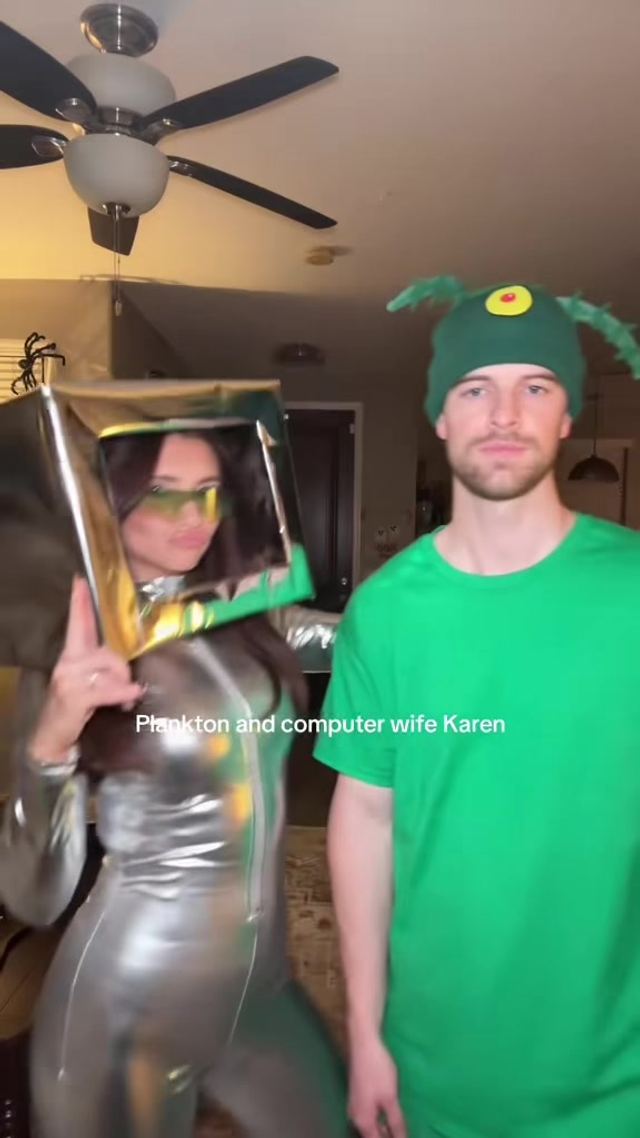
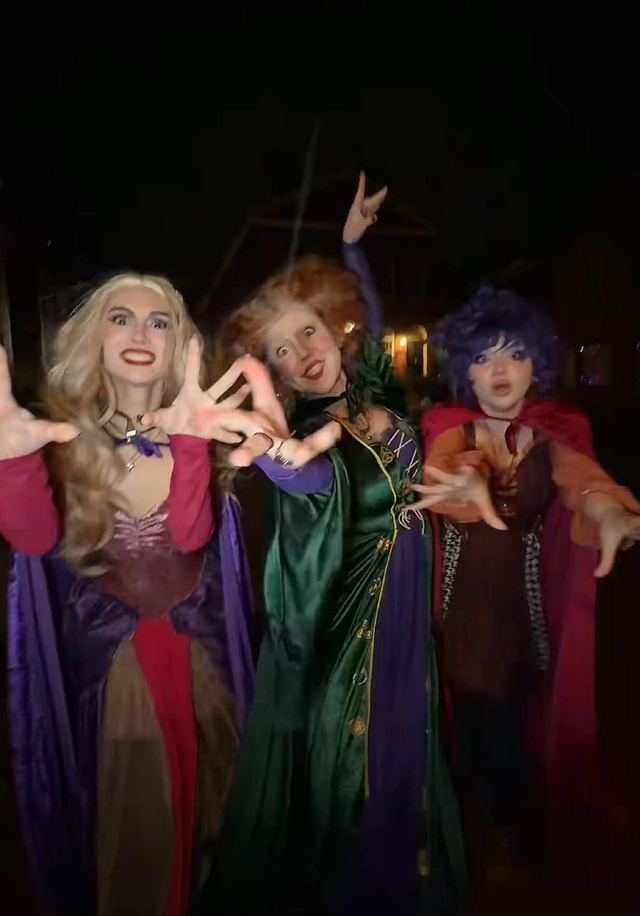
2. "Hold It Down" Text Overlay
Built on ADELA's "Ain't In LA," creators post themselves staying behind while everyone else is out, captioned as holding down the fort. The format has been running since summer on personal accounts, and this week it picked up a brand account example, usually a sign a trend is about to spread past the people who started it.
Open on a static or lightly handheld shot of the person alone in the space they are holding down, add a single on-screen caption line early in the clip, and let the "Ain't In LA" hook play under it uncut so the audio carries the emotional beat instead of a transition doing the work.
Who's doing it:
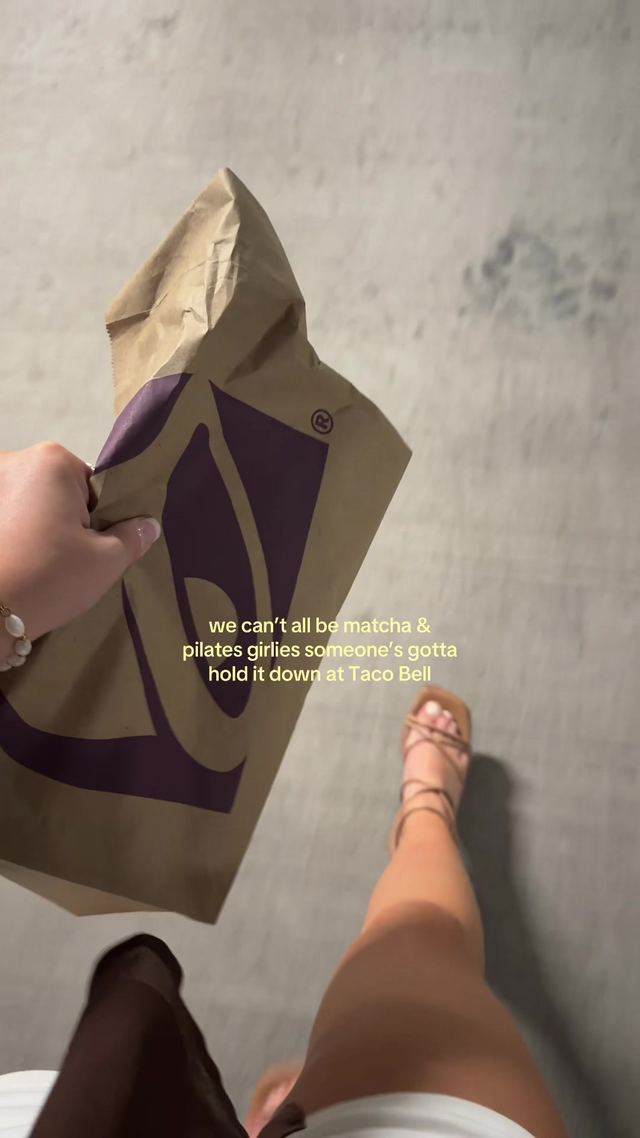
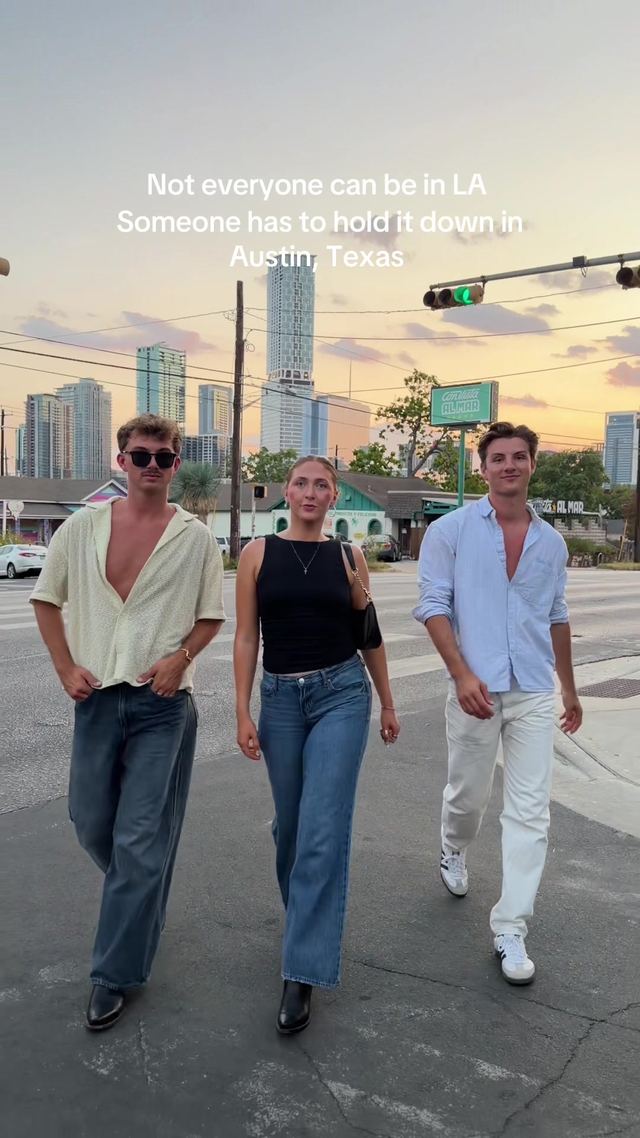
3. Speed Ramp Edit
The slow into fast, or fast into slow, playback speed transition remains a CapCut staple. Not a new trend this week, it is the established technique, still posting a fresh seven figure follower example alongside the tutorial accounts that keep teaching it.
Set the clip to 20 to 30 percent speed on the approach, ease into 150 to 200 percent speed over 4 to 6 frames right as the subject crosses the frame or the beat hits, then cut or hold on the fast section. Layer a whoosh sound effect under the ramp to sell the acceleration.
Who's doing it:

4. Cinematic Color Grading
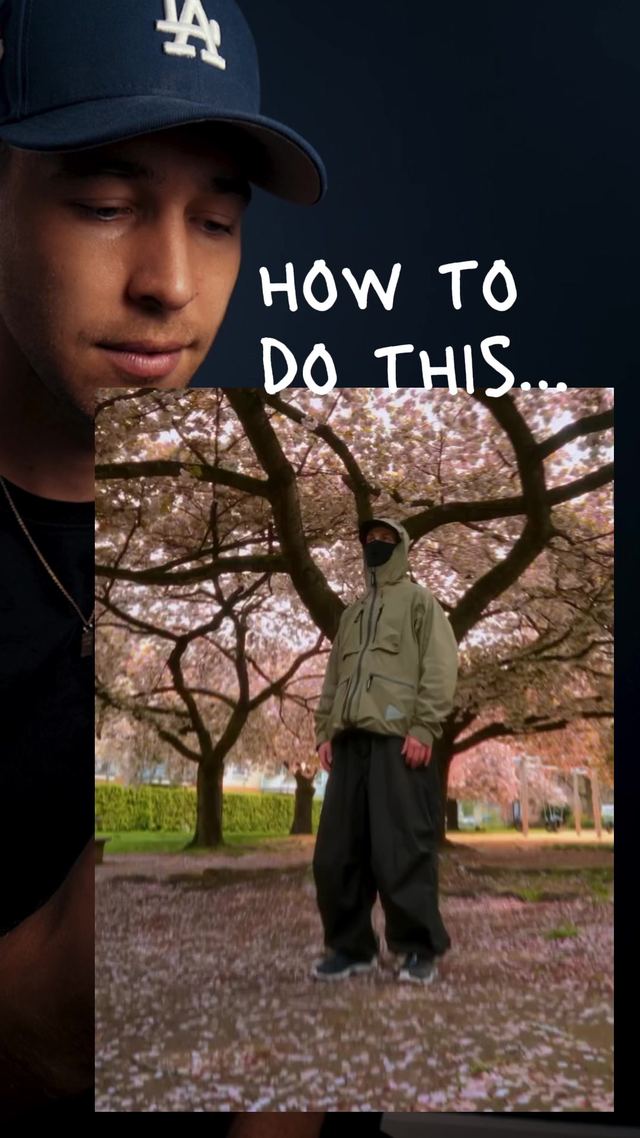
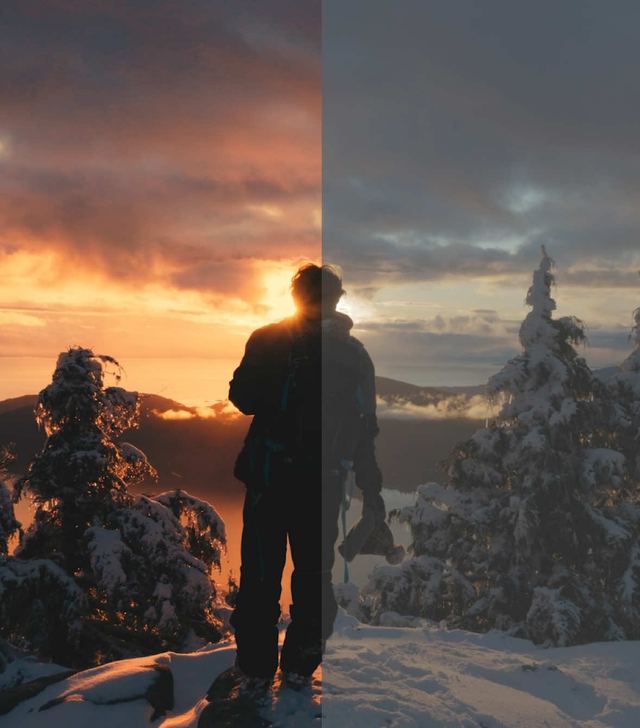
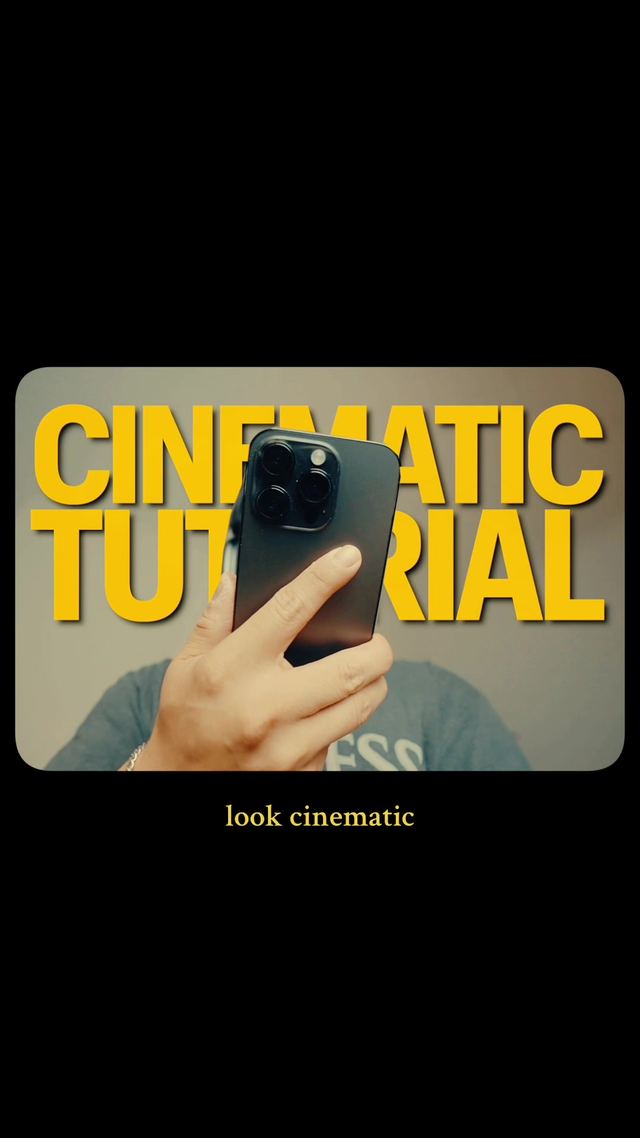
Phone shot footage run through a teal and orange or desaturated shadow grade to read as filmic. This is a constant background technique in the creator tips corner of TikTok rather than a weekly spike, and it is not a new trend this week.
Lift the shadows slightly and push them toward teal or cyan, push the highlights toward warm orange, drop overall saturation 10 to 15 percent, add a slight S curve for contrast, and finish with a subtle vignette at 15 to 20 percent opacity.
Who's doing it:
5. Text-Tracking Overlay
Text that pins to and moves with a person or object in frame instead of sitting static. An established technique, not a new trend this week, most commonly taught and used in the CapCut tutorial niche.
Place a tracking point on the moving subject, attach the text layer to that tracking point so it follows the subject's motion across the frame, keep the text under four words so it stays readable while moving, and nudge the font size up slightly to compensate for motion blur.
Who's doing it:
6. Keyframe Zoom-and-Pan Slideshow
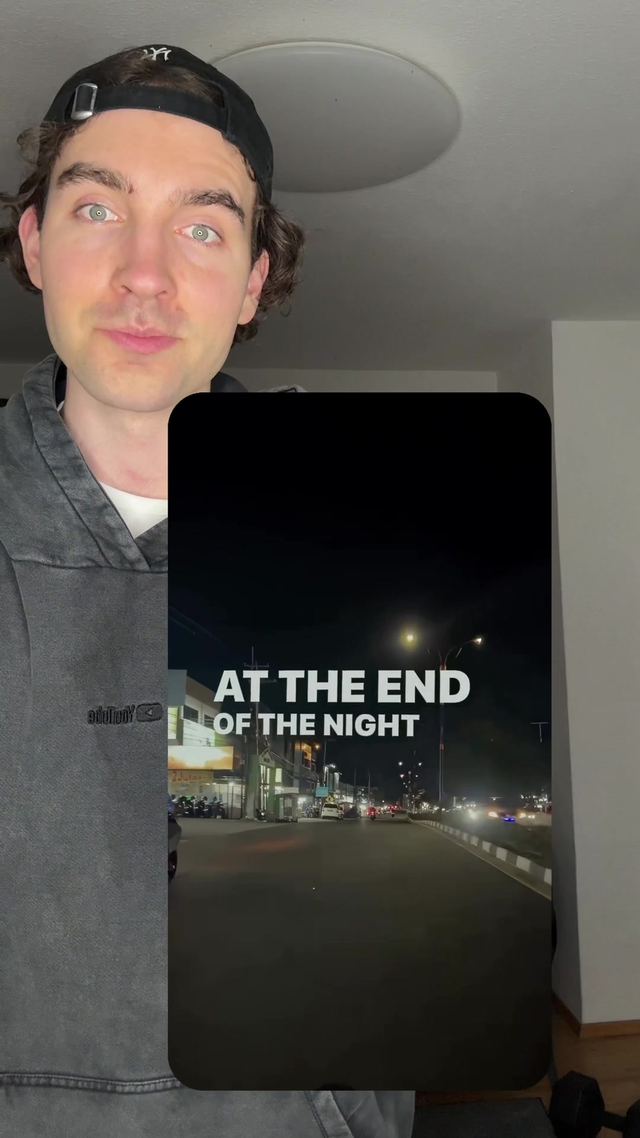
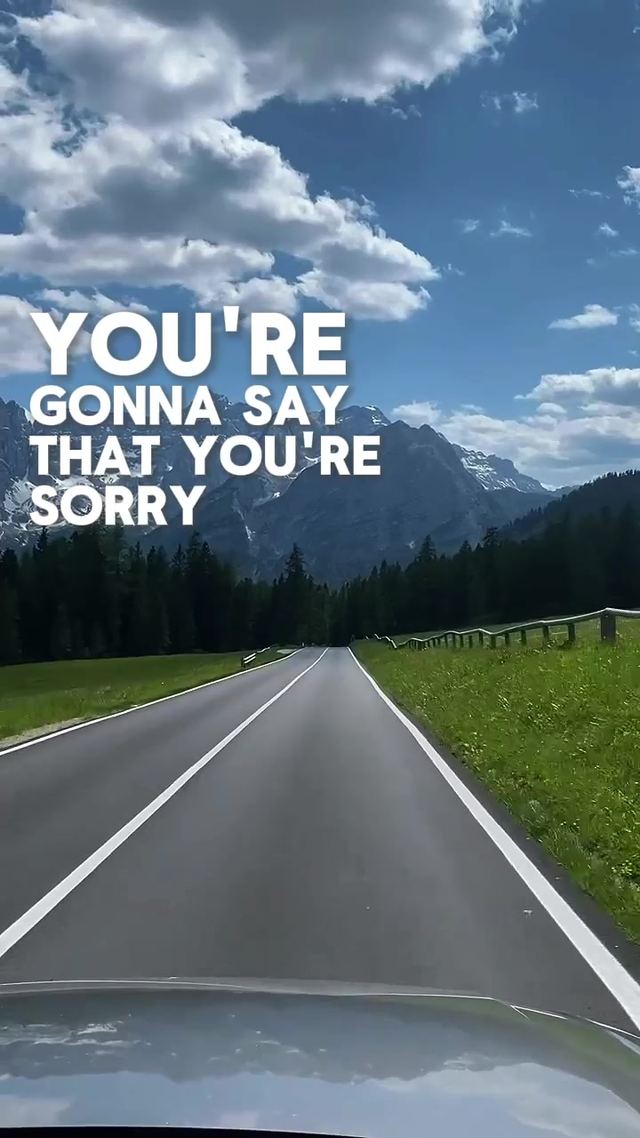
Static photo dumps get motion from a slow keyframed zoom and pan across each frame instead of a hard static hold. An established format, with two fresh examples from editing accounts this week.
Set an opening keyframe at 100 percent scale and an ending keyframe at 110 to 120 percent scale over the photo's full hold time, offset the pan slightly toward the subject's eyes or the frame's focal point, and apply an ease in and out curve rather than a hard cut between photos.
Who's doing it:
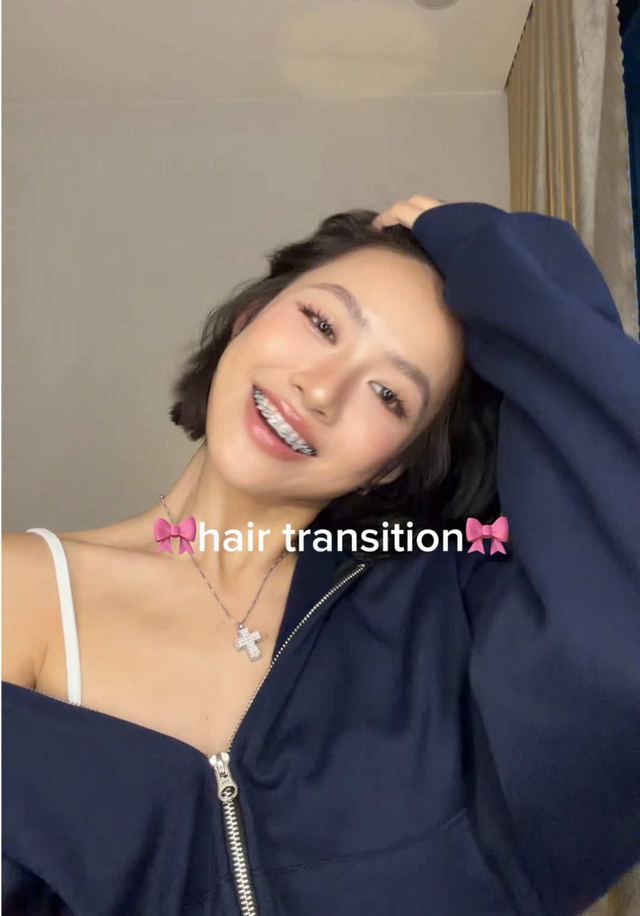
7. Glow-Up Transformation Cut
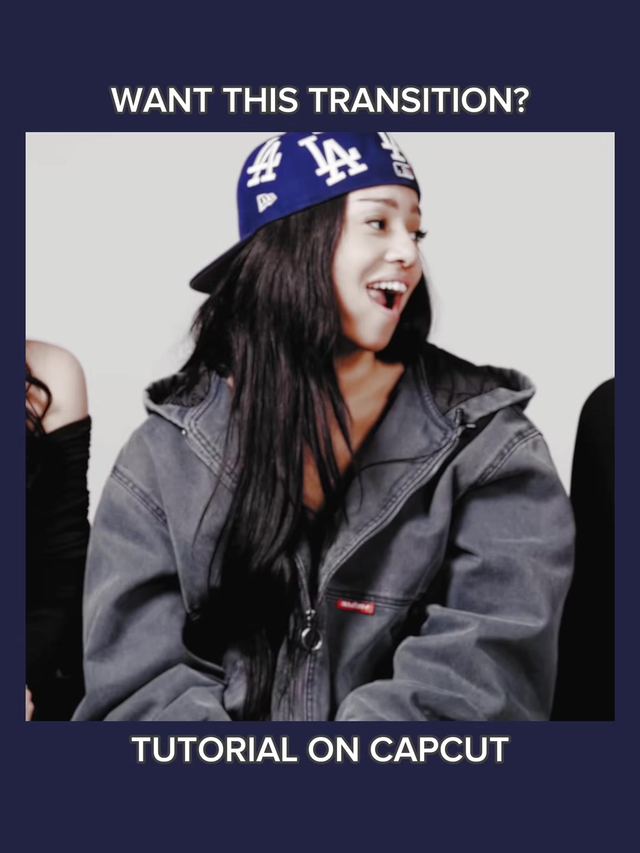
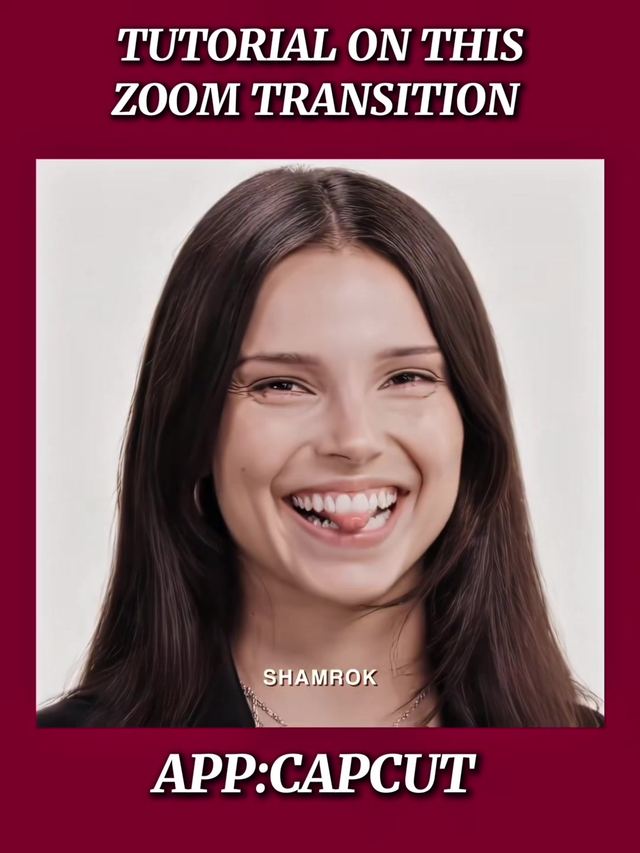
A hard cut on a hair flip, spin, or hand swipe reveals a styled or made over version of the same person. Not a new trend this week, but still one of the most reliable view count formats on the platform regardless of season, and the highest view counts in this entire report.
Time the flip, spin, or swipe gesture to a beat, cut the frame where the motion fully occludes the lens, swap footage during the occlusion, and match the follow through motion on the other side so the cut reads as one continuous gesture rather than two clips.
Who's doing it:
8. Glitch / RGB-Split Transition
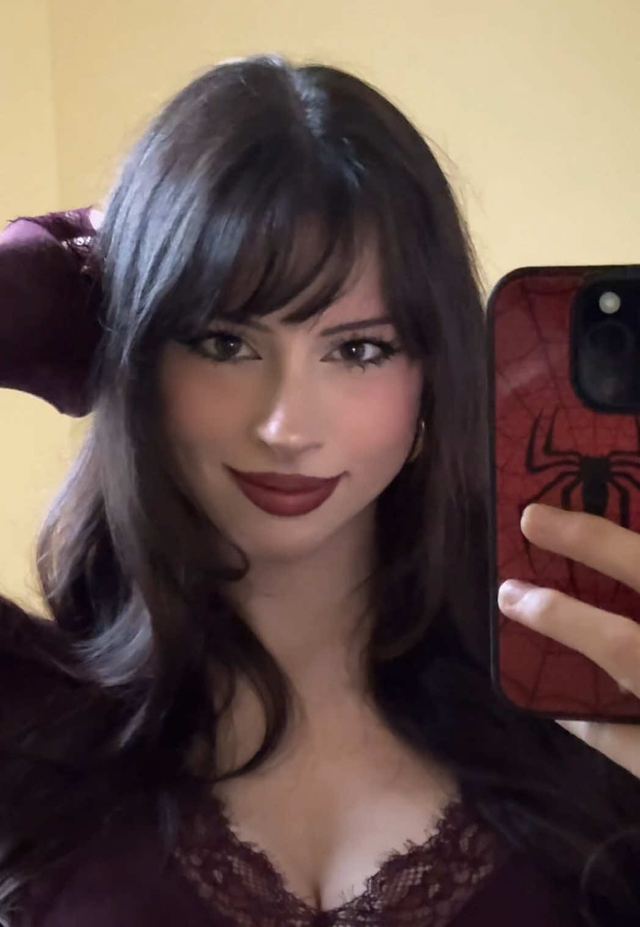
Digital distortion and RGB channel split effects dropped on a cut to sell a jarring scene change. A long running staple of the editing tips niche, not a current spike, but it keeps earning its place on this list.
Apply an RGB split offsetting the red and blue channels 3 to 5 pixels in opposite directions, add a horizontal displacement glitch lasting 2 to 3 frames at the cut point, layer a brief static or noise texture at 20 to 30 percent opacity, and sync the glitch to a digital distortion sound effect.
Who's doing it:
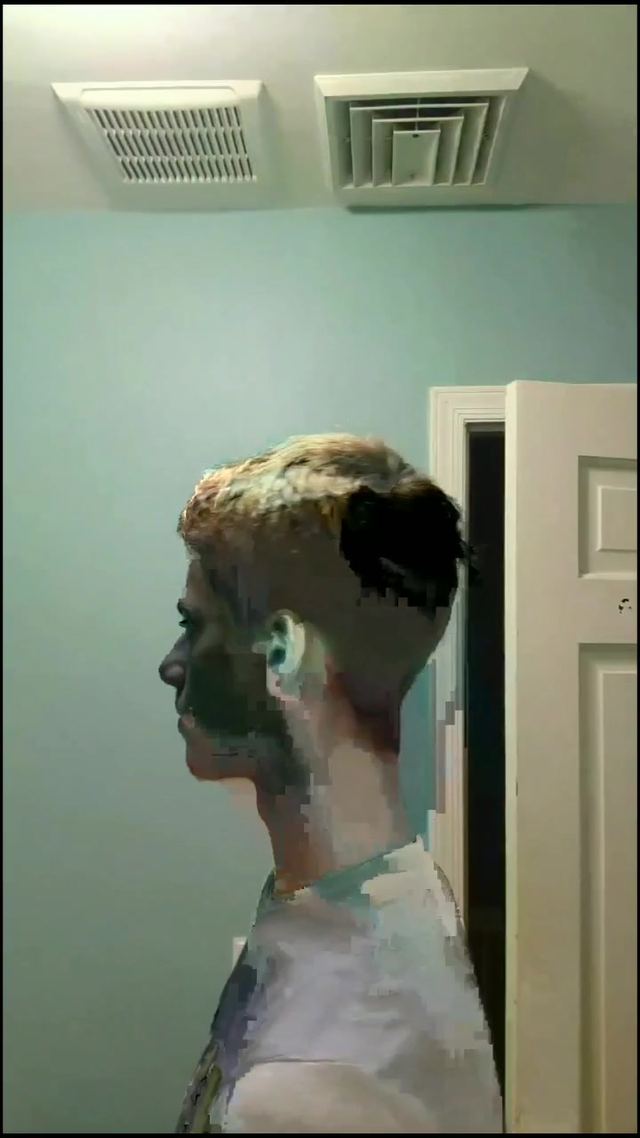
9. Before/After Reveal Cut
A hard cut from a "before" state straight to the finished "after" with no transition effect, letting the contrast itself do the work. One of the oldest formats on the platform, not new this week, and still one of the highest performing, as the numbers below show.
Match the camera angle and framing as closely as possible between the before and after shots, cut directly with no fade or wipe so the contrast reads instantly, and hold the after shot at least two to three seconds longer than the before shot so it has room to land.
Who's doing it:
If you only build one thing from this report, make it the Ramalama costume reveal walk. It is the one genuinely new thing in this week's data, it needs nothing but a phone and a costume, and it is going to keep climbing as Halloween gets closer.
Turn a Trend Into Your Hook
The template gives everyone the same edit. The hook is what makes yours the one people stop on. Paste a topic, get hooks built on what is actually working this week. Free to try.
Generate a Hook →
- Wes Fleming
ScriptHooks Weekly Trends