The Big Picture
This report covers October 19 through October 25, the last full week before Halloween, and five of the nine trends here are holiday-driven, continuing or intensifying from last week's report rather than appearing fresh. The real outlier is text. A bouncing lyric-sync caption style pulled the single highest view count of the week at 7.7M on a 96.6K-follower account, and it is a general-purpose format that will keep working after November 1, not a seasonal one. Beat-synced jump cuts and a cinematic color grade both continue to post strong, stable numbers across multiple weeks now, the clearest signal in this report of techniques worth a permanent preset rather than a seasonal build. YouTube Shorts turned up one verifiable crossover example this week, for the costume-reveal transition; Instagram hashtag and web search again did not surface distinct, verifiable Reel URLs that cleared the same bar as the TikTok and YouTube data.
1. Halloween Costume-Reveal Transition
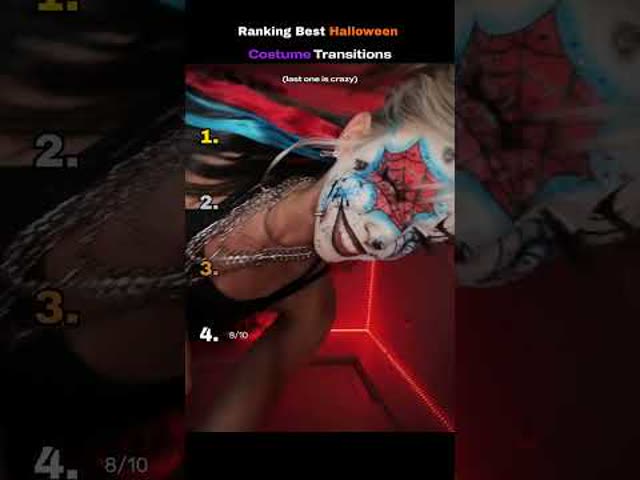
The final-week-before-Halloween costume reveal is still the biggest thing in the data, now built around a hard whip or spin transition rather than a static reveal cut. It carries over from last week's report and is only getting bigger with the holiday six days out.
Start in the everyday outfit, snap-whip the camera or body on the beat, and land the costume fully in frame and in focus on the very next frame. Keep the landing pose held for at least half a second so the platform's compression doesn't blur the payoff.
Who's doing it:


2. Pumpkin-Head Forced-Perspective Gag
Also a holdover from last week but still scraping real views: a forced-perspective camera trick makes it look like someone's head has been swapped for a pumpkin. Smaller creators are running it in volume this week as Halloween closes in.
Line the pumpkin up with the camera lens so it sits exactly where the head would be, keep the person's body behind it in the same depth plane, and hold the shot still for a second before a quick cut away. Works best with a locked-off or gimbal-stabilized shot, since handheld shake breaks the illusion immediately.
Who's doing it:



3. Whip-Pan Into Glitch Transition
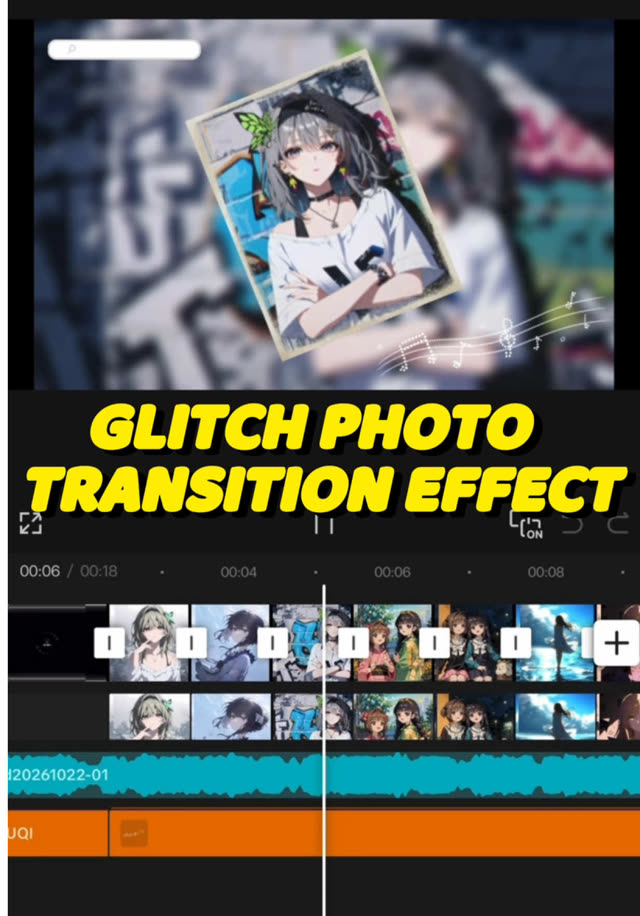
A hard whip-pan lands directly into an RGB-split glitch frame before settling on the next scene, stacking two transition styles instead of picking one. It reads faster and glitchier than a plain whip-pan on its own.
Whip the camera at full motion blur, cut on the blurriest frame, drop in two to four frames of RGB channel-split glitch at the cut point, then resolve into the new scene. A short whoosh-into-digital-glitch sound effect layered on the cut sells the stack.
Who's doing it:

4. Beat-Synced Jump Cuts
Rapid jump cuts timed to land exactly on the beat of the track, continuing the montage-cut family that's been strong all month, now pushed to faster cut rates.
Mark the beat grid first, then cut every clip change to land within one or two frames of a beat marker. Favor 0.3 to 0.6 second clips during the verse and let cuts slow slightly on the hook so the energy has somewhere to build to.
Who's doing it:


5. Bouncing Lyric-Sync Text Overlay
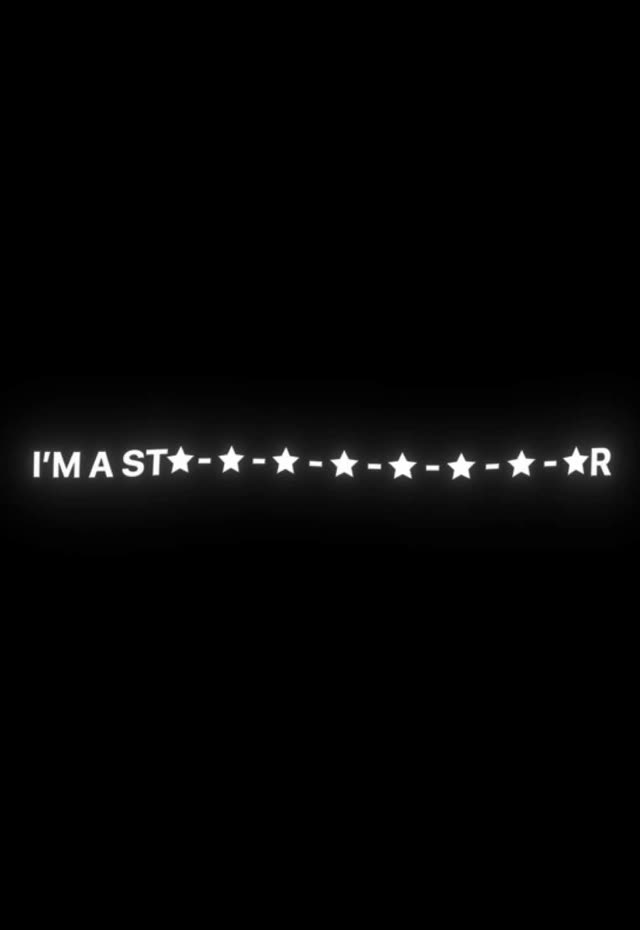
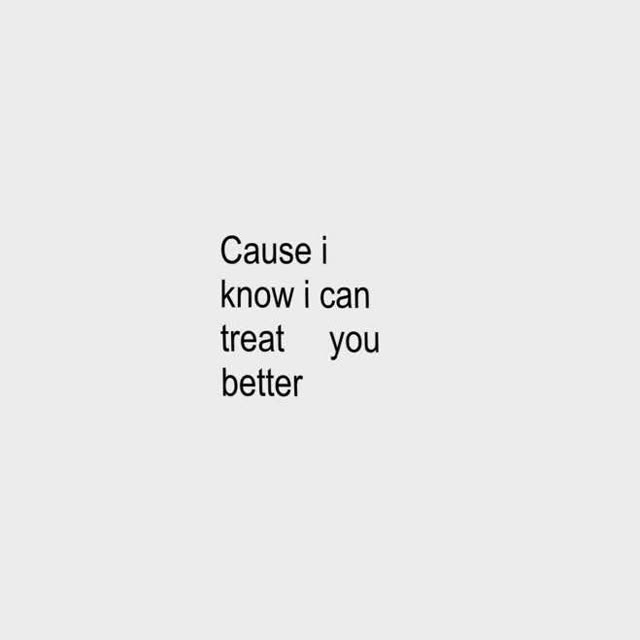
Lyrics or captions that physically bounce, scale, or shake in time with the audio rather than sitting static on screen. This is the strongest single trend in this week's data by view count.
Keyframe each word or phrase's scale from 85 percent to 110 percent right on its beat or syllable hit, with an ease-out back to 100 percent before the next word. Pair with a drop shadow or outline so the motion stays legible against moving backgrounds.
Who's doing it:

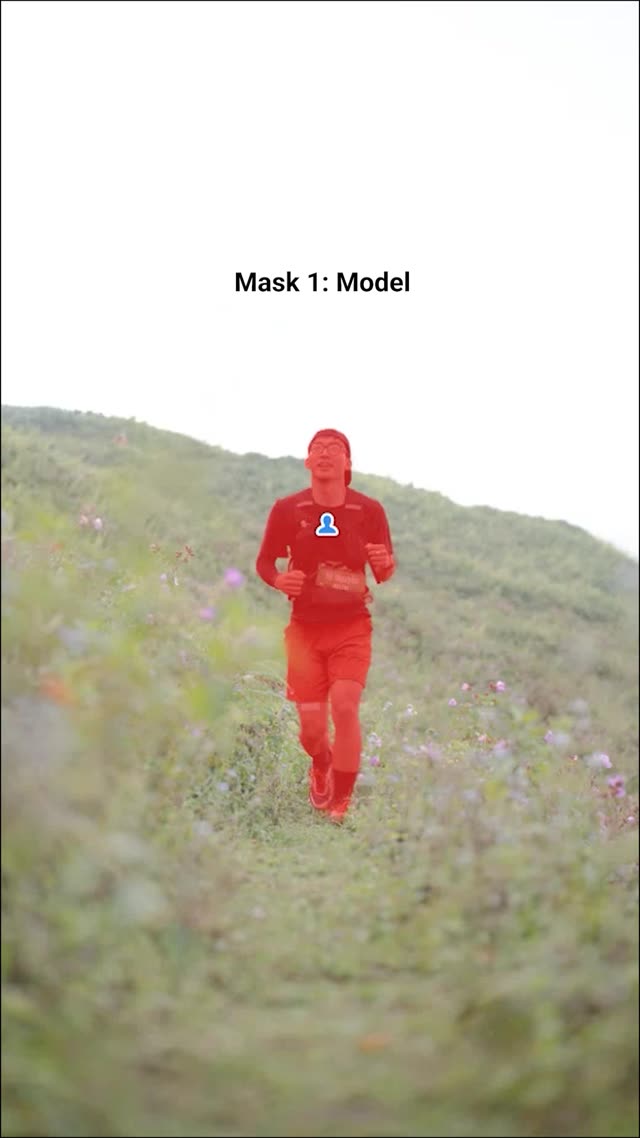
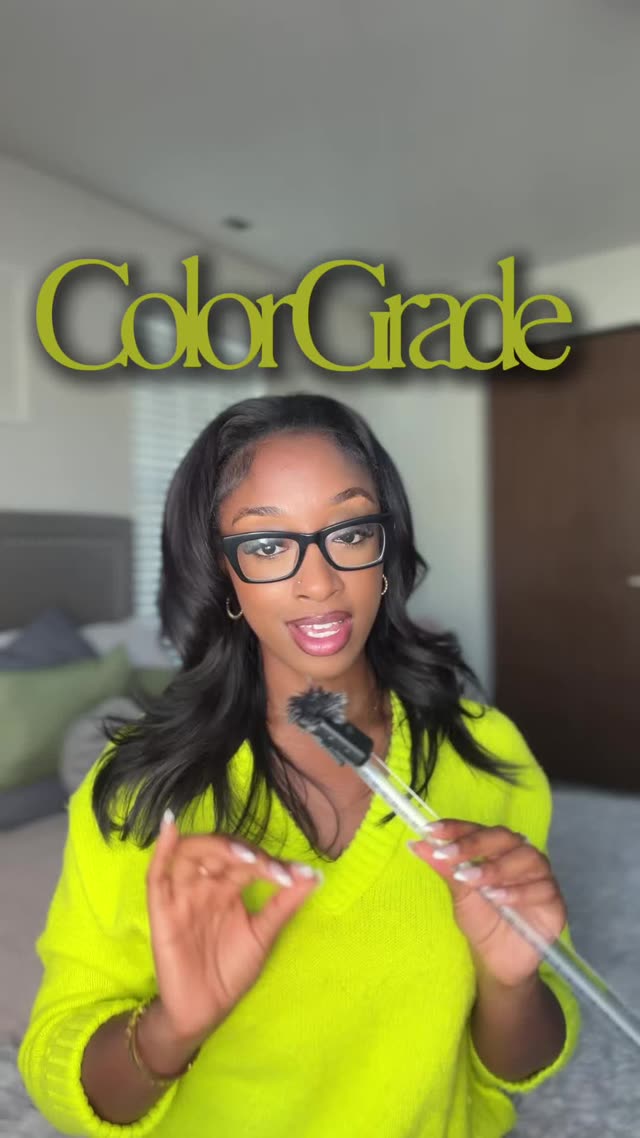
6. Cinematic Color Grade With Precise Cuts
A moody, desaturated-highlights film grade paired with tightly timed cuts, an established look that's resurging in this week's data after showing up earlier this month.
Pull highlights down and lift shadows slightly for a flatter base, then push a single color, usually teal or warm orange, into the midtones. Cut on action rather than on a timer so the grade doesn't read as a static filter sitting over static footage.
Who's doing it:

7. Zoom Transition / Speed Ramp
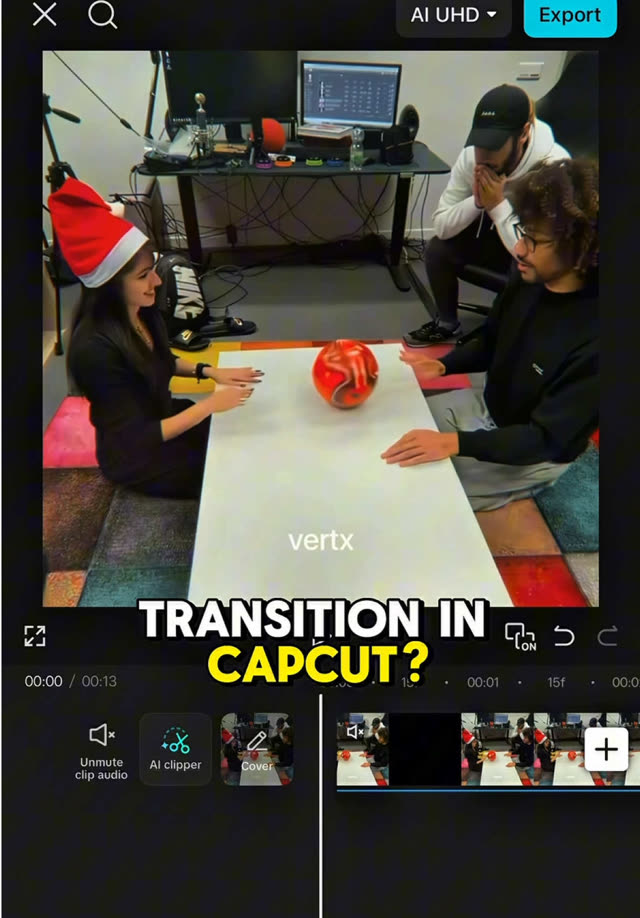
A fast punch-zoom into the next clip, with the playback speed ramping up into the zoom and settling back to normal speed on landing. Still showing up weeks after it first spiked, now as a more refined speed-ramp version rather than a flat zoom.
Scale the outgoing clip from 100 percent to roughly 160 percent over 6 to 10 frames while simultaneously ramping playback speed from 100 percent up to 300 percent and back down on landing. Add a short whoosh sound effect timed to the peak of the zoom, not the cut itself.
Who's doing it:

8. Spooky Makeup-FX Reveal Transition
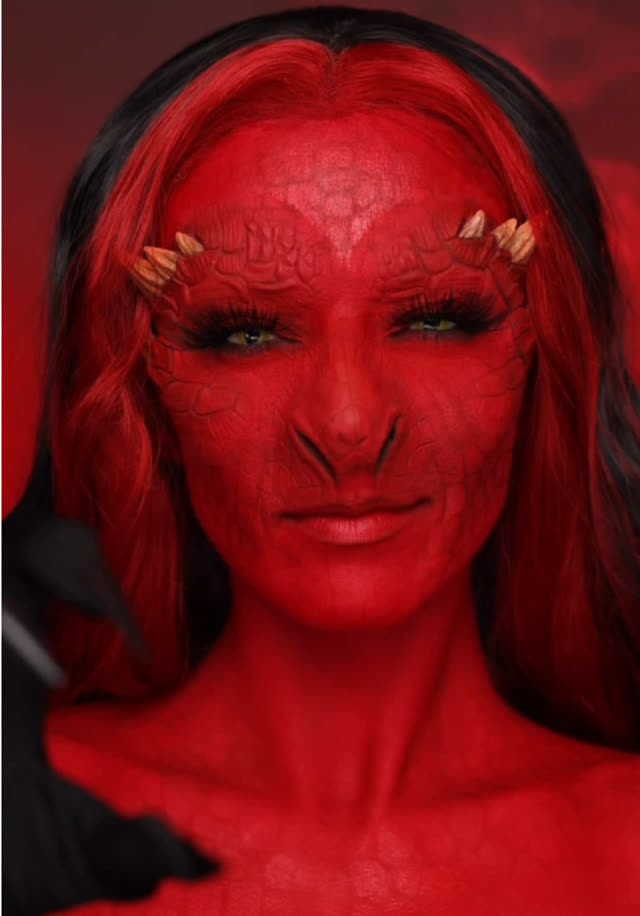
A makeup FX look (gore, face paint, prosthetics) is built in a time-lapse then revealed in full with a hard cut on a pose or snap, distinct from last week's slower makeup-transition cut by leaning on the full reveal snap rather than a gradual transition.
Time-lapse the application at 4x to 8x speed, then cut to full speed for the final two seconds so the reveal itself plays in real time. Snap to a dramatic pose or expression on the cut, and hold it for a full second before cutting away.
Who's doing it:

9. Fast-Cut Storytime Vlog
Voiceover storytelling cut at a much faster pace than the typical talking-head storytime, with b-roll and reaction cutaways landing every one to two seconds instead of holding on the speaker's face.
Record the voiceover first, then cut a new visual (b-roll, text card, or reaction clip) roughly every one to two seconds of narration rather than holding a static talking-head shot. Keep the speaker's face as the default fallback shot between cutaways so the viewer never loses the narrator.
Who's doing it:

If you only build one thing from this report, make it the bouncing lyric-sync caption style. It is not tied to Halloween, it just posted the single highest view count anywhere in this entire report, and it will keep working long after the costumes come off.
Turn a Trend Into Your Hook
The template gives everyone the same edit. The hook is what makes yours the one people stop on. Paste a topic, get hooks built on what is actually working this week. Free to try.
Generate a Hook →
- Wes Fleming
ScriptHooks Weekly Trends