The Big Picture
This cycle stayed TikTok-only: the YouTube Shorts search scraper returned real channel and subscriber fields again this week, but every Shorts result it surfaced for these candidate trends was a tiny tutorial channel under 1,500 views, too small to clear the 'genuinely trending' bar, so none made the cut. Instagram hashtag and web search again did not surface distinct, verifiable Reel URLs. The biggest story in this week's TikTok data is the CapCut Pioneer AI effects pack: both the crying-face filter and the ceiling-fan outfit-change transition are riding the same new AI filter rollout, with the crying-face filter in particular producing this cycle's single highest-view example (7M). Word-for-word karaoke captions continue the shift away from static caption blocks that's been building for weeks. The rest of the board is the usual editing-technique core (beat-synced cuts, slow-motion emotional edits, split-screen reactions, film grain, punch zooms, camera shake) that keeps posting fresh high-view examples every cycle independent of any single audio or filter trend.
1. AI Crying-Face Filter (CapCut Pioneer)
CapCut's Pioneer effects pack shipped an AI filter that overlays a crying, emotional expression onto a neutral face photo or clip, and tutorial posts teaching the exact filter are driving this week's single highest view count in this entire report. A plain selfie goes in, a dramatic movie style close up comes out.
Shoot or select a straight on, well lit face photo or short clip. In CapCut, open the Pioneer AI effects panel, select the crying or emotional filter, and apply it to the clip. Several creators layer a slow push in zoom under the effect and time the tears to a swelling music cue for the payoff.
Who's doing it:



2. Ceiling Fan AI Outfit-Change Transition
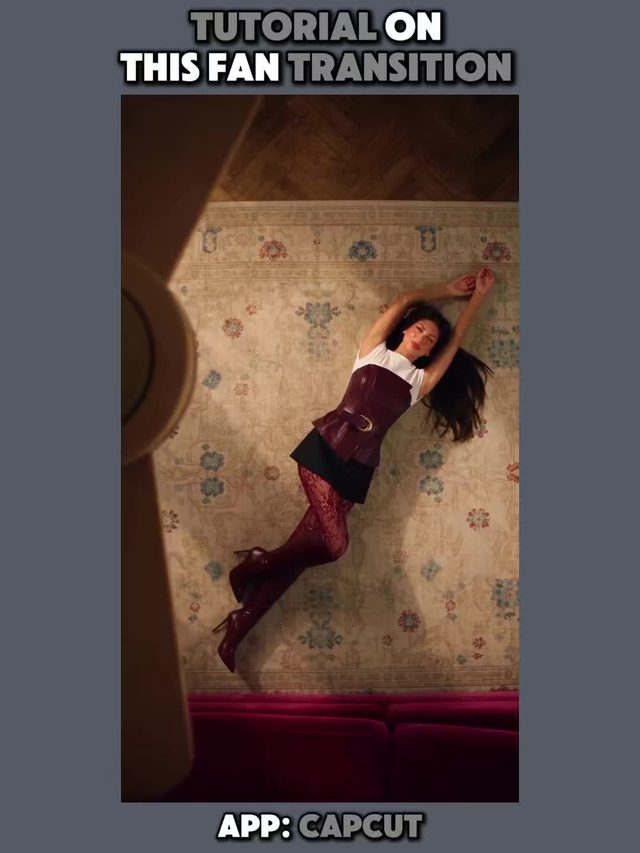
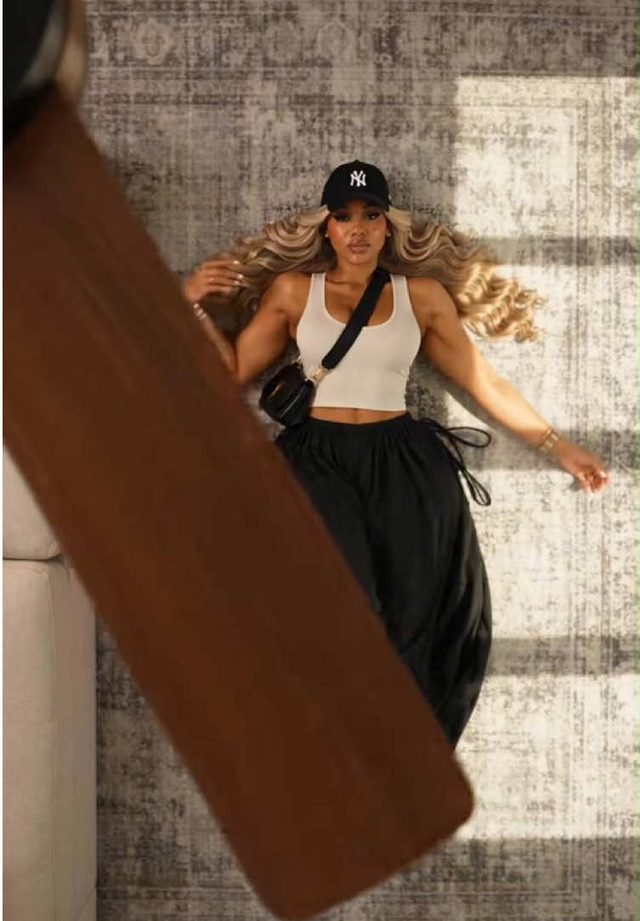
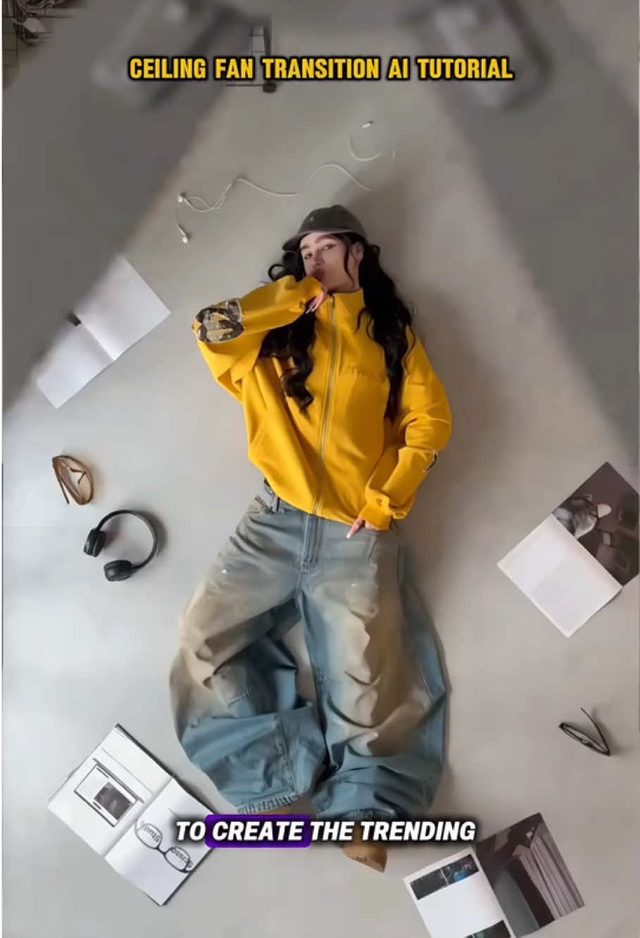
The same CapCut Pioneer AI rollout is behind a second trend this week: an outfit change transition styled like a spinning ceiling fan. The camera spins through a fast motion blur exactly like a fan blade, and the outfit swaps during the blur.
Film the starting outfit, then a fast 360 degree spin blur, handheld or built with an AI transition tool, cut the clip at the peak blur frame, swap into the new outfit, and resume the spin out of the blur so the motion reads continuous. Match spin speed to the blur frame count so the fan blade effect doesn't stutter.
Who's doing it:
3. Beat-Synced Montage Cuts
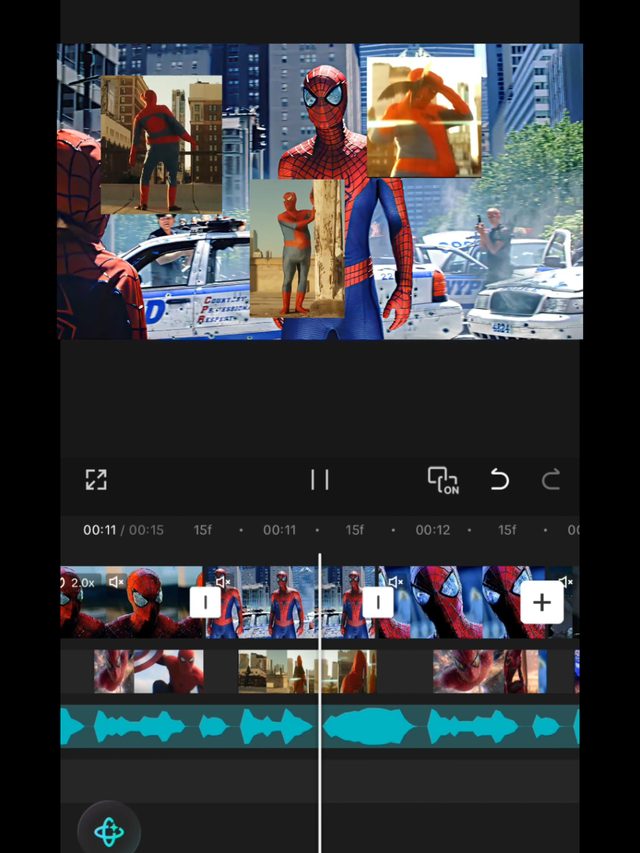
Fast cut montage edits, gaming clips and character edits especially, timed precisely to a track's beat rather than just roughly in time. This cycle's strongest single number in the whole report comes from this trend.
Mark the beat grid in your editor first, then cut every clip boundary exactly on a beat marker instead of eyeballing it. Favor short 0.3 to 0.6 second clips through the verse and let cut length roughly double on the drop for contrast.
Who's doing it:


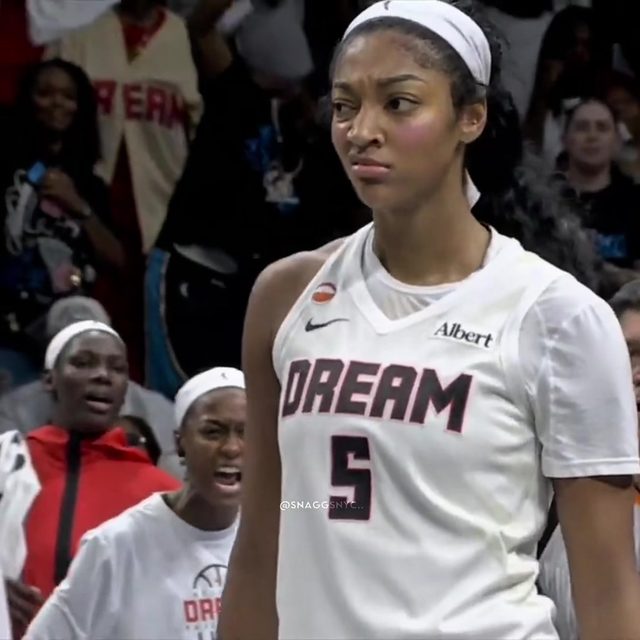
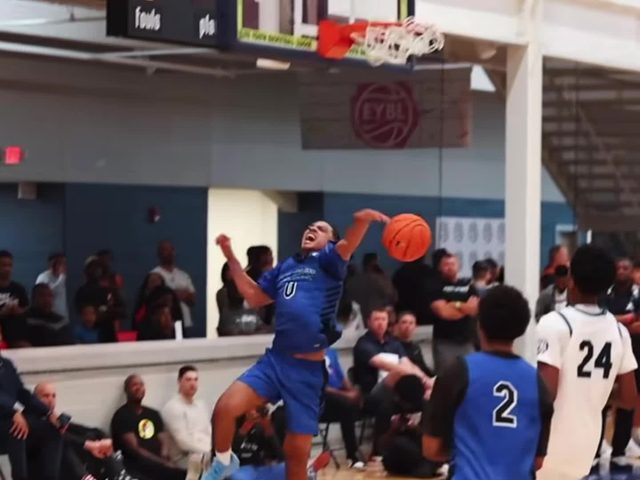
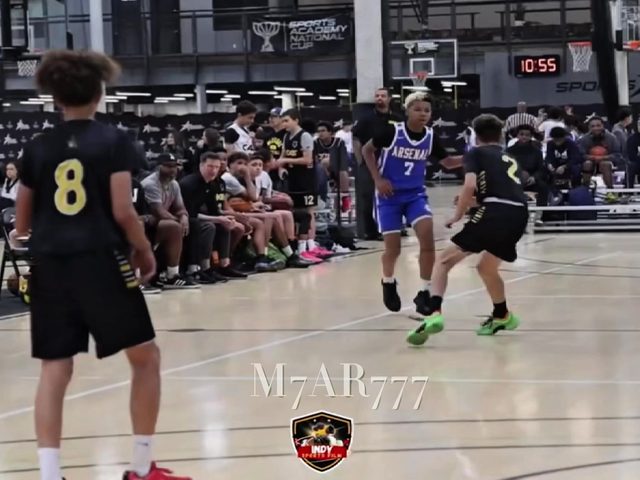
4. Slow-Motion Emotional Walk
Footage slowed to a crawl, roughly 0.3x to 0.5x speed, of a dramatic walk or moment, cut over emotional or hype audio to stretch a highlight out for maximum impact. All three of this week's examples come from accounts under 20,000 followers, which says the technique itself is doing the work, not an existing audience.
Shoot at a higher frame rate where possible, drop playback to 0.3x to 0.5x in post, and keep camera movement minimal, a slow push or a static frame, so the slowdown reads as deliberate rather than choppy. Cut in exactly on the line or beat that hits hardest.
Who's doing it:
5. Split-Screen Reaction/Mirror Edit
Two or more clips placed side by side in a split screen frame to show a reaction, comparison, or parallel moment at once, instead of cutting between them one at a time.
Crop each source clip to roughly half frame, a vertical split for two clips, align the cut points so both sides change on the same beat, and add a thin border or gap between panels so the split reads as intentional rather than a layout mistake.
Who's doing it:
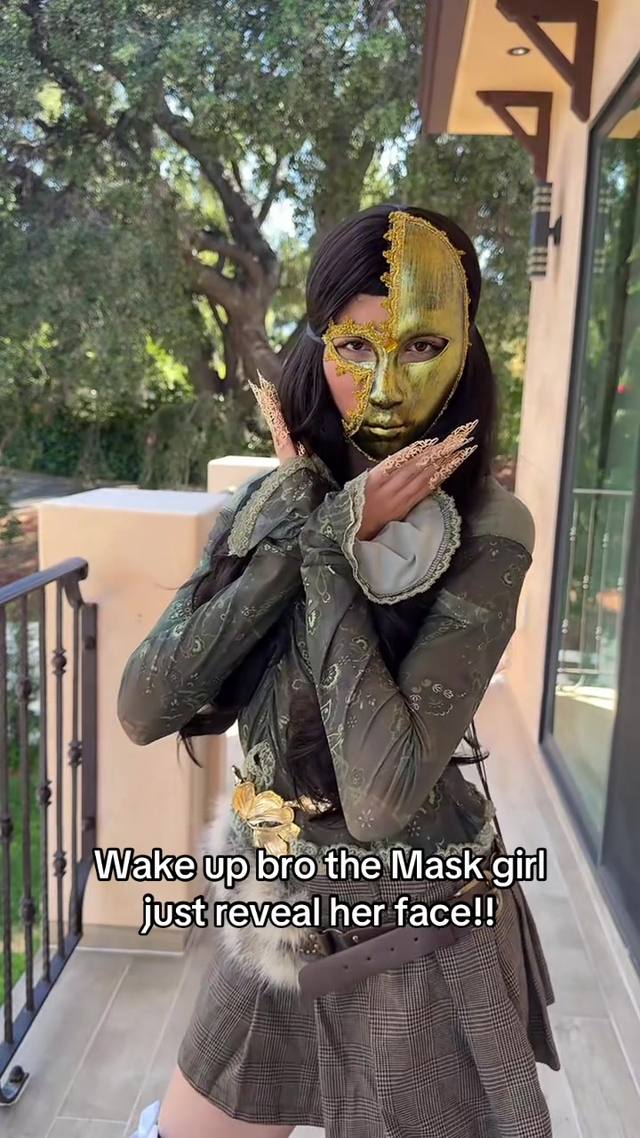

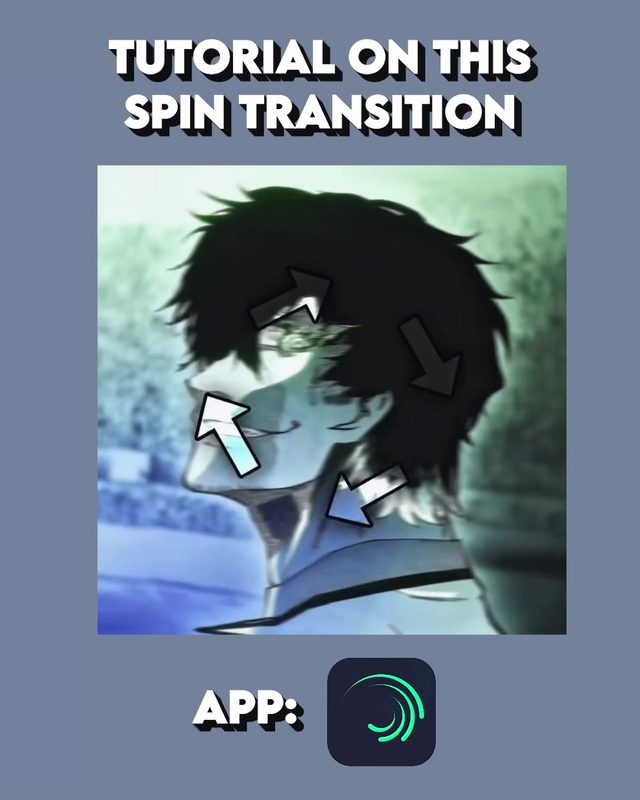
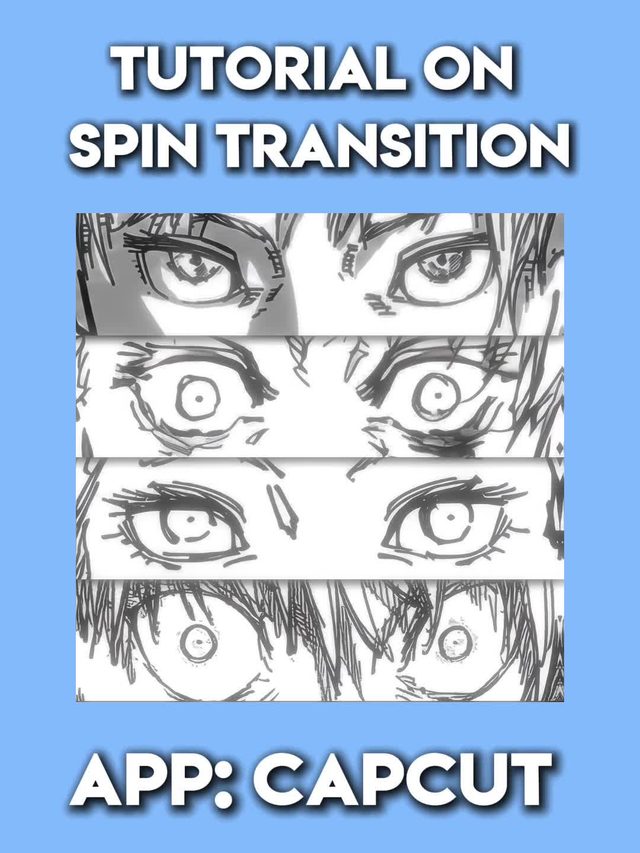
6. Spin/Swipe Rotation Transition
A quick rotate and blur transition, built in apps like Alight Motion or CapCut, that spins the frame through a motion blur to cut between two scenes or outfits. Still small in volume this week, worth watching rather than building around yet.
Keyframe a 180 to 360 degree rotation with a motion blur layer over roughly 6 to 10 frames, cut the scene at the point of maximum blur, and un-rotate out of the blur on the new scene so the spin feels continuous rather than two clips glued together.
Who's doing it:
7. Punch-Zoom Transition
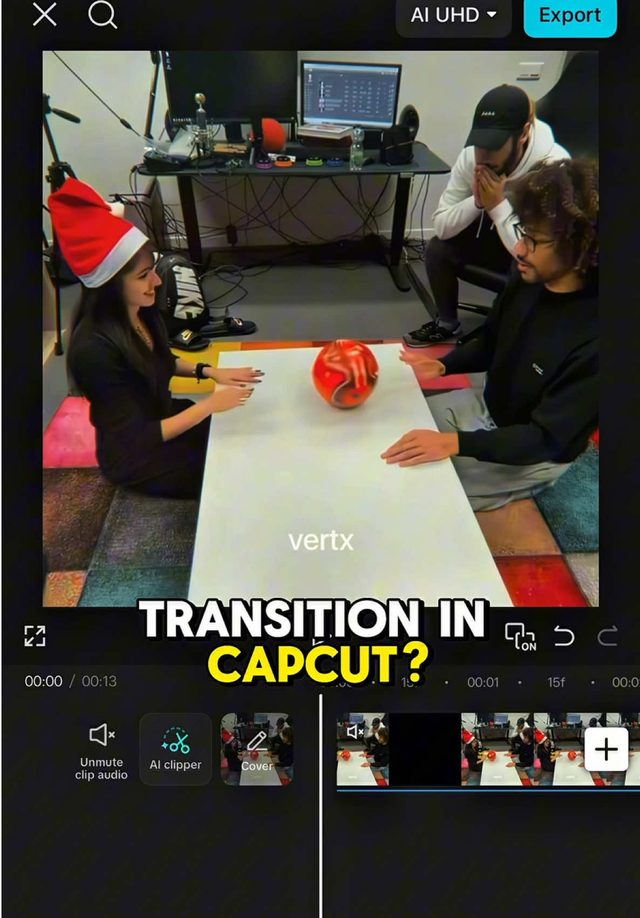
A fast snap zoom into or out of frame used as a hard transition between shots, landing exactly on a beat or line read. A 3.9 million follower CapCut template account posting the technique this week says it has reach well beyond the tutorial niche that mostly teaches it.
Keyframe scale from 100 percent to roughly 140 to 160 percent over 3 to 5 frames with ease in, cut at the top of the zoom, and land the next clip at a matched zoom level so it reads as one continuous punch rather than a jump cut.
Who's doing it:
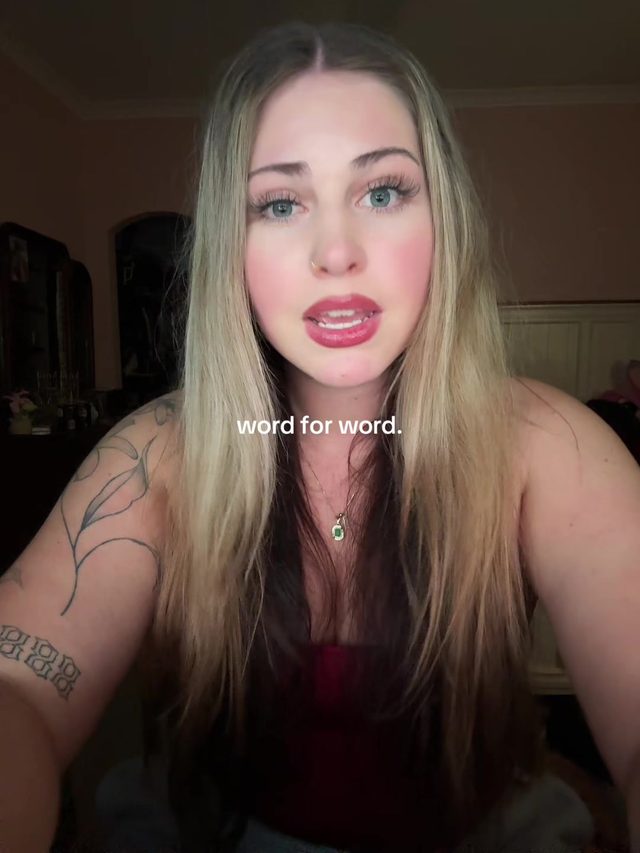
8. Word-for-Word Karaoke Captions
Lip sync and singing clips captioned word by word, each word highlighting exactly in sync with the audio as it's sung or spoken, instead of appearing as a static sentence block. Two of this week's examples tag the format directly as word for word, naming the exact thing that's driving the view count.
Auto generate word level captions in your editor's karaoke or word by word mode, then manually nudge any word whose timing drifts from the audio. Keep the font large and bold enough to read at a glance, since the point is instant word level sync, not paragraph styling.
Who's doing it:
9. Film-Grain Analog Edit
Character, anime, and horror style edits finished with a heavy film grain and analog distortion look, giving fast cut montages a gritty, VHS era texture instead of a clean digital finish.
Layer a film grain overlay at 30 to 50 percent opacity on top of the finished edit, drop saturation slightly and lift the black point for a faded analog look, and add subtle chromatic aberration or scan line flicker only at cut points so the grain doesn't flatten the whole video.
Who's doing it:

10. Handheld Camera-Shake Effect
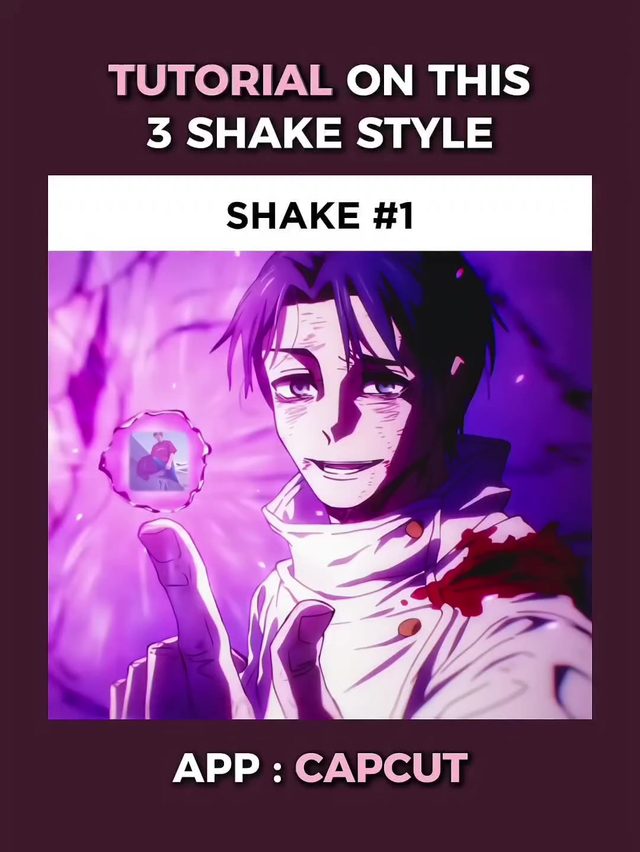
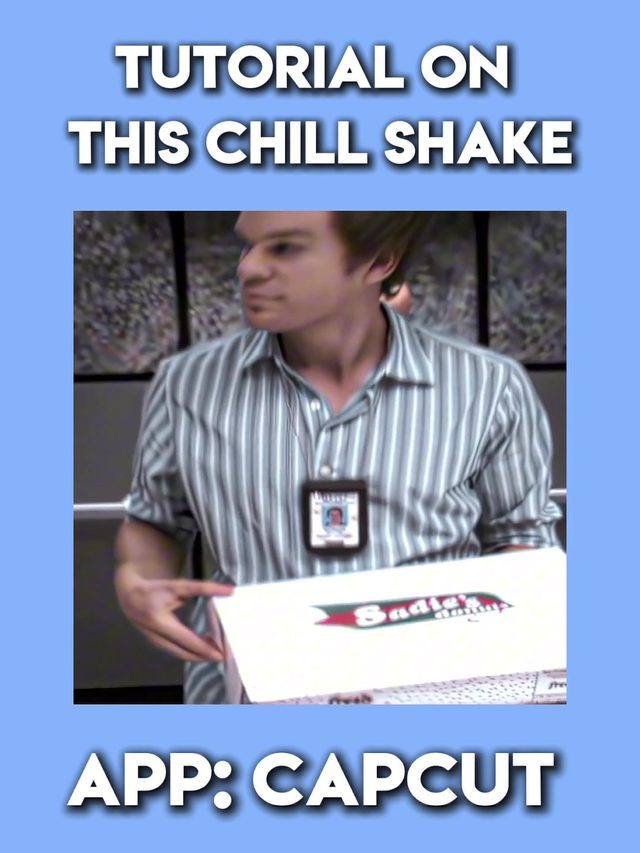
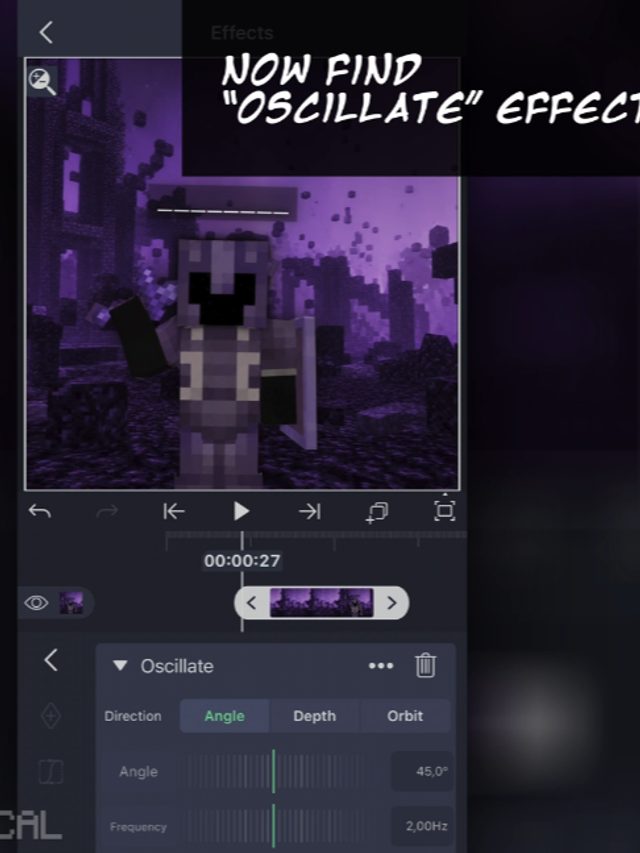
A deliberate handheld camera shake effect added in post to otherwise static or smooth footage, giving an edit a rawer, documentary style energy. One of this week's examples was posted in direct response to viewer requests, a small but real demand signal.
Apply a shake or wobble effect at low to medium intensity on a duplicate layer rather than the whole timeline, keep it constant through a clip instead of randomizing per frame so it reads as a handheld camera and not a glitch, and reserve the heaviest shake for impact moments.
Who's doing it:
If you only build one thing from this report, make it the word-for-word karaoke captions. It costs nothing but editing time, it applies to any lip-sync or singing clip you already make, and it's the trend in this report most likely to still matter next month.
Turn a Trend Into Your Hook
The template gives everyone the same edit. The hook is what makes yours the one people stop on. Paste a topic, get hooks built on what is actually working this week. Free to try.
Generate a Hook →
- Wes Fleming
ScriptHooks Weekly Trends