The Big Picture
This report covers November 2 through November 8, and the week's single highest number comes from the plainest format in the data: a winter outfit flex with no transition, no caption gimmick, nothing beyond the fit itself, posted 17 million views on a 1.3M-follower account as the first real cold snap of the season hits. Right behind it, Friendsgiving and Thanksgiving menu-prep content is building fast with the holiday two and a half weeks out, led by an 8.4M-view repost on a 6.1K-follower account, proof the content concept itself is driving the number, not the creator's existing audience. A cozy, candlelit winter-night aesthetic is spiking as the color-graded, slow-paced counterpart to the busier holiday-prep content. Two of this week's eight trends are pure editing techniques rather than seasonal content topics: the vertical podcast punch-in, last week's pick for this report's most durable evergreen technique, is still turning up fresh examples on brand-new accounts, and the quick whip-pan transition reveal keeps working on makeup and outfit changes with zero seasonal framing at all. Instagram's scraper and web search again did not surface distinct, verifiable Reel URLs clearing this report's quality bar, and YouTube Shorts search returned only small-channel tutorial content well under the view-count bar used elsewhere here, so this report draws from TikTok only.
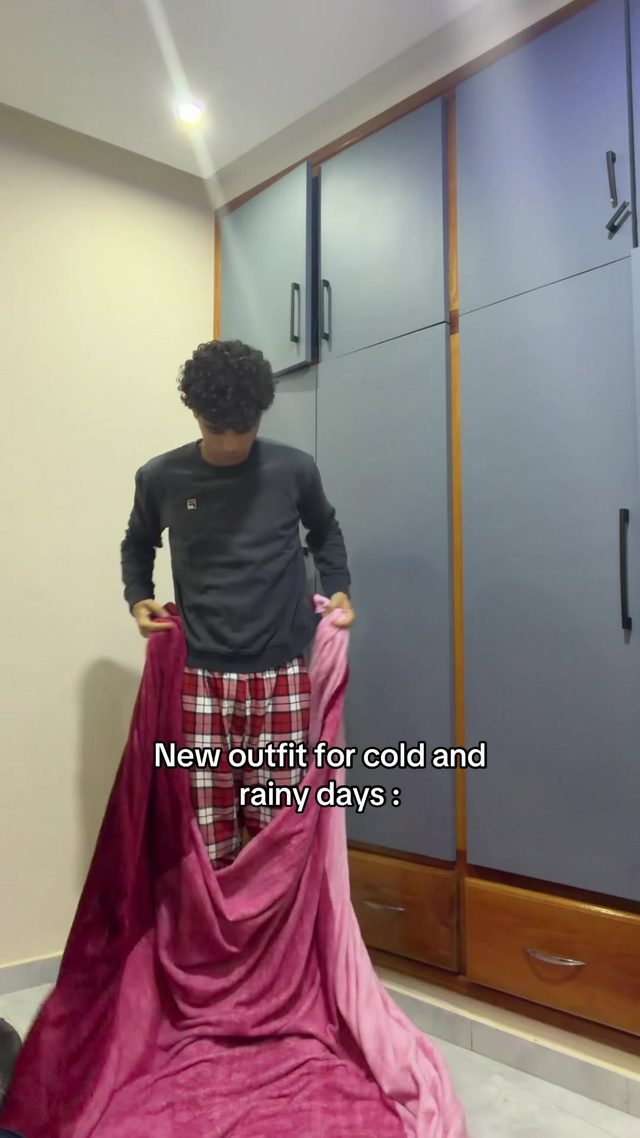
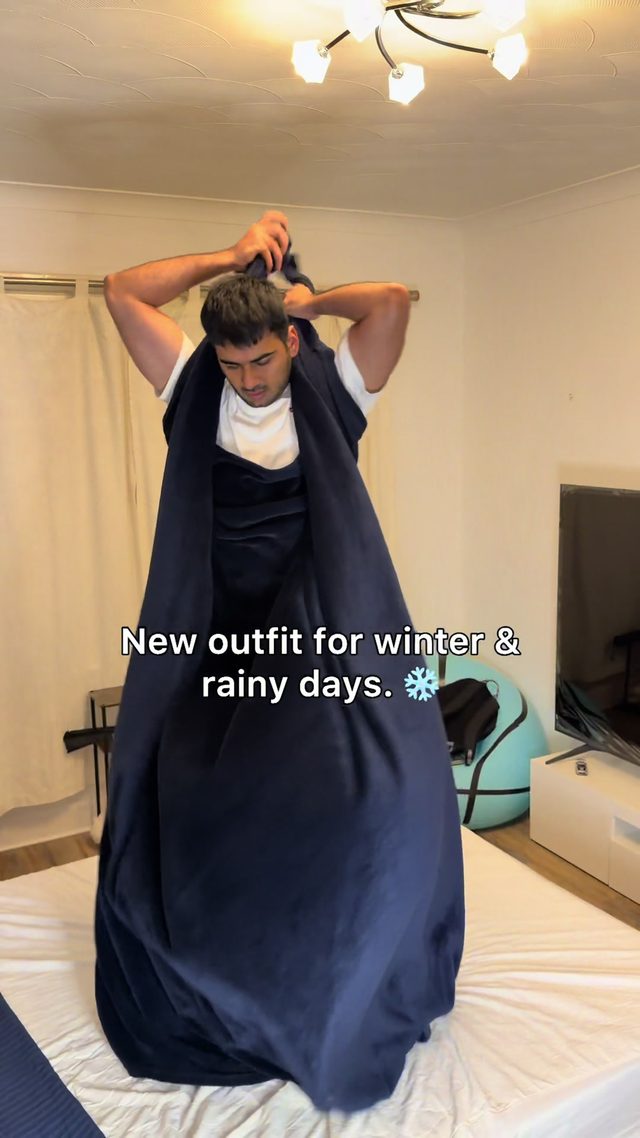
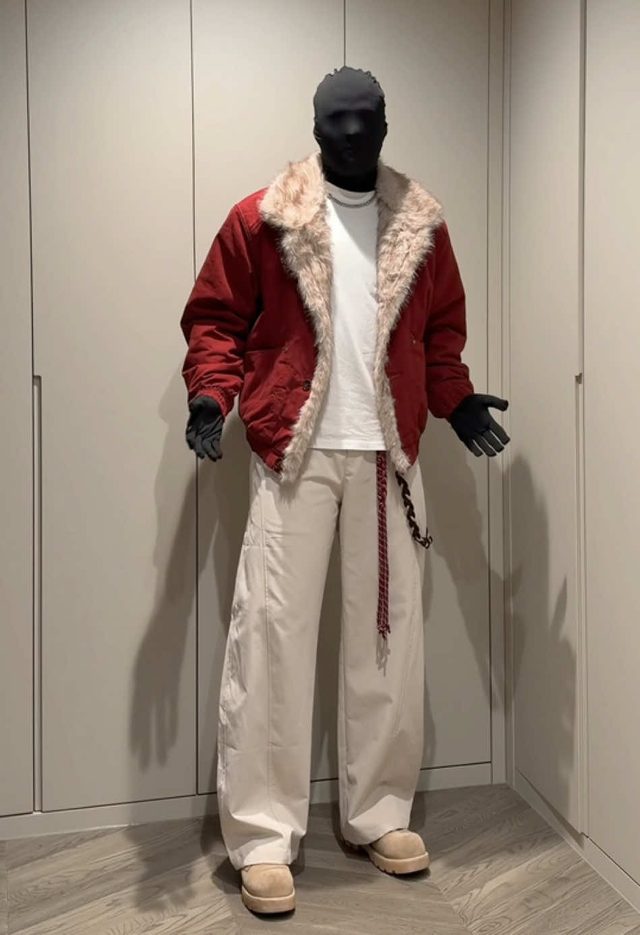
1. Cold-Weather Outfit Layering Flex
Fashion creators are posting full outfit-collection flexes and layering tutorials as the first real cold snap hits, pairing a slow turn or static full-body shot with on-screen layer callouts. The format spiked hard this week, carrying the single highest view count anywhere in this report.
Film a static or slow-turn full-body shot in good light, hold each layer for 1 to 2 seconds before adding the next (base layer, shirt, outerwear), caption each addition with its name as on-screen text if doing a layering tutorial, or just hold the finished fit for 2 to 3 seconds if doing a straight flex. Pair with a bass-heavy fit-check sound. Natural daylight reads best for outerwear texture.
Who's doing it:
2. Friendsgiving & Thanksgiving Menu Prep
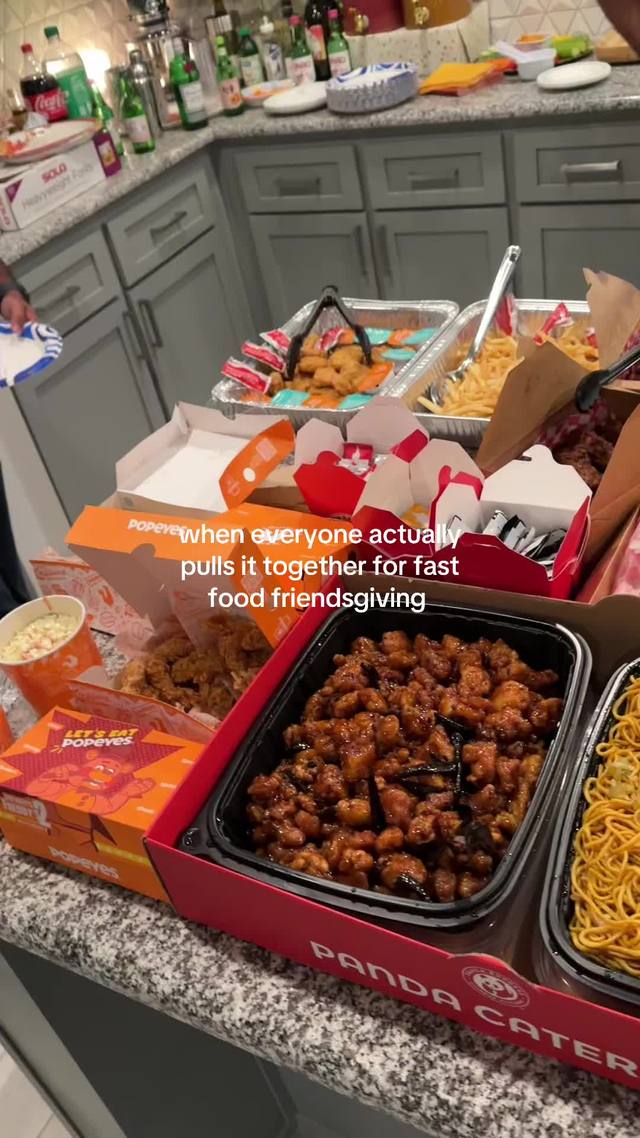
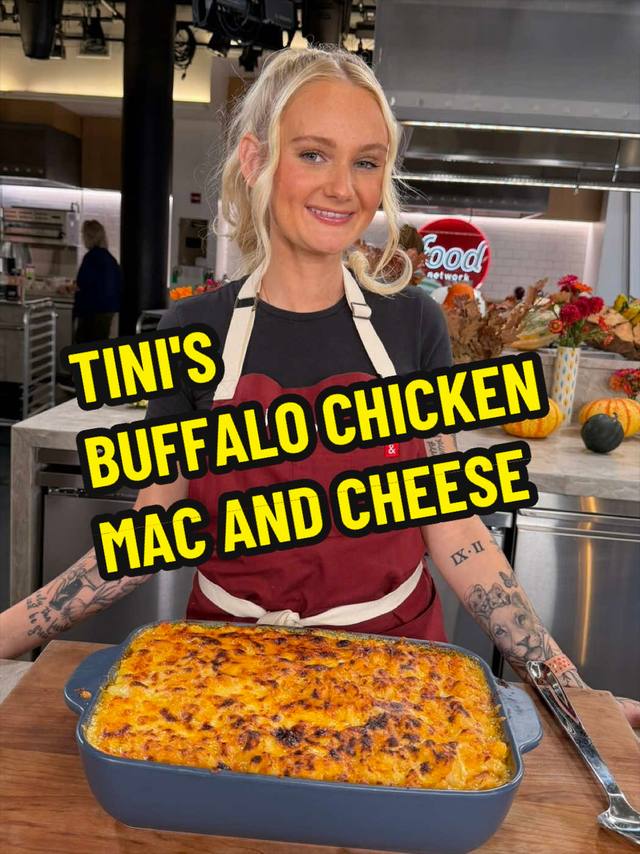
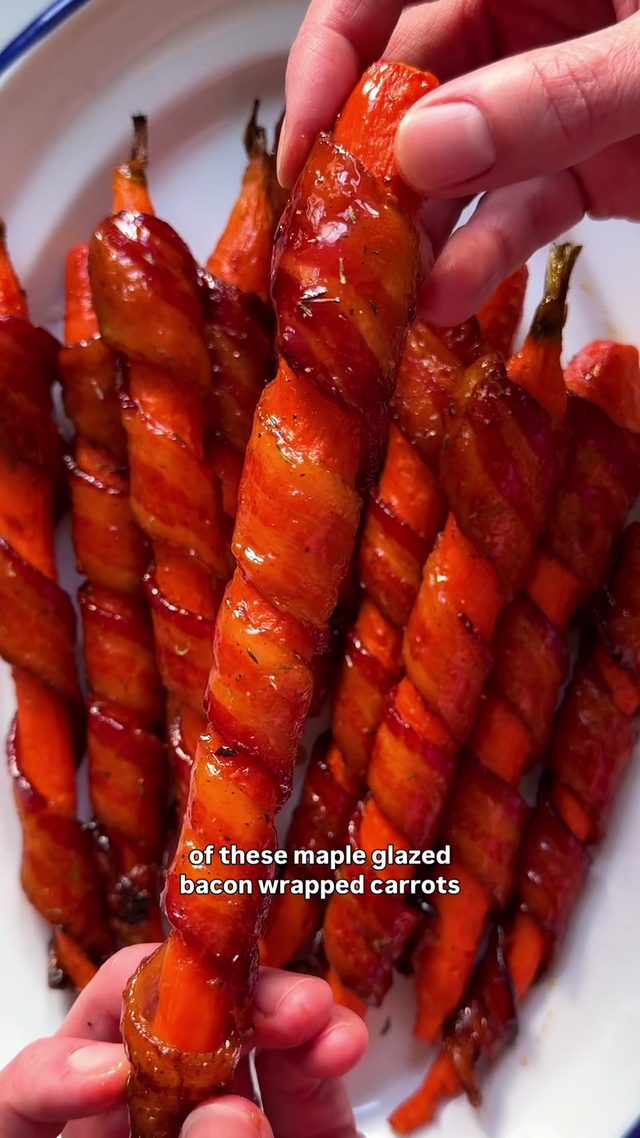
Recipe accounts and hosts are posting Thanksgiving and Friendsgiving menu-planning content, mixing step-by-step recipe demos with hosting and gathering footage, as the holiday closes in on the calendar.
Shoot the recipe overhead or at a slight angle with hands always in frame, cut on each distinct prep step (chop, wrap, glaze, roast) rather than letting any one shot run long, and caption every step with the ingredient or action in bold on-screen text. For hosting-focused clips, intercut table-setting and gathering b-roll with the food shots to sell the full occasion, not just the dish.
Who's doing it:
3. Cozy Winter Night Aesthetic
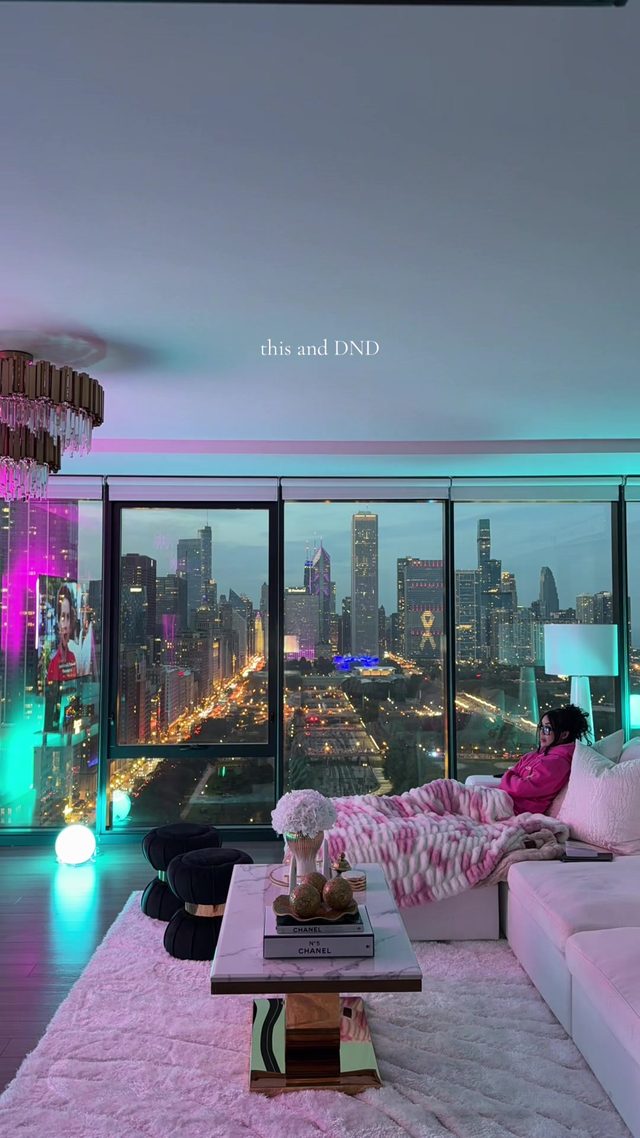
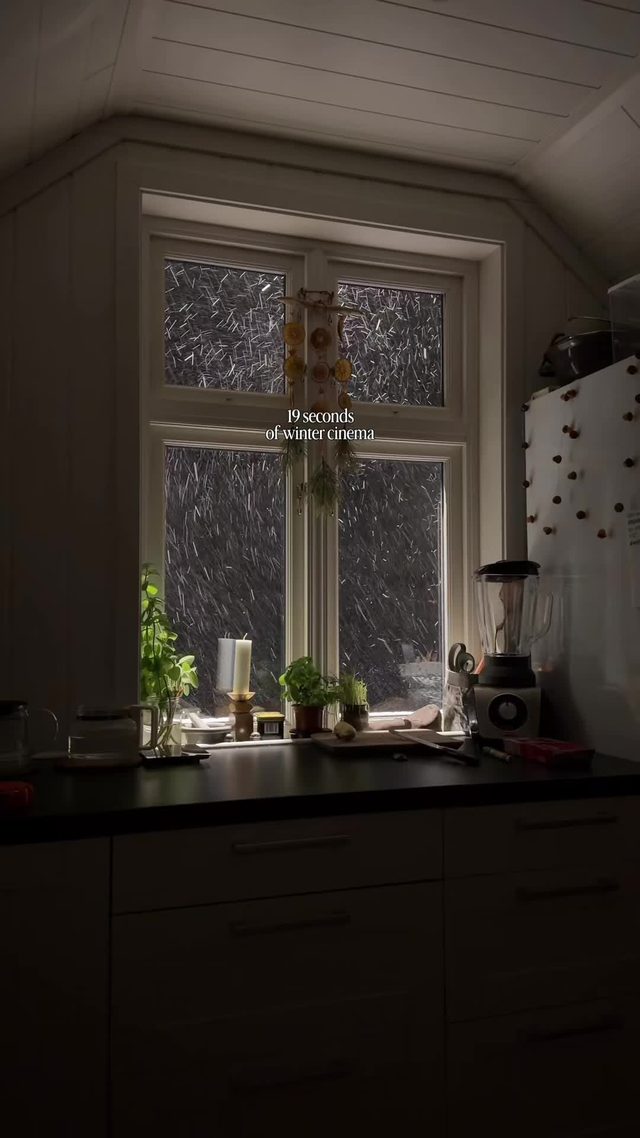
Slow, moody "romanticizing my night in" clips pairing warm-toned color grading with blankets, candles, and self-care routines, built to feel aspirational rather than chaotic.
Shoot in warm practical light (string lights, candles, a single lamp) rather than overhead lighting, grade warm with lifted shadows and slightly desaturated highlights so skin and fabric both read soft. Keep cuts slow, 2 to 4 seconds each, no jump cuts. Layer a lo-fi or slowed-down track under ambient room sound rather than full-volume music.
Who's doing it:

4. Vertical Podcast Clip Punch-In
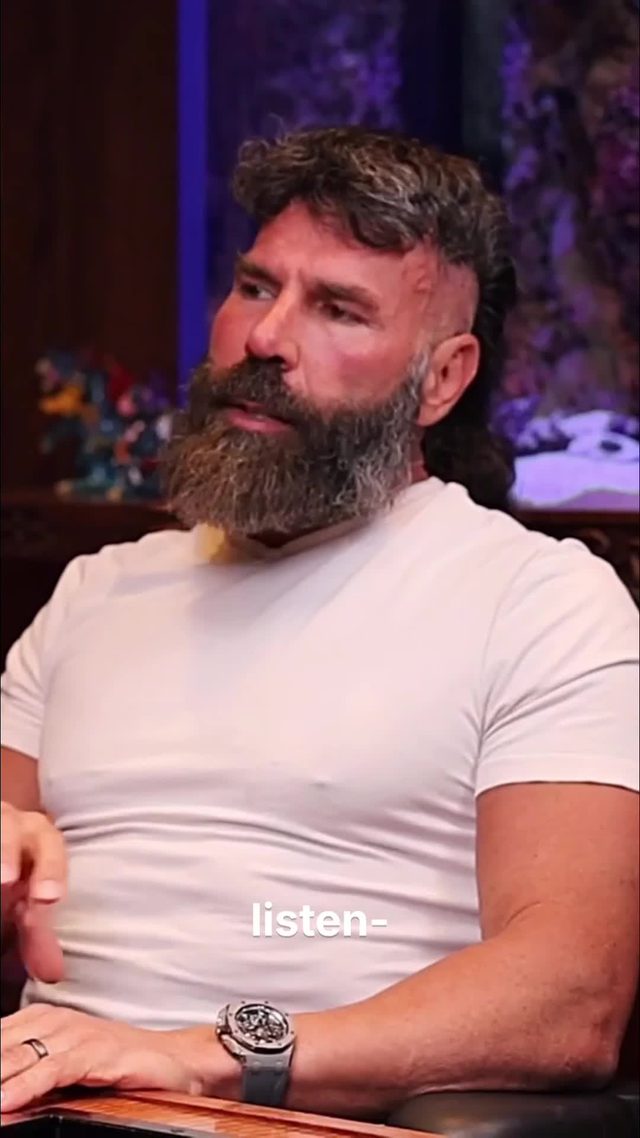
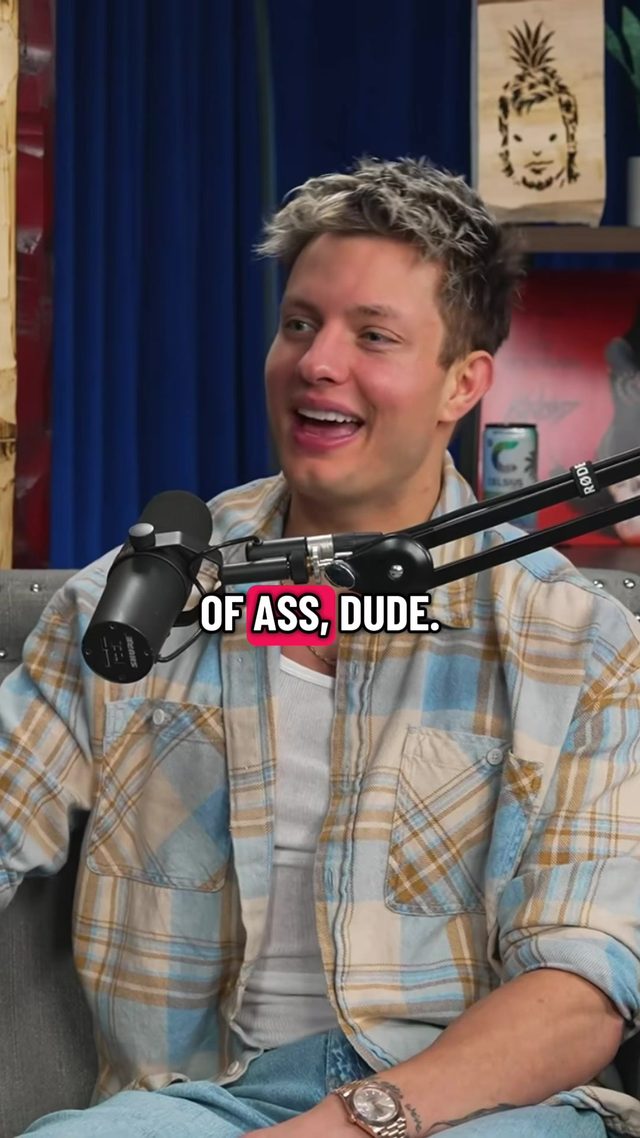
Long-form podcast and interview clips are still getting re-cropped to vertical with a slow punch-in on the speaker during the clip's best line, the same technique this report flagged as its most durable evergreen pick last week, still turning up fresh examples on new accounts this week.
Crop the horizontal source to 9:16 centered on the speaker's face. Add a slow continuous zoom (105% to 115% over the full clip) rather than a hard cut, so the crop is disguised instead of obvious. Burn in captions synced per word, not per sentence, bold sans caps. Keep clips to 30 to 60 seconds and cut in and out on a complete thought, picking the single most quotable or contentious line as the clip's spine.
Who's doing it:

5. CapCut Pioneer Template Reveal
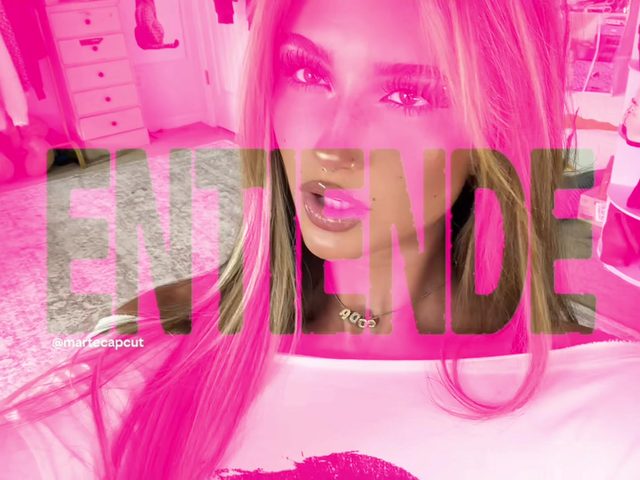
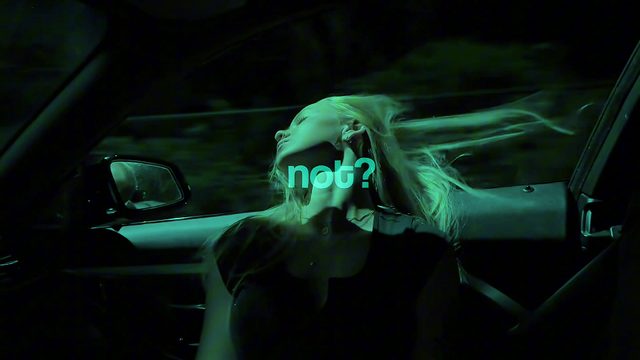
A specific CapCut "Pioneer" template is circulating, driving creators to post the same synced-cut, lyric-timed reveal structure with the template's name tagged directly in the caption so viewers can find and reuse it.
Use CapCut's own "Pioneer" template rather than building the cut from scratch, feeding in your own clips at the template's pre-set cut points so the timing and lyric sync carry over automatically. Keep clip selection high-contrast (clear subject changes between cuts) since the template's pacing is built for hard visual swaps, not slow motion.
Who's doing it:
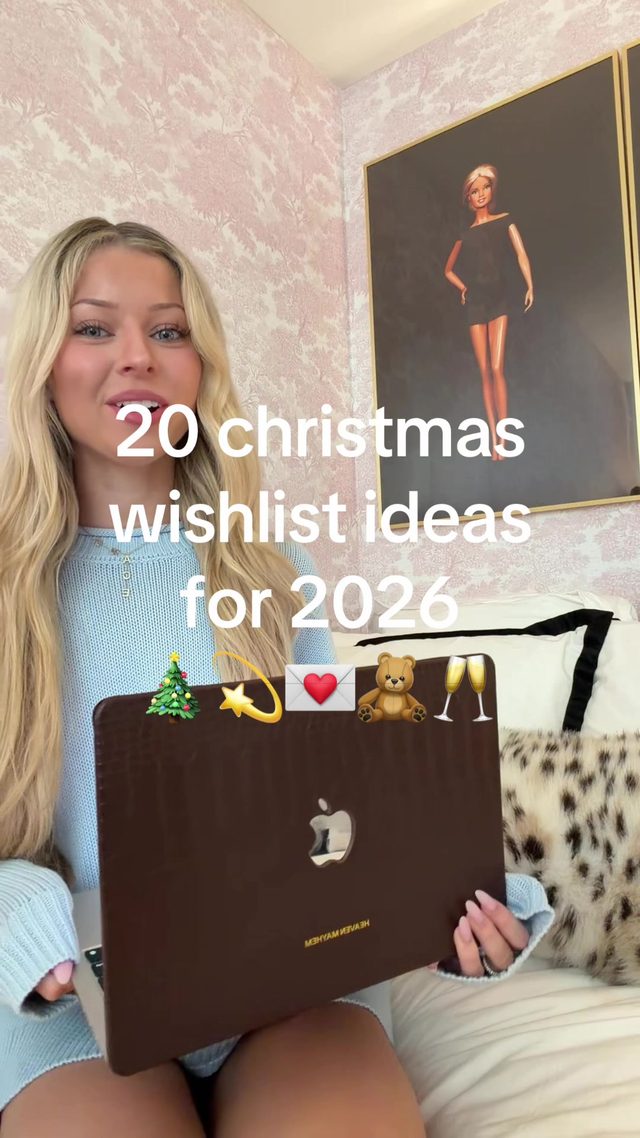
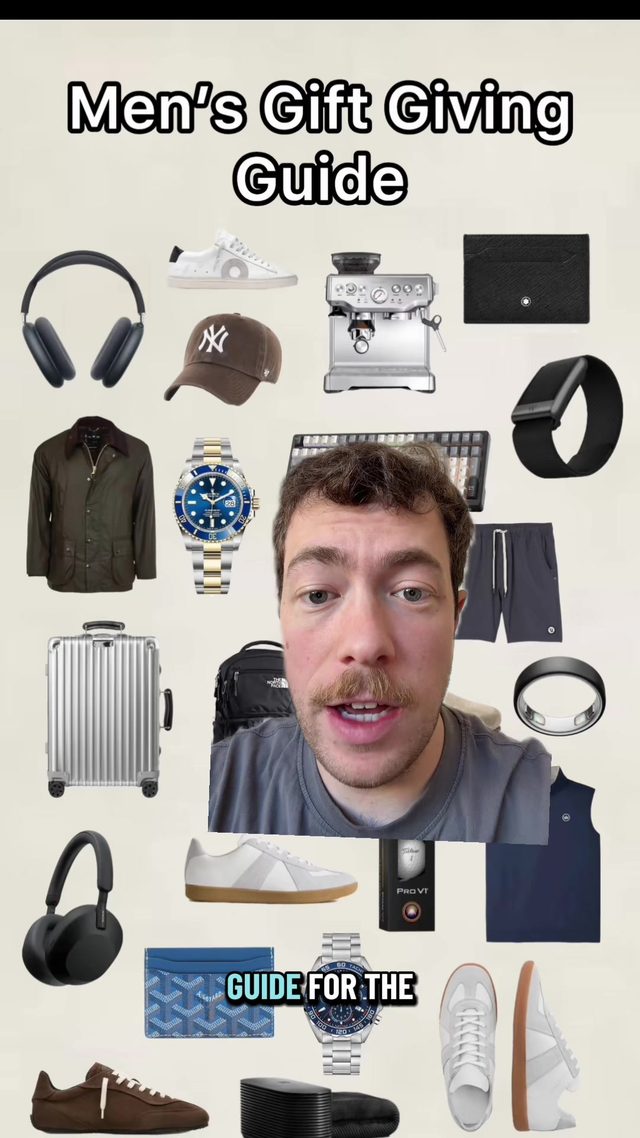
6. Holiday Gift Guide Wishlist Reveal
Creators are posting Christmas gift-guide and wishlist videos, holding up or screen-recording shoppable items with on-screen price or category text, as holiday shopping season formally opens.
Hold each gift item to camera for 1 to 2 seconds with consistent framing and lighting across the whole list, caption each one with its name, price, or category in the same text style and position so the list reads as a set. Link items through a shoppable platform (ShopMy, LTK, or similar) named in the caption rather than narrated on-screen, and order items cheapest-to-most-splurge or vice versa for a clear arc.
Who's doing it:

7. Quick Makeup/Outfit Transition Reveal
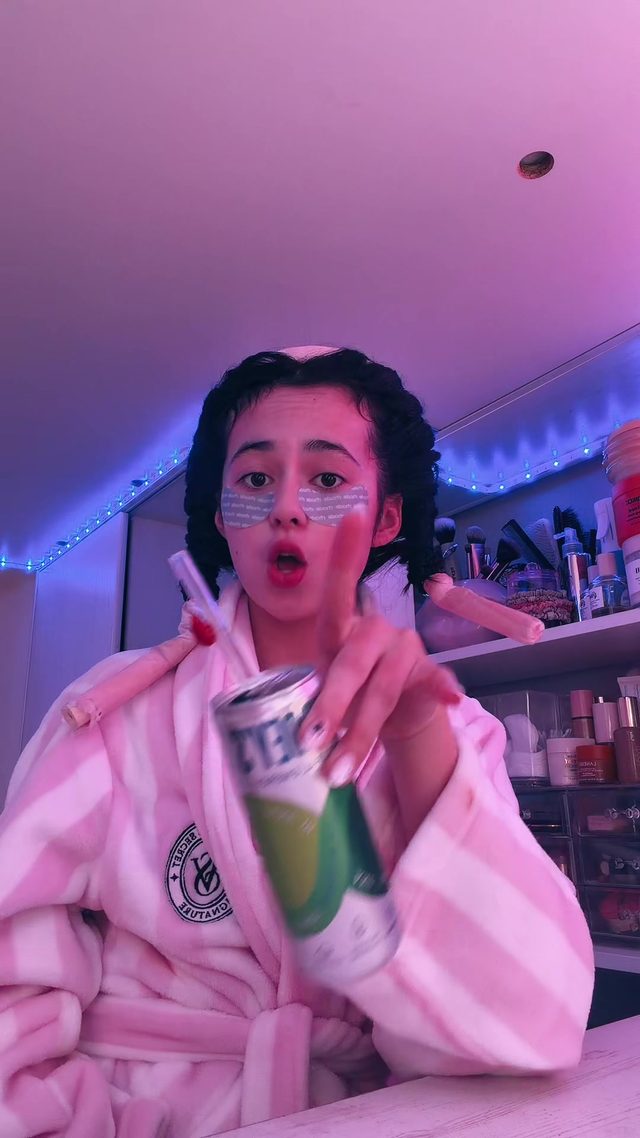
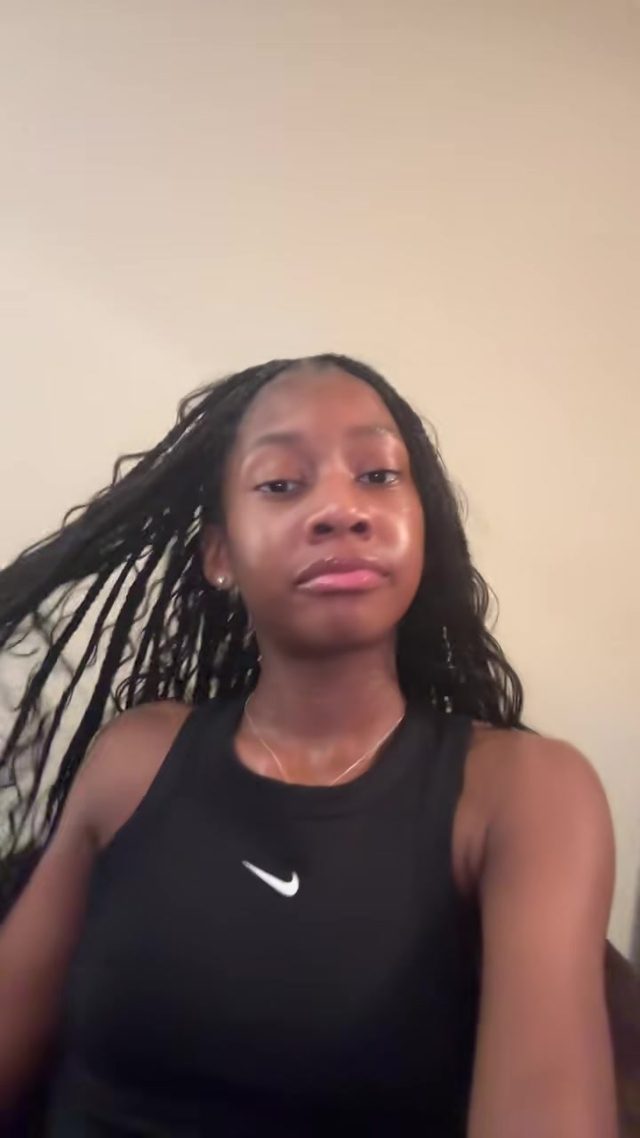
The evergreen whip-pan or hard-cut transition reveal, used this week for makeup looks and outfit changes rather than a seasonal hook, a reminder the format works independent of whatever content it is wrapped around.
Start on a static or slightly off shot before the look is finished, whip the camera or trigger a quick body turn to cue the cut, land hard on the finished look framed the same way as the setup shot. Sync the whip to a beat drop or a short sound effect, and hold the final shot for at least a full second so the reveal registers before cutting away.
Who's doing it:

8. Early Black Friday Deal-Drop Alerts
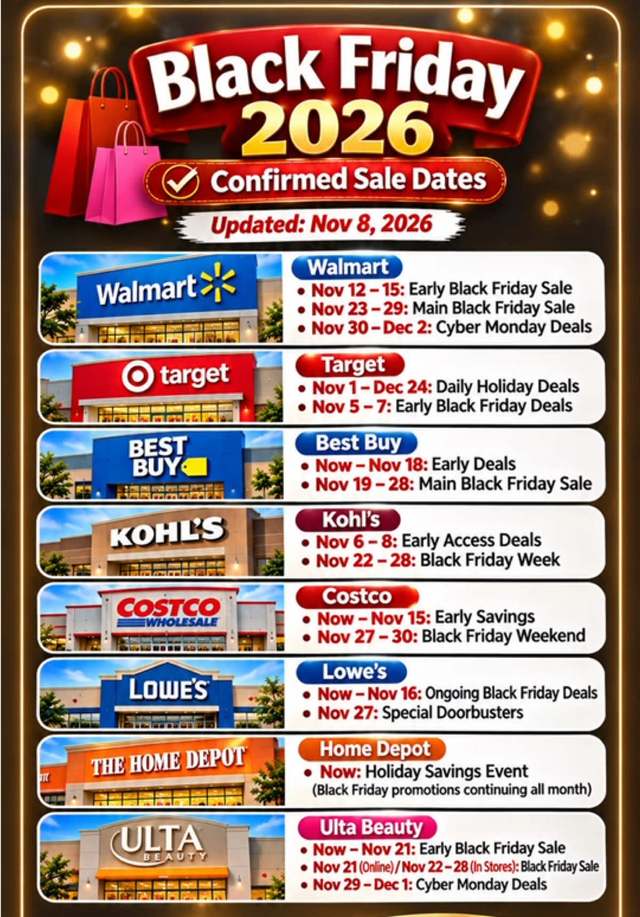
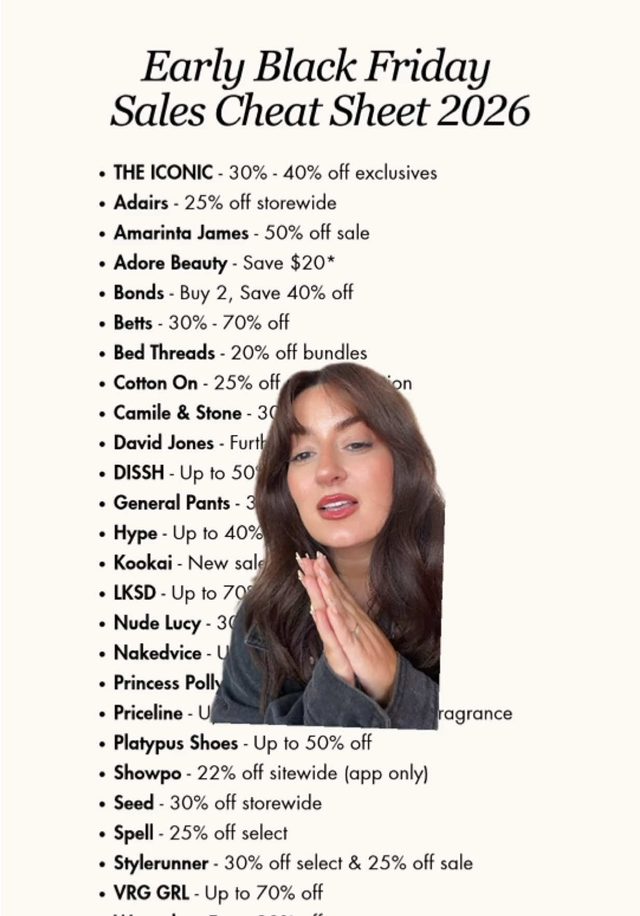
Retail and deal accounts are posting early Black Friday alert videos more than two weeks ahead of the actual date, calling out specific sale windows and in some cases specific store hours, as major retailers stagger early-access sales.
Lead with a bold on-screen date or countdown graphic naming the specific sale window, keep the talking-head or text-card format short (under 20 seconds), and caption with the retailer name plus a clear save-or-share prompt. Specificity sells the urgency: a vague "deals coming" post underperforms one naming an exact date, time, or discount percentage.
Who's doing it:

If you only build one thing from this report, make it the vertical podcast punch-in. It is the second week in a row it has shown up with fresh, verified examples on brand-new accounts, which is a stronger signal for an evergreen technique than any single week's view count.
Turn a Trend Into Your Hook
The template gives everyone the same edit. The hook is what makes yours the one people stop on. Paste a topic, get hooks built on what is actually working this week. Free to try.
Generate a Hook →
- Wes Fleming
ScriptHooks Weekly Trends