The Big Picture
This report covers October 26 through November 1, the week the calendar turned from Halloween to the holiday shopping season, and every trend here reflects that flip. The advent calendar unboxing reveal pulled the single highest view count of the week at 6.2M on a 3.5M-follower account, reusing the hold-up-and-freeze structure that worked for Halloween costume reveals a week ago, just pointed at a $325 beauty box instead of a costume. An ASMR gift-wrapping macro edit posted 5.4M views on sound design and camera placement alone, no voiceover or music needed. Three of the eight trends here are pure editing techniques rather than content topics, vertical podcast punch-ins, CapCut beat-sync zoom edits, and AI text-to-speech storytime, and all three are evergreen, meaning the skill outlasts whatever seasonal content it gets applied to this week. Instagram's scraper and web search again did not surface distinct, verifiable Reel URLs that cleared the bar used elsewhere in this report, and YouTube Shorts search returned mostly small-channel tutorial content well under the view-count bar, so this report draws from TikTok only.
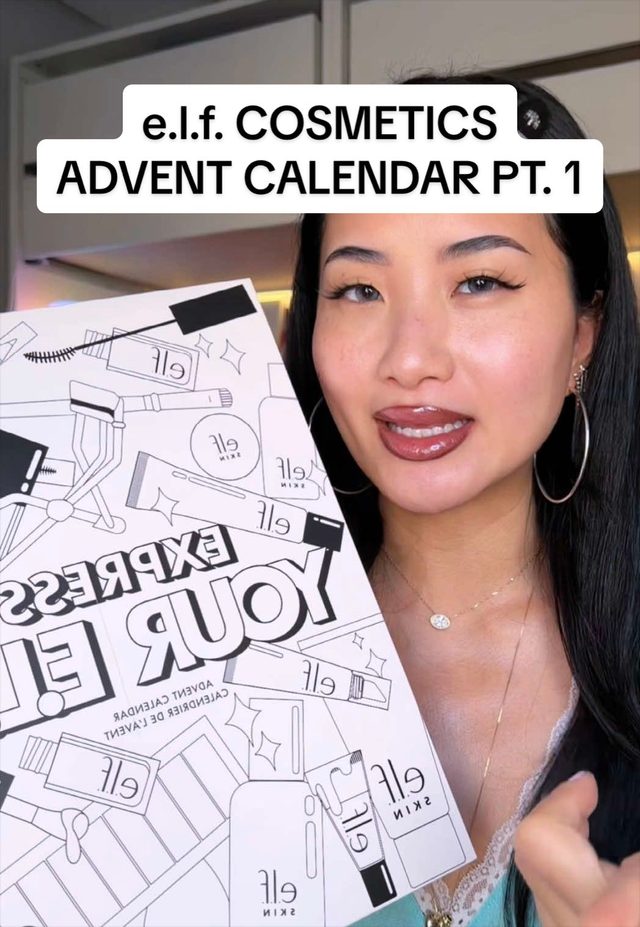
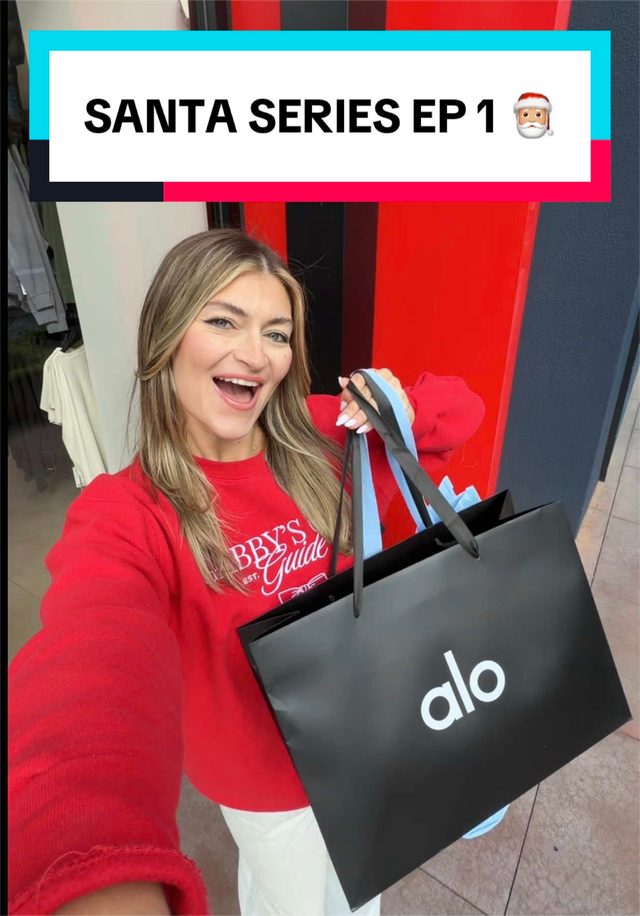
1. Advent Calendar Unboxing Reveal
Creators are opening the first door of pricey advent calendars in slow unboxing reveals, holding the product up to camera with a shocked reaction and on-screen price text. November 1 kicked off a wave of these as the holiday shopping season opens.
Hold the product chest-high, add a quick digital zoom (100% to 130% over 4 to 6 frames) as the lid opens, freeze on the shocked reaction for half a second, overlay bold white impact-font price text across the top third, caption with a price plus a question mark hook. Keep the whole reveal under 15 seconds on a single hard cut from box-closed to box-open.
Who's doing it:


2. ASMR Gift-Wrapping Macro Close-Up
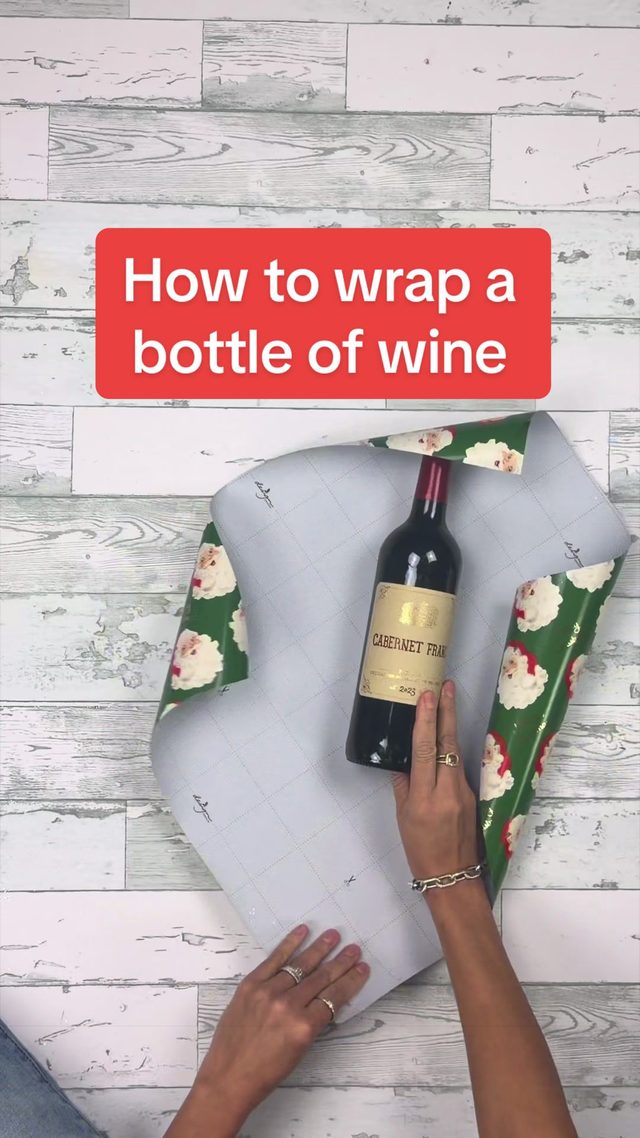
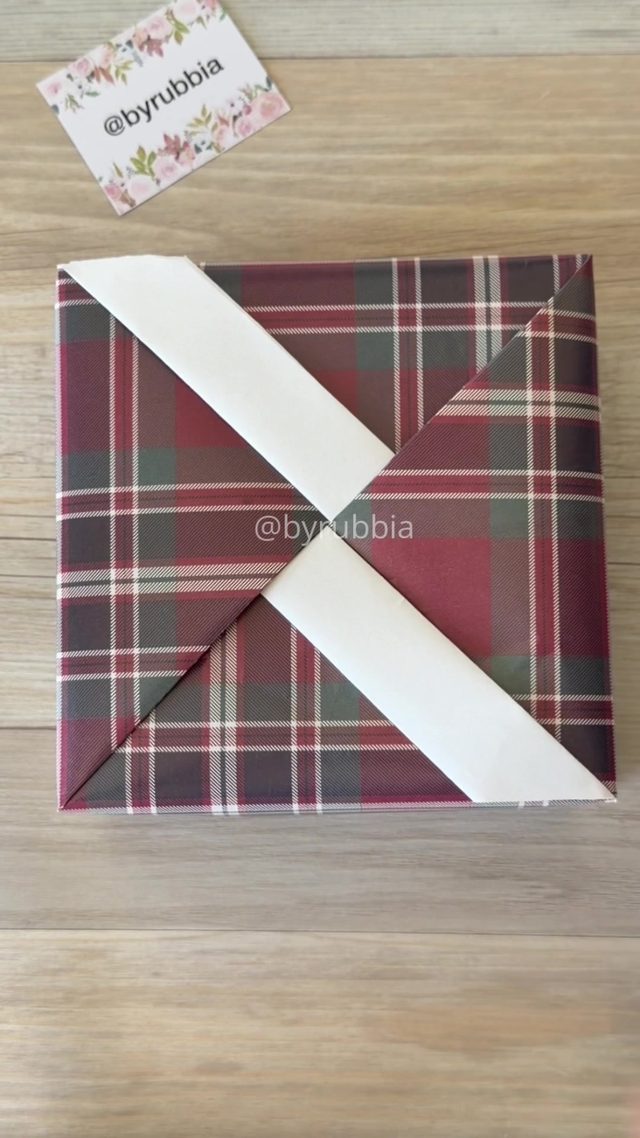
Close-up, top-down macro shots of hands folding and taping gift wrap, with crisp foley audio (paper crinkle, scissor snips, ribbon pulls) doing the storytelling instead of voiceover or music.
Shoot top-down, phone mounted overhead or on a mini tripod, at macro distance so there is crop room later. Cut on every distinct hand action (fold, crease, tape, ribbon) instead of letting one shot run long, aiming for 8 to 15 cuts in a 20 to 30 second clip. Boost the room-tone and foley track in post so paper and scissor sounds read clearly, and either skip music entirely or keep it well under the sound effects.
Who's doing it:
3. Vertical Podcast Clip Punch-In
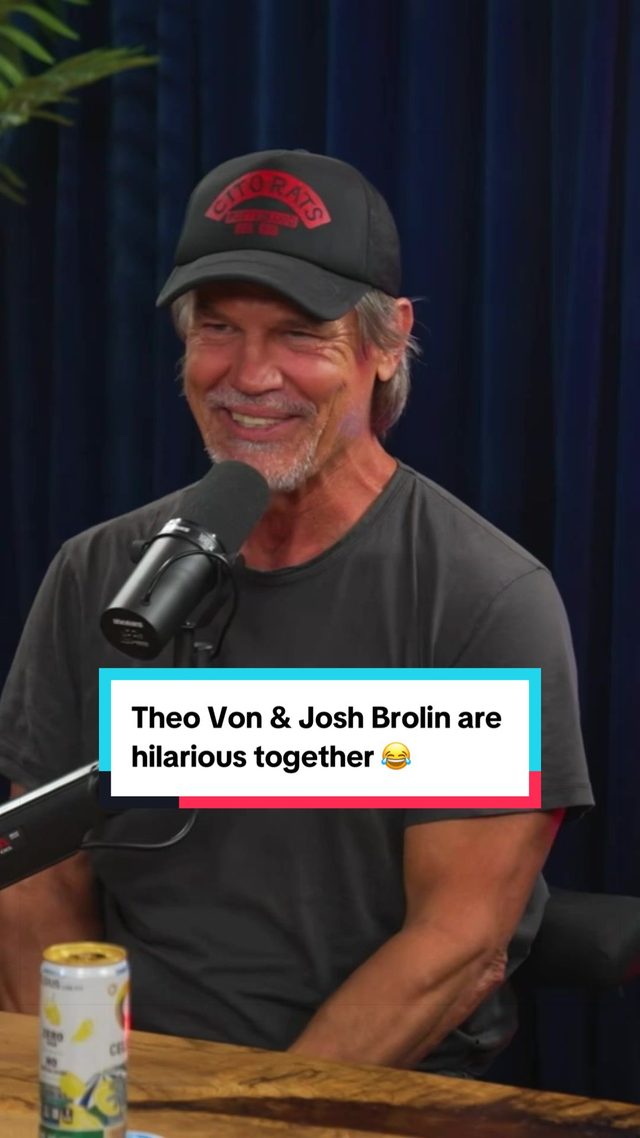
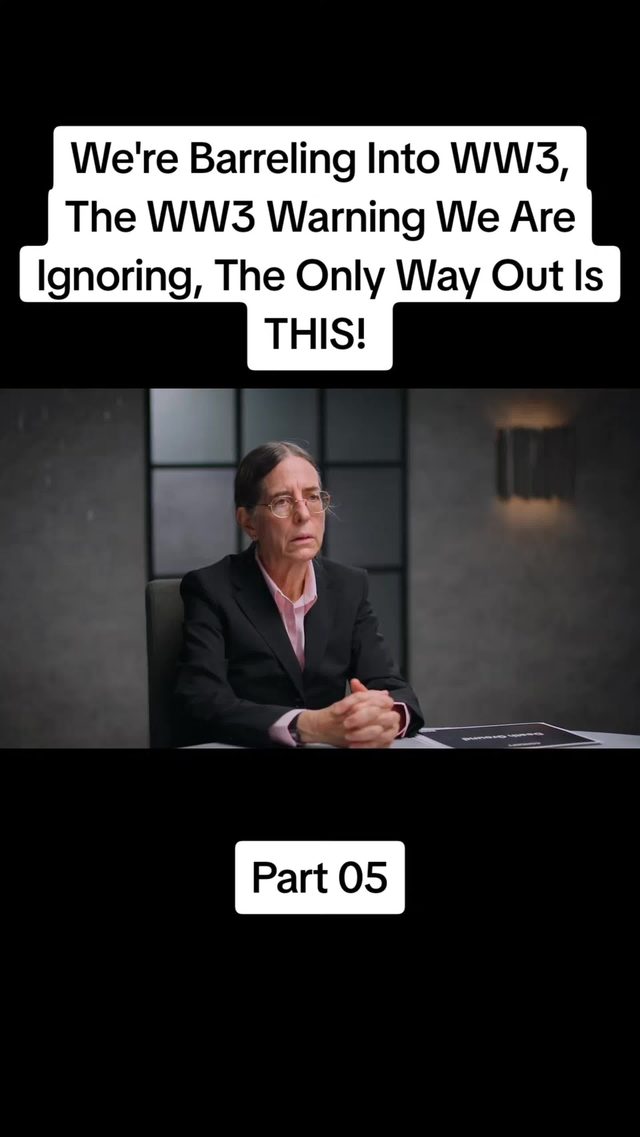
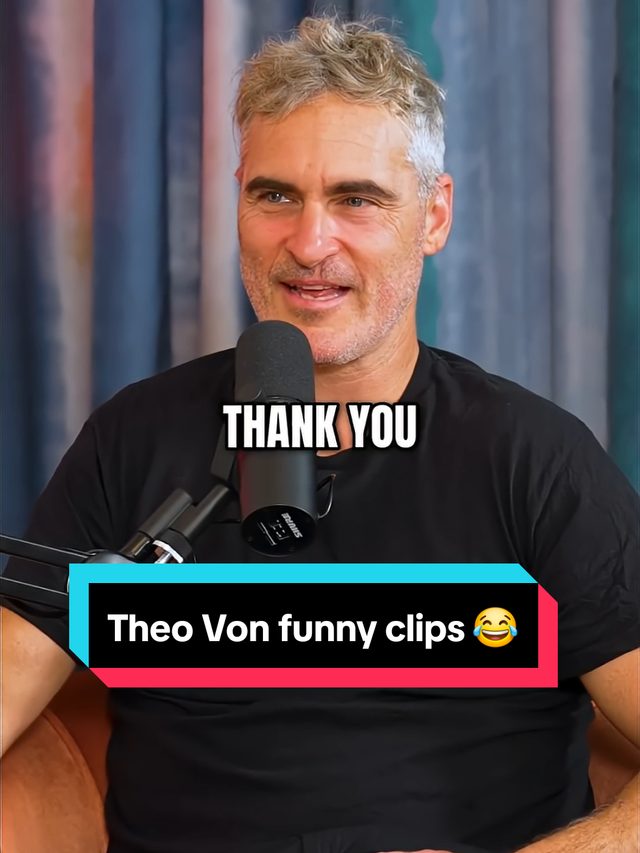
Long-form podcast and interview clips re-cropped to vertical with a slow digital punch-in on the speaker's face during the clip's best line, captions burned in word by word.
Crop the horizontal source to 9:16 centered on the speaker's face. Add a slow continuous zoom (105% to 115% over the full clip) rather than a hard cut, so the crop is disguised instead of obvious. Burn in captions synced per word, not per sentence, bold sans caps, white or yellow with a thin black stroke. Keep clips to 30 to 60 seconds and cut in and out on a complete thought.
Who's doing it:
4. Winter Fit-Check Spin Transition
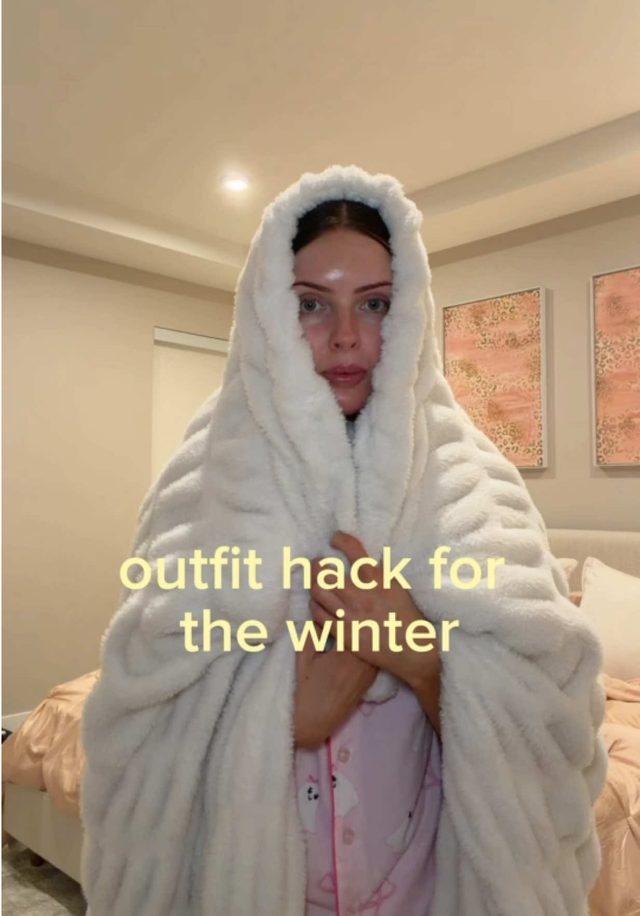
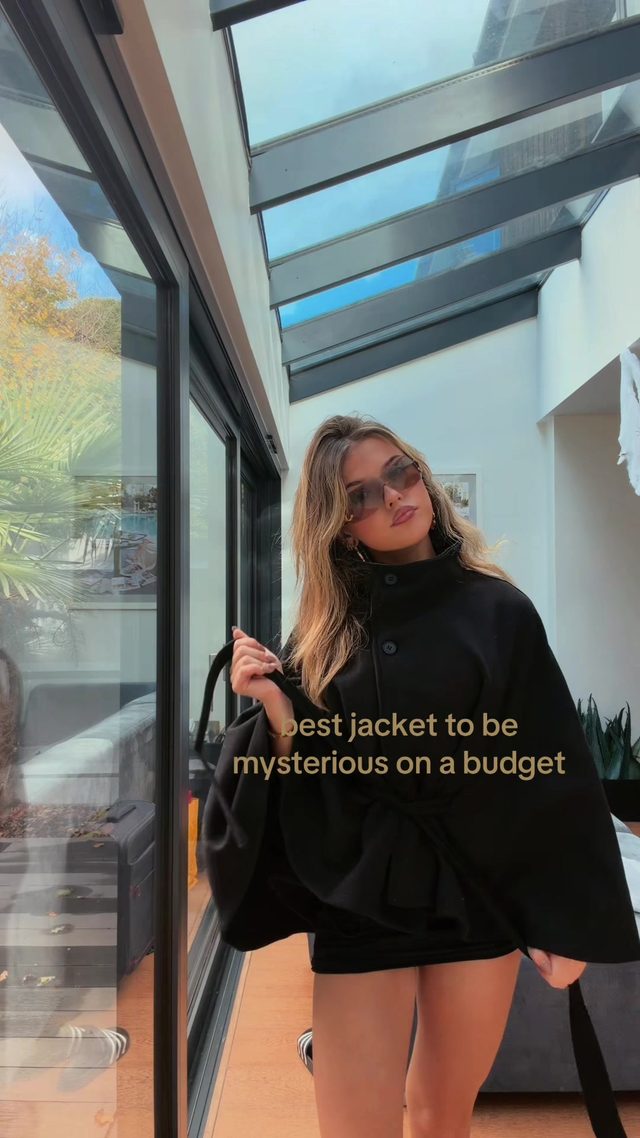
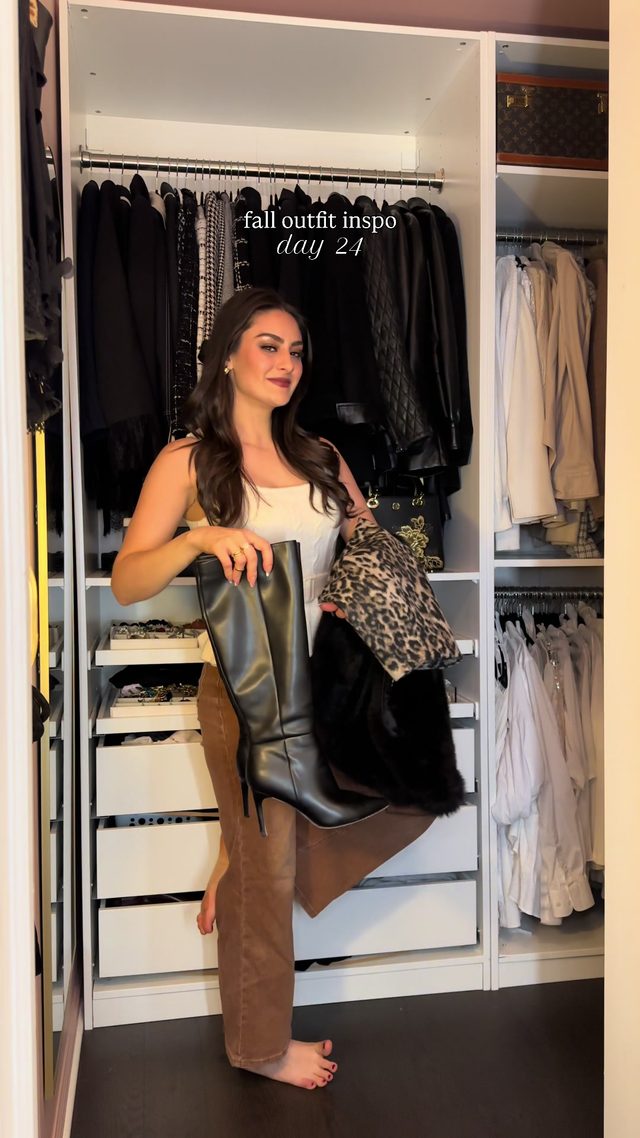
The seasonal return of the outfit-check spin: a hard cut or whip-pan from an everyday shot into a full-body spin showcasing a new coat, boots, or layered winter fit.
Start on a static establishing shot (face or room), whip the camera or do a quick body turn to trigger the cut, land on a full-body outfit shot framed waist-up to full-length. Sync the whip to a beat drop or a whoosh sound effect. Hold the final pose for 1 to 2 seconds before the next cut so the outfit registers.
Who's doing it:
5. CapCut Beat-Sync Zoom Edit
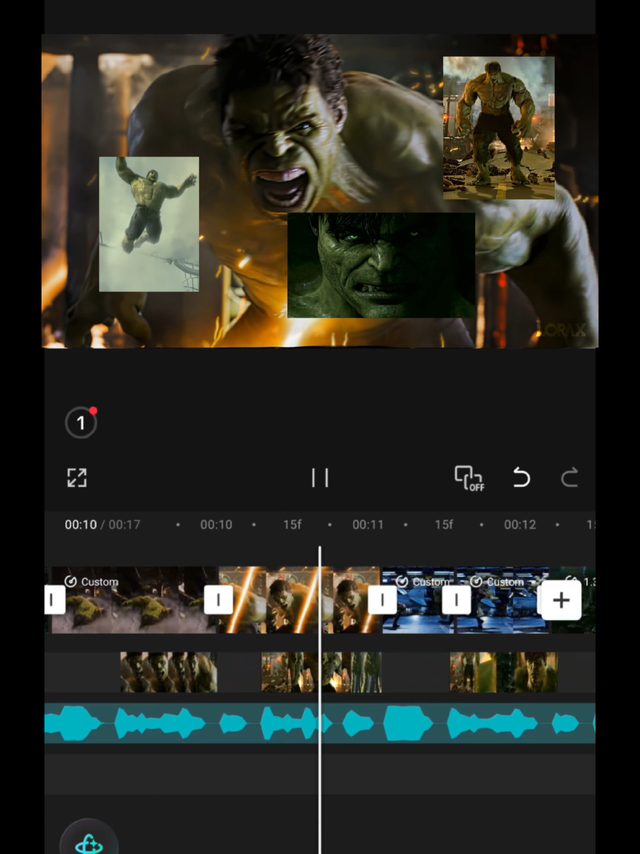
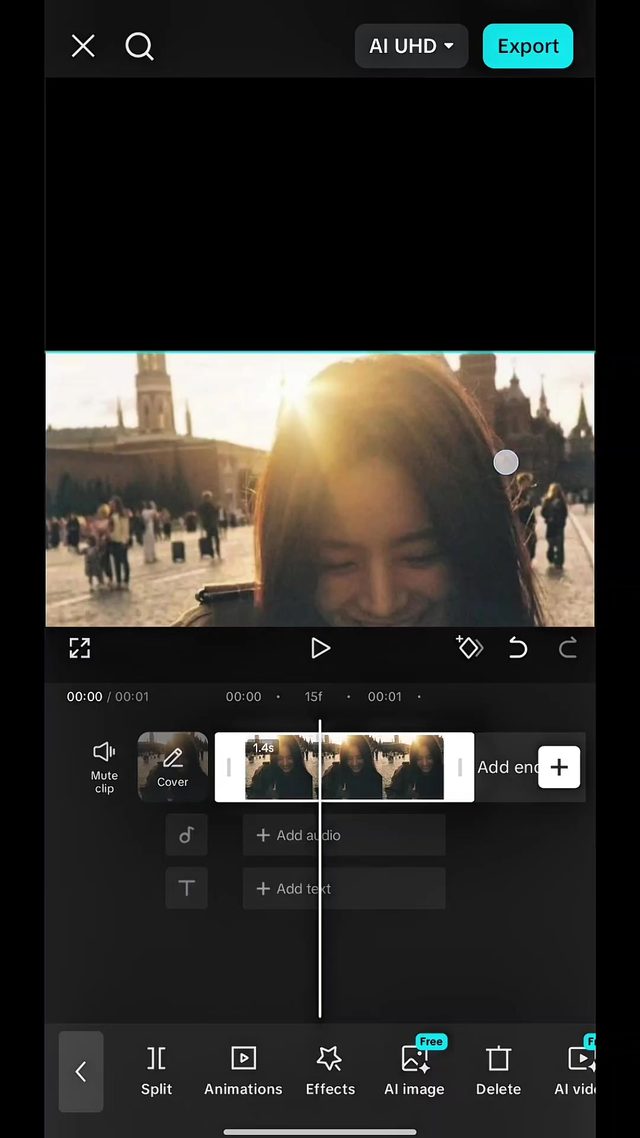
A CapCut-template-driven photo montage where each still image zooms sharply in or out exactly on a beat, stacked back to back with no transition besides the zoom pop.
Import 6 to 10 stills into CapCut, apply a zoom keyframe (0% to 20% scale change) timed to each detected beat marker using CapCut's auto beat-sync tool, 0.3 to 0.5 seconds per image. Layer a soft whoosh or click sound effect under the music on each zoom pop. Keep the whole sequence under 15 seconds.
Who's doing it:

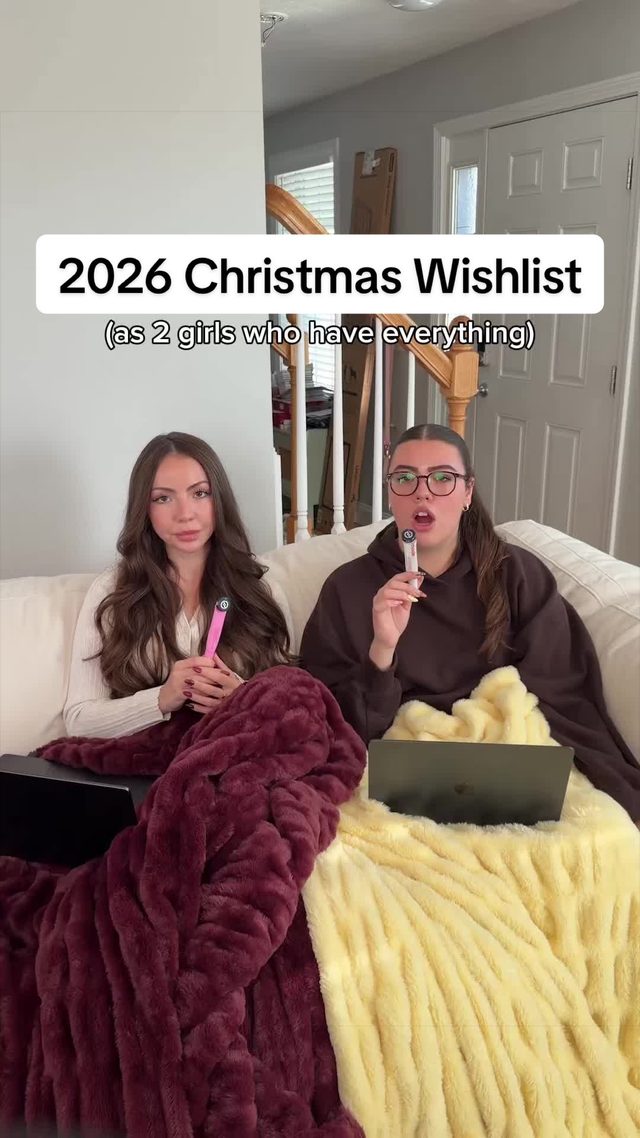
6. Rapid-Fire Gift Haul Countdown Cuts
Black Friday and Christmas-list haul videos built from a rapid sequence of hard cuts, one item held up to camera per cut with a price or reaction called out, no lingering shots.
Film each item separately against the same framing (chest height, same background) so the cuts read as one clean sequence. Hard-cut on the beat or on a spoken price callout, holding each item for 1 to 1.5 seconds max. Add on-screen price or deal-percentage text per item, reusing the same text style and position across the whole sequence for consistency.
Who's doing it:
7. AI Text-to-Speech Reddit Storytime
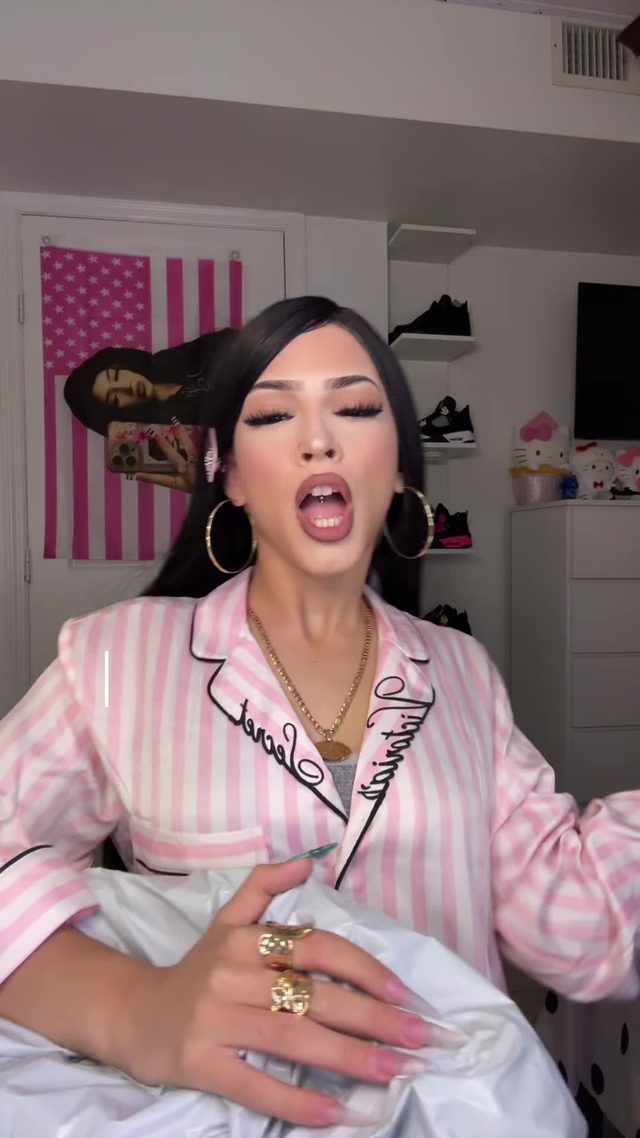
Screenshot-style fake confession or Reddit-post text read aloud by an AI text-to-speech voice over looping background b-roll, often split into a 'Part 1' with a cliffhanger.
Write or source the story as short, punchy sentences, feed it through a TTS voice (CapCut's built-in voices or a dedicated TTS tool), caption every sentence on screen timed to the audio. Loop low-motion b-roll underneath at text-safe contrast. End on a cliffhanger line and a 'part 2' callout.
Who's doing it:


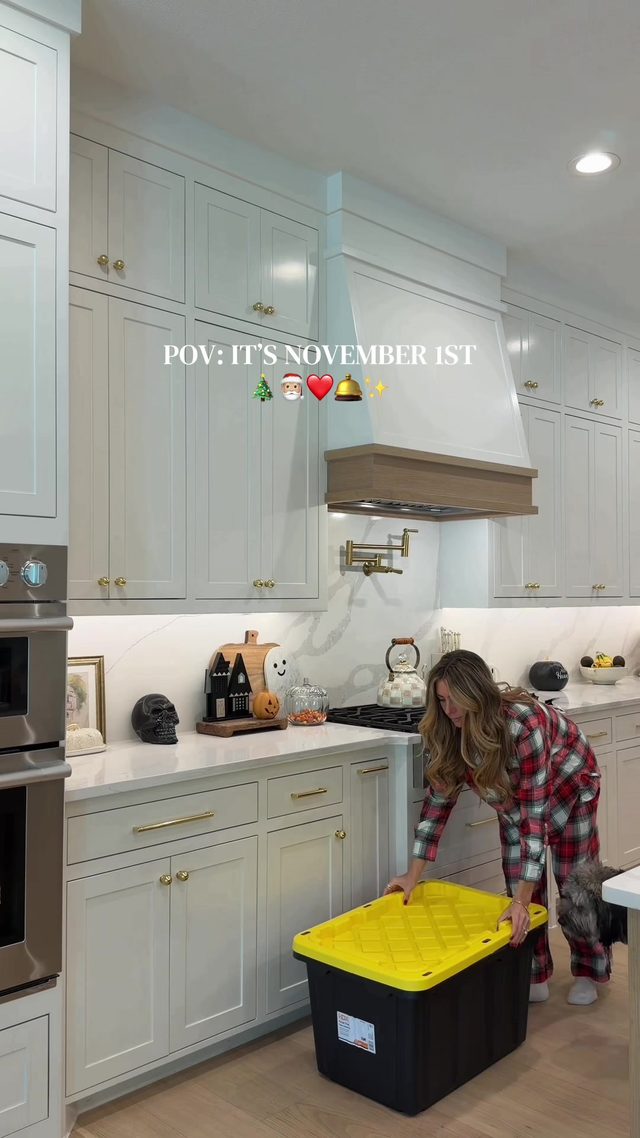
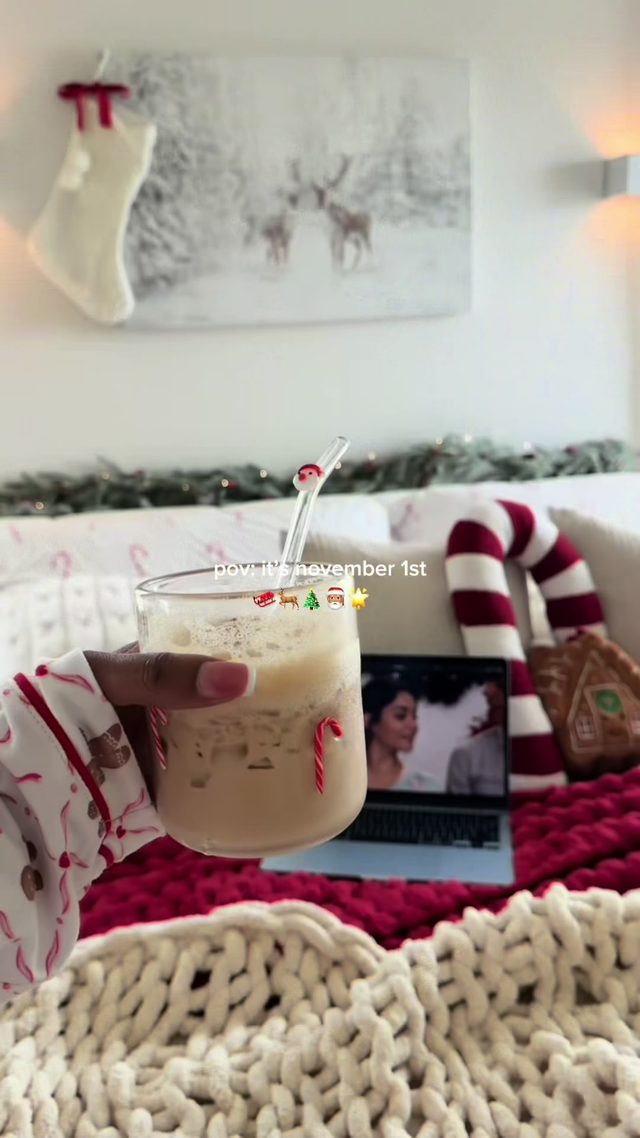
8. Early Christmas Decorating Flex
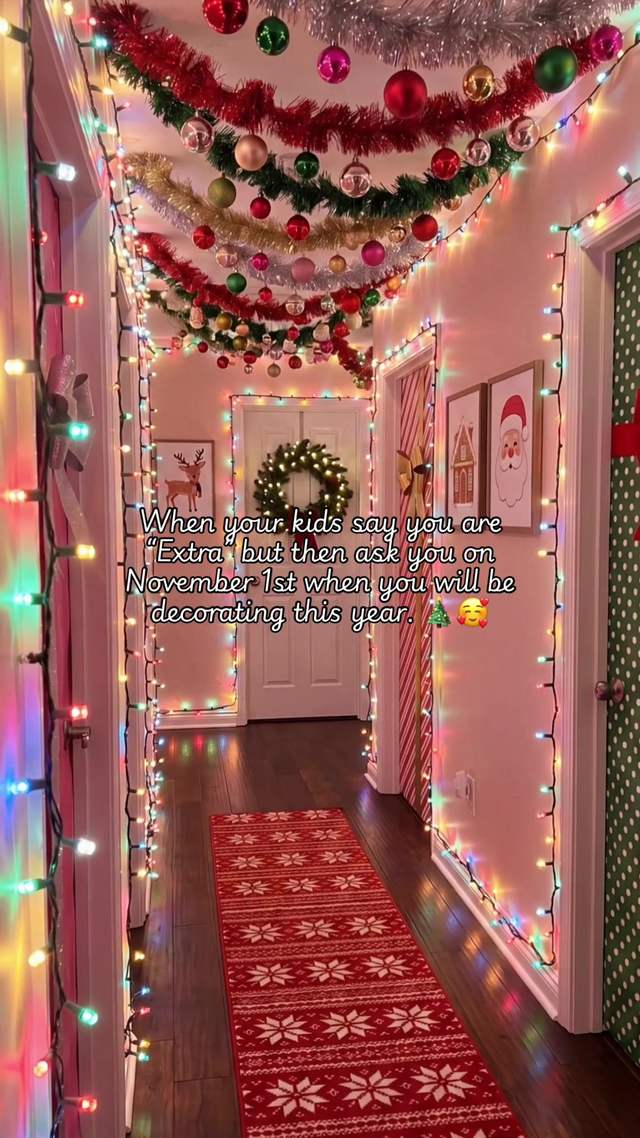
The November 1st tradition of posting a hard-cut before/after of the house decorated for Christmas overnight, captioned as an unapologetic 'no shame' flex rather than an apology.
Shoot the 'before' in the same framing as the 'after' (same angle, same lighting where possible) so the hard cut reads as an instant transformation. One hard cut, no transition effect, timed to a beat drop or a text line. Caption leans into the once-a-year excuse rather than defending the early decorating.
Who's doing it:
If you only build one thing from this report, make it the vertical podcast punch-in. It is not tied to the holiday calendar at all, it is the clearest evergreen editing skill in this week's data, and it keeps working on whatever long-form source you feed it.
Turn a Trend Into Your Hook
The template gives everyone the same edit. The hook is what makes yours the one people stop on. Paste a topic, get hooks built on what is actually working this week. Free to try.
Generate a Hook →
- Wes Fleming
ScriptHooks Weekly Trends