The Big Picture
One pattern runs through almost every trend this week: the template did the work. The biggest football edit on the chart is a countdown clock. The biggest dance clip is a photo run through a CapCut AI template. The barrier to a clip that looks viral dropped to a single asset and a few taps, and the view counts followed. A "World Cup 2026 in 7 days" countdown from a 351K-follower account pulled 10.5M views. A one-photo AI dance effect cleared 4.8M from a 21.9K-follower account. The production stopped being the moat.
The consequence shows up in the follower counts. Sub-50K accounts are hitting 5M and 22M views this week because the template flattens the skill gap. When the app handles the cut, the grade, and the timing, distribution stops rewarding edit polish and starts rewarding the thing the template cannot generate: the subject you picked, the angle you brought, and the moment you posted it. Last week the lesson was that the tutorial out-earns the trend. This week it is the same idea one step further. When everyone can run the template, the only scarce input left is the take.
Underneath the templates there is one editing move that keeps recurring: the speed ramp that lands on the drop. It is the engine inside the velocity edits, the phonk snaps, and even the World Cup cuts. If you only learn one technique this week, learn the slow-to-fast ramp timed to the bass hit, because it is the connective tissue across the entire list. For brand accounts with no face to put on camera, the AI dance and environment templates are the highest-leverage formats here. They need zero on-camera presence and the template does the heavy lifting.
1. FIFA World Cup 2026 Edit Templates
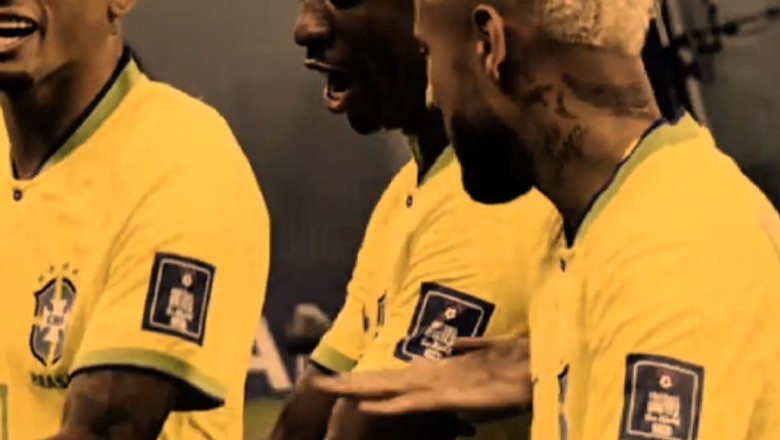
With the tournament kicking off June 11, football creators are flooding feeds with reusable edit templates: countdown edits ("World Cup 2026 in 7 days"), national-team squad reveals, and "first dance, last dance" farewell montages for veteran players. The countdown framing is the engine, because it gives every creator a built-in, urgent reason to post the same template every single day. To build it in CapCut: drop a large center-screen number that ticks down across days, cut fast between star players, and snap a scale-punch keyframe (100 to 115 percent over 4 to 6 frames) to the beat of a funk or hype track. End on a flag or trophy freeze-frame, then drop the bold sans countdown overlay on top.
@crftbl.10 on TikTok (351K followers) hit 10.5M views on June 4 with a textbook countdown edit. @jk7.ftbl.1 (42.6K followers) pulled 5M views on a Portugal-themed edit, and @czftbl10 (71.1K) hit 3.2M on the farewell-montage variant. The template lets sub-50K accounts punch far above their follower count. This is a time-boxed window: the countdown only works while there is a number to count down to, so post the countdown variant now and save the match-day reaction format for the tournament itself.
Category: Editing Technique | Shelf life: 1 month (timeboxed to the tournament)
2. Mink Mink Mink AI Dance Template
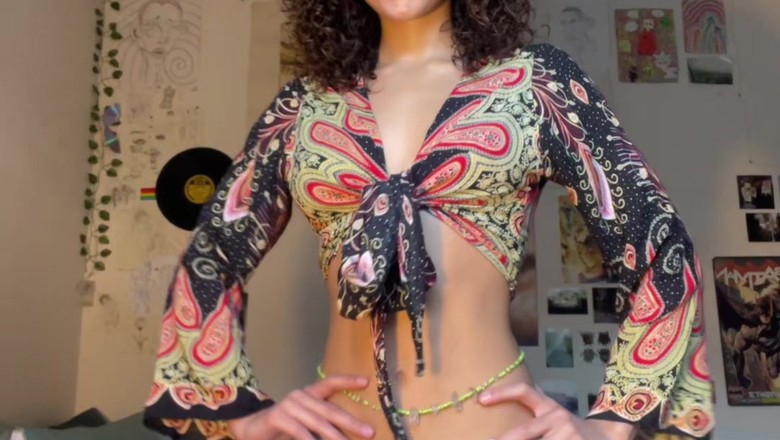
The "Mink Mink Mink" dance broke out of South African TikTok this spring, and creators turned it into a one-tap CapCut AI template: you upload a single still photo and the template animates it into the bouncy routine set to the viral track. The AI-template variant is what is carrying the trend now, because it lets anyone (pets, kids, grandparents, even public-figure edits) hit the dance without filming themselves. To run it: open CapCut, search the "mink mink mink" AI dance template, tap Use Template, upload one clear front-facing photo, and let the AI rig and animate it. Keep the clip to 7 to 15 seconds so the loop hits twice, and use the original sound rather than a cover for reach.
@whispering._soul2.0 on TikTok (345.5K followers) hit 22.5M views on May 26 with the core human-dance version the templates animate to. On the template side, the account @dgtemplate_ has racked up 23.8M views on the ready-to-use template itself, and @trendingtemp demonstrates the one-photo mechanic directly ("turn your photo into an AI dance"). The fit: animate a mascot, product, founder headshot, or fan photo into the dance with a single image.
Category: Visual Effect | Shelf life: 1 month
3. Beat-Synced Speed-Ramp Velocity Edit
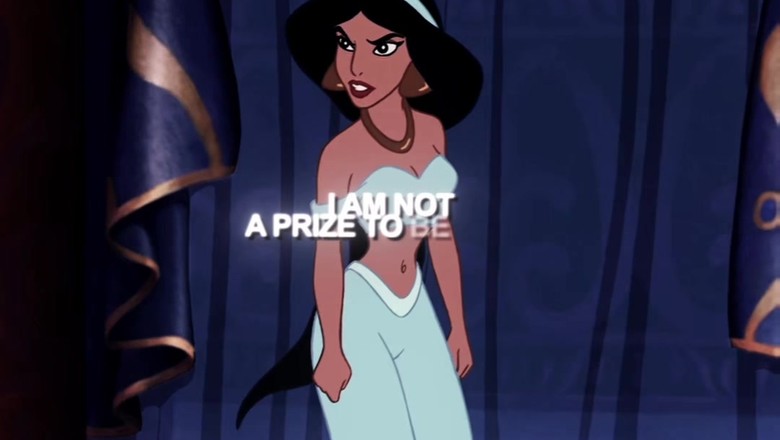
Editors slam clips from slow motion into a hyper-fast speed ramp timed to the beat drop, so the footage surges forward and snaps back in sync with the music. The aesthetic that started in anime and fan edits has gone fully mainstream across fashion, sports, and music promo. Cut on the beat first, then apply a speed curve so each clip eases from about 0.3x up to 4x to 10x right as the drop hits, then eases back down. In CapCut: Speed > Curve > Custom, shaped into a steep S so the fast peak lands exactly on the downbeat, with the audio waveform as your guide. Add directional motion blur on the transition frame to sell the surge.
@aeleahh on TikTok (519K followers) hit 1.8M views on a textbook on-the-drop velocity edit. @lil.zxuaep (437K) cleared 1M views on a June 4 music edit tagged #velocityedit and #aftereffects, and @nodnarbxedit (245.1K) pulled 844K on June 2. This is the connective technique of the week: the same ramp shows up under the phonk edits and the World Cup cuts. Learn it once and it travels.
Category: Editing Technique | Shelf life: Evergreen
4. Olivia Rodrigo Lyric-Overlay Confessional
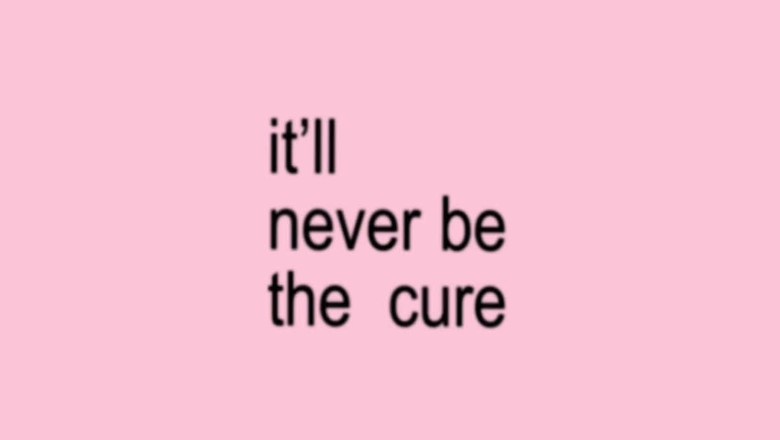
Creators set a slow, emotional song clip under aesthetic b-roll and stamp the lyrics across the frame line-by-line as the vocal hits, turning the post into a confessional. The format is surging because Olivia Rodrigo played a surprise Primavera Sound set on June 6 and announced a new song and album for June 12, so fans are pre-loading lyric edits to ride the release. In CapCut, drop your b-roll on the base track, add Text, and split it so each line appears exactly when it is sung. Use a condensed sans, white text with a light stroke for legibility, and animate each line in with a quick fade or typewriter reveal on the downbeat, fading out before the next line so the screen never crowds.
@bratsbaby03 on TikTok (85K followers) hit 995K views on an Olivia "The Cure" lyric edit. The format is carrying reach over follower count: @hrvrls, a sub-2K-follower account, pulled 574K views on the same lyric-overlay template, and dedicated overlay account @bestoverlayz hit 1M views packaging the lyric stamp as a reusable preset. Best for music edits, mood montages, and any post where you want a lyric to do the emotional talking.
Category: Text Overlay | Shelf life: 1 month
5. Stuck-Frame Freeze-Frame Glitch Edit
The stuck-frame edit freezes the subject mid-motion while the rest of the clip keeps playing, then snaps back with a glitch or shutter beat, creating a moment-stops-time hit on the music. CapCut shipped a one-tap template plus a Photogenic slow-mo filter for 2026, so creators can recreate the look without manual keyframing. To build it manually: split the clip on the beat, apply Freeze to the split point holding 0.4 to 0.8 seconds, duplicate the frozen frame and cut out the subject so it stays sharp while you blur the background underneath, then add a 1 to 3 frame RGB-split or shutter flash on the freeze beat. Pulse a 5 to 10 percent scale-up on the frozen subject exactly on the downbeat, then release back to motion. Repeat on 2 to 4 of the song's biggest hits.
@kkira883 on TikTok (57.5K followers) hit 1.5M views on a 2026 Photogenic Filter tutorial built around the slow-motion-and-freeze look. @edie.edit (164.7K) is on episode 50 of a recurring "Freeze Frame Memory Effect" tutorial series, and the same creator's YouTube freeze-frame tutorial cleared 3.2M views, proving the technique is trending cross-platform. Best for memory and recap montages, main-character moments, fashion reveals, and sports highlights.
Category: Editing Technique | Shelf life: 1 month
Also Trending This Week
- One-Photo AI Dance Effect: The broader version of the Mink template. Feed any still photo into a CapCut "AI Sway Dance" template or an image-to-video tool and it animates the subject into a full beat-synced dance. @inthevibezone0 (21.9K followers) hit 4.8M views with 219.7K shares on a single AI-animated photo. The novelty of a static face suddenly dancing drives huge share counts, and the formula is endlessly remixable across any photo or song.
- Phonk Velocity Snap: The speed ramp fused with the drift-phonk sound. Hold a clip near 0.3x through the buildup, then snap to full speed within 2 to 4 frames exactly on the bass hit, with motion blur on the transition. Football, anime, and car edits are all riding it. A 2.2M-follower editor is pushing near-identical Ronaldo phonk snaps multiple times a week. 1 month shelf.
- Photogenic Filter 2026: A CapCut one-tap template that runs a photo or short clip through a warm cinematic grade, a slow-motion ramp, and a freeze-frame hold on the most flattering moment. CapCut surfaces it as a shareable "tap the icon to get this style" challenge, which is driving heavy template re-use across TikTok and Reels. Best for selfie, portrait, and glow-up content.
- Bass Da Da Da Beat-Synced Jump Cuts: A CapCut template that auto-maps hard cuts to the percussive "Bass Da Da Da" bass triplet. Drop in 6 to 10 photos or clips and the template snaps each one to a beat with zoom punches. Anime, K-pop, and art-reveal fandoms are all using the same sound, with installments clearing 1.7M views. Useful for any fast "show me X things" montage.
- Reimagine Environment Swaps (Veo 3): Emerging. YouTube Shorts' new Reimagine remix tool uses Veo 3 to repaint the background or whole environment around your real subject while keeping the original footage in frame. It is free and built into the Shorts editor, and a 1.3K-subscriber channel already pulled 176K views with it. The look of a real person anchored inside an obviously AI-generated world reads instantly as the new format. Watch this one.
What's Fading
- Instagram "Lofi Dusk" AI Restyle Filter: Last week's top trend did not resurface. The AI-portrait conversation has shifted to AI dance and environment swaps, and the dusk-filter tutorials have cooled.
- JENNIE x Tame Impala "Dracula" Aesthetic Walk: Peaked. The February audio's third wave has run its course, with no new on-theme adoptions surfacing this week.
- "Wow Ok" Four-Read Acting Challenge: Cooling. As usual for performance challenges, the velocity compressed fast and the format dropped out of rotation.
- NSYNC "It's Gonna Be May" Lip-Sync: Peaked. A calendar-bound seasonal that always fades the week after May 1.
This week's lesson: when the template does the work, the edit stops being the moat. A countdown clock, a single photo, a one-tap filter all produce a clip that looks viral with no skill gap left to defend. What the template cannot generate is the subject you choose, the angle you bring, and the timing you hit. For the World Cup, that timing is the countdown window. Post now, because once the matches start, the tournament writes its own format.
Further reading: "AI Can Make Content. It Can't Make Hits." A longer note on the gap between technique and originality, and where the take still has to come from you.
Turn a Trend Into Your Hook
The template gives everyone the same edit. The hook is what makes yours the one people stop on. Paste a topic, get hooks built on what is actually working this week. Free to try.
Generate a Hook →
- Wes Fleming
ScriptHooks Weekly Trends