The Big Picture
This week (August 3 to August 9) leans hard into transitions built around a single audio cue. The Paparazzi dubstep remix, a marble-and-Italian-funk beat-sync pairing, and a handful of meme-audio velocity edits are all doing the work of making a simple cut feel choreographed. Give viewers a sound they already recognize and the cut itself barely has to try.
The CapCut tutorial economy is also visibly alive right now. Two of this week's ten trends, the seamless multi-clip transition series and the slow-motion split-screen template, are spreading primarily through creators teaching the technique rather than just using it. That tends to give a trend a longer shelf life than a pure aesthetic fad, since it keeps getting reposted by new editors long after the original clip stops circulating.
Reality-TV-style dramatic editing is the most portable technique on this week's list. It is not tied to any single audio track or template, and it already jumped from a couple of niche recap accounts to a 4.9M-follower creator in the same week. If you only build one thing from this report, that is the one worth watching for how far it spreads next.
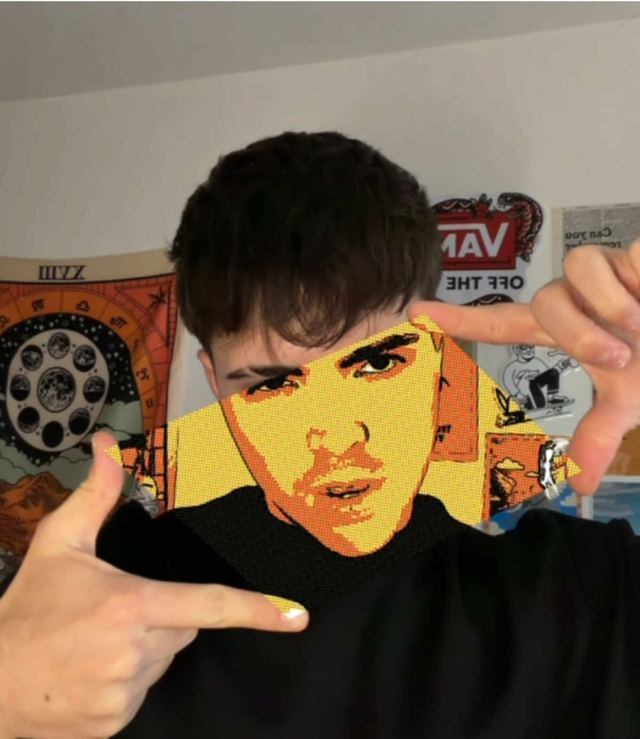
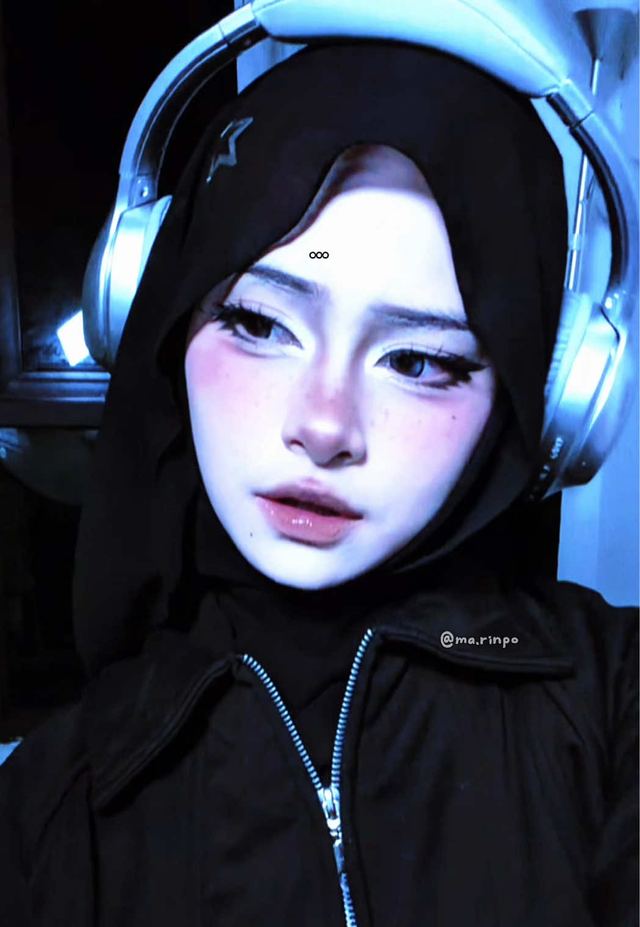
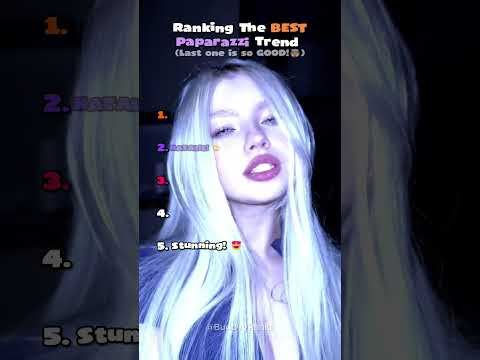
1. Paparazzi Glow-Up Transition
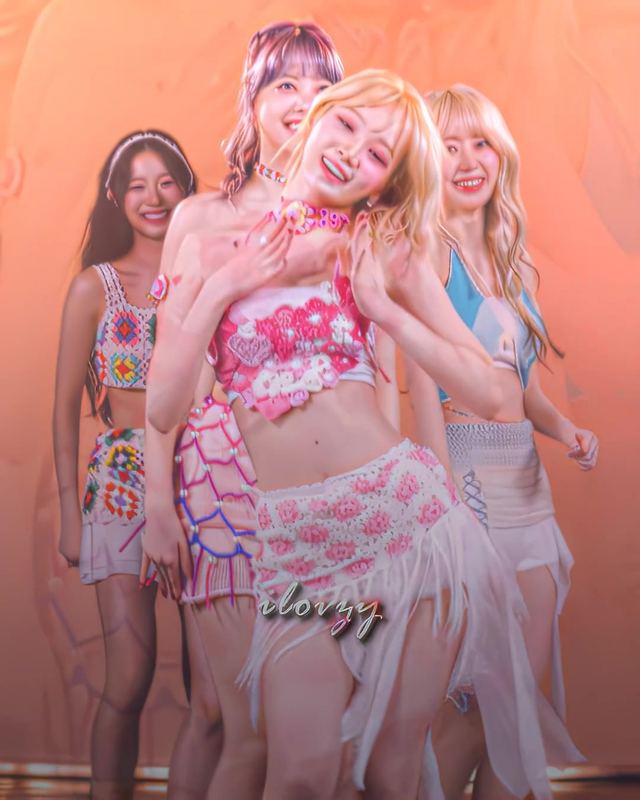
A slide-and-spin transition timed to the Alximo dubstep remix of Lady Gaga's "Paparazzi," used to whip from an everyday look into a glammed-up reveal. Start on the plain-look frame, hold through the build-up bars, then hard-cut on the drop into the glammed-up frame with a quick 2 to 3 frame flash or white-out at the cut point. Match the cut on a consistent body position, a raised hand or a hip pop, so it reads as one continuous move instead of two separate clips.
It is also the rare trend that has already crossed platforms this week: alongside the TikTok originals, YouTube creators are posting ranking and reaction Shorts built entirely around it.
Who's doing it:
2. Reality TV-Style Dramatic Zoom-Punch Editing
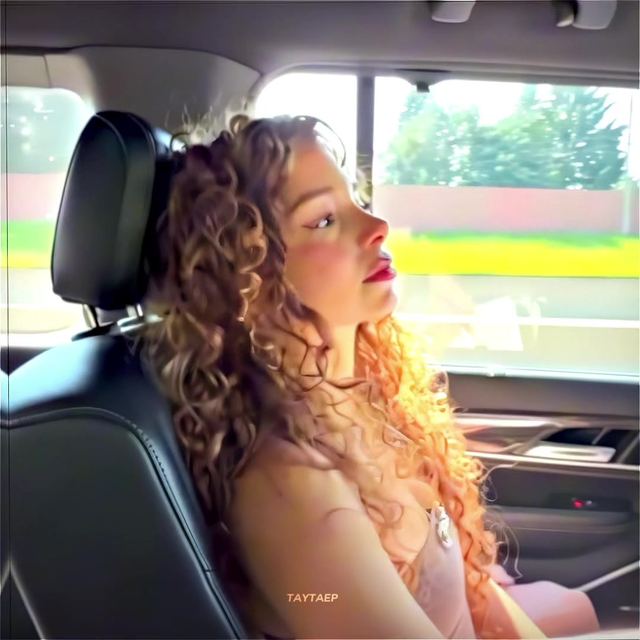
Creators are cutting everyday clips, relationship drama, reality-show recaps, with the same punch-in zooms, dramatic sting sounds, and slow-motion holds that Bravo-style reality editors use to sell a moment. On the emotional beat, punch in with a fast digital zoom (roughly 100 to 130 percent over 4 to 6 frames, ease-out) paired with a low dramatic sting or bass hit. Follow with a half-second to one-second slow-motion hold on the reaction face before cutting away, and repeat the punch-in 2 to 3 times across the clip so the tension escalates toward the final beat.
Who's doing it:

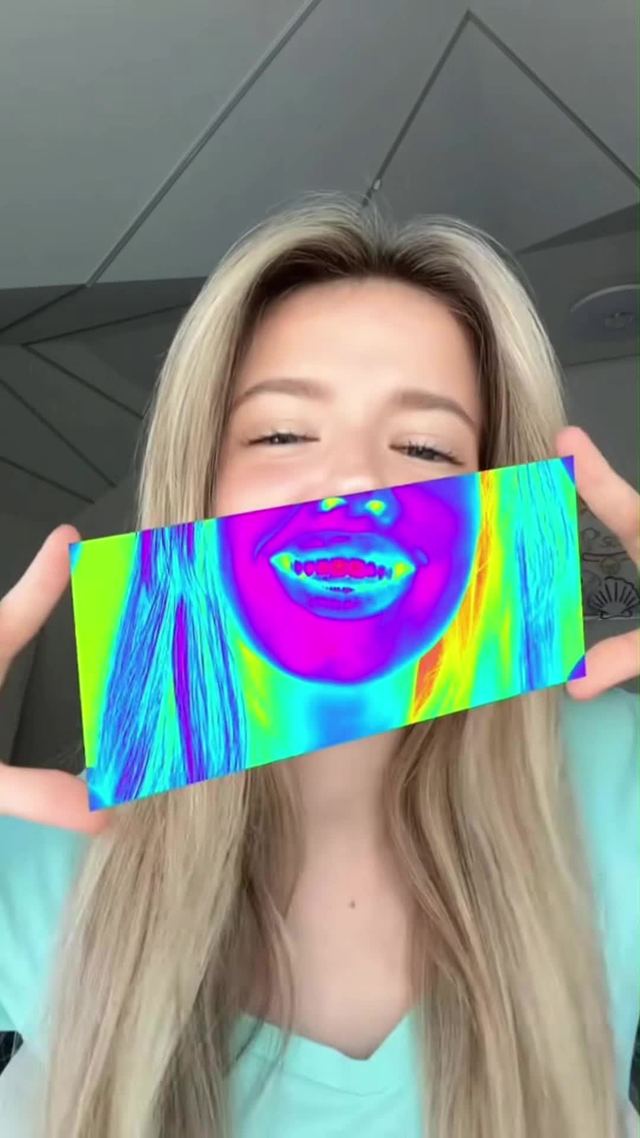
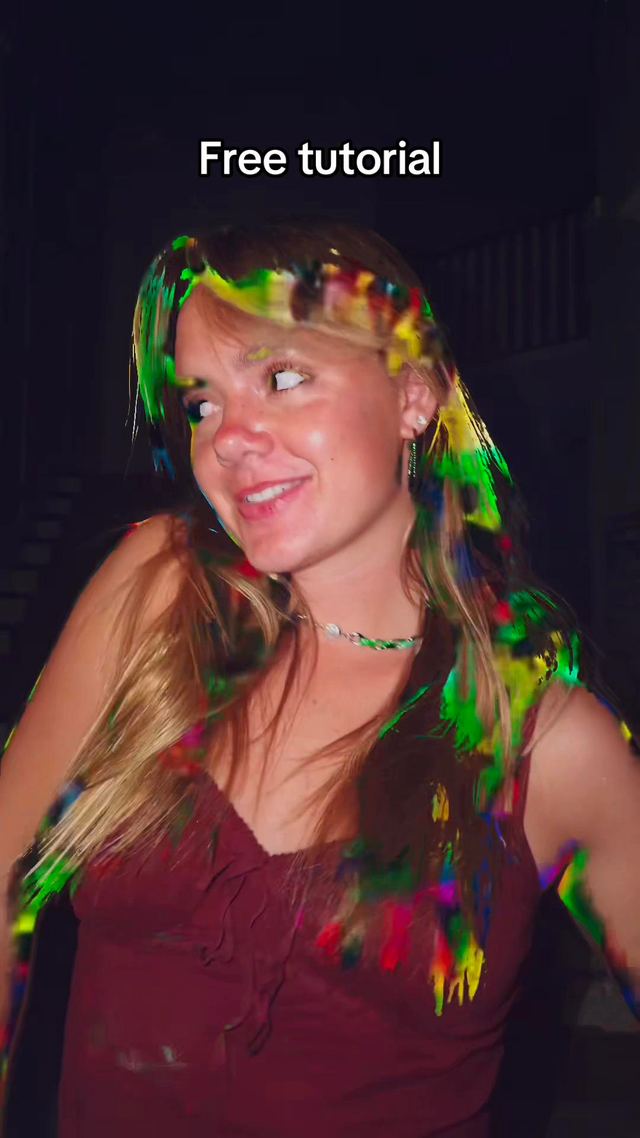
3. Prism Hand-Glitch Transition
A hand-triggered glitch and prism effect: a swipe of the hand across the lens triggers RGB-split chromatic aberration and screen-tear glitch lines, then jumps to the next scene. Time the swipe to fully cross the frame in 3 to 5 frames. On those frames, apply an RGB channel offset (red and blue split 4 to 8 pixels in opposite directions) plus 2 to 3 horizontal glitch bars, then cut hard to the next scene the instant the hand clears the frame. CapCut's built-in glitch effect plus a manual RGB split layer gets closest.
Who's doing it:
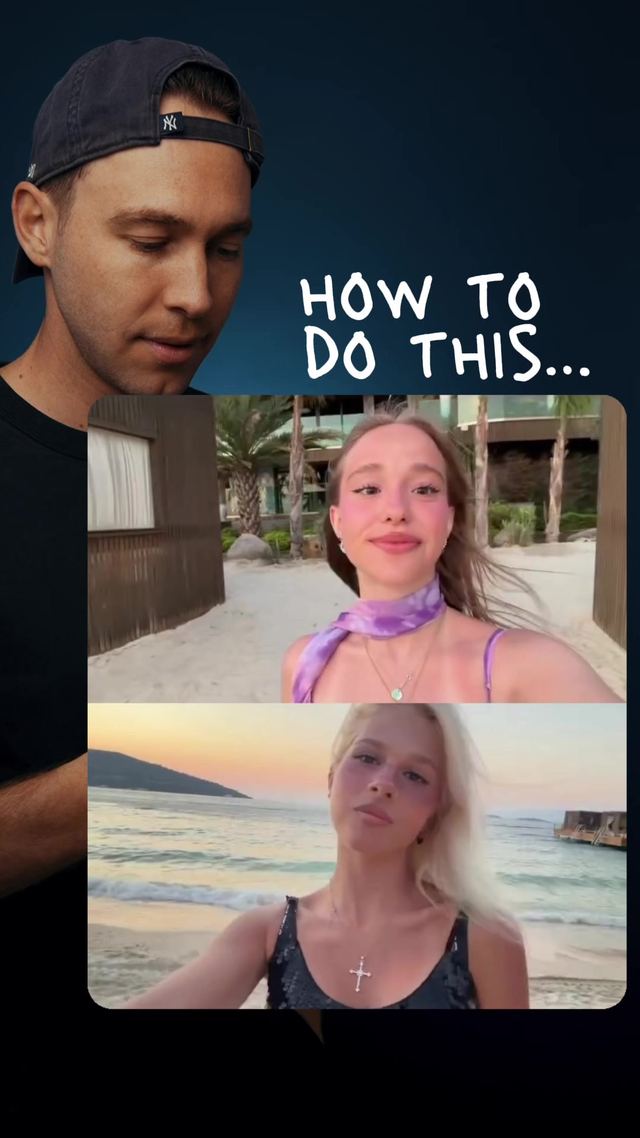
4. Slow-Motion Split-Screen CapCut Trend
A split-screen template where one side of the frame plays in slow motion while the other stays at normal speed, usually contrasting a calm moment against chaos. Split the frame vertically or horizontally, drop one clip to 0.3 to 0.5x speed with motion smoothing on so it does not stutter, and keep the other clip at 1x. Sync both halves to hit their key visual beat at the same timecode so the contrast lands on-beat with the music. This is currently the biggest single breakout of the week, driven by a viral CapCut template that most creators are simply dropping their own footage into.
Who's doing it:
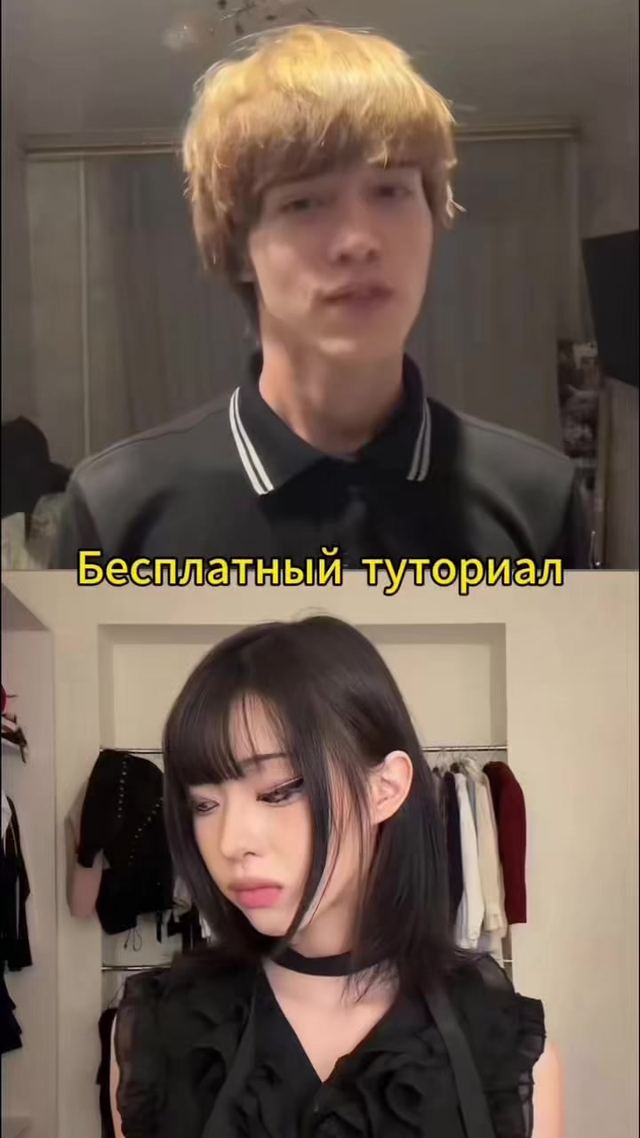
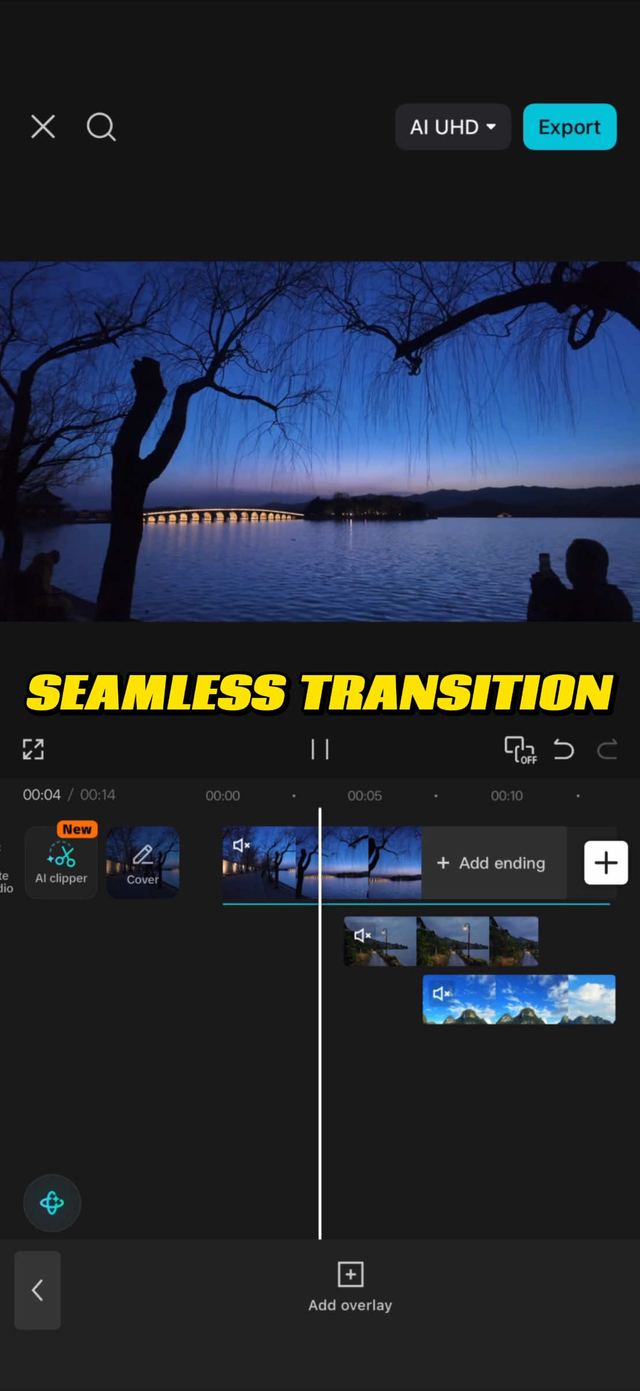
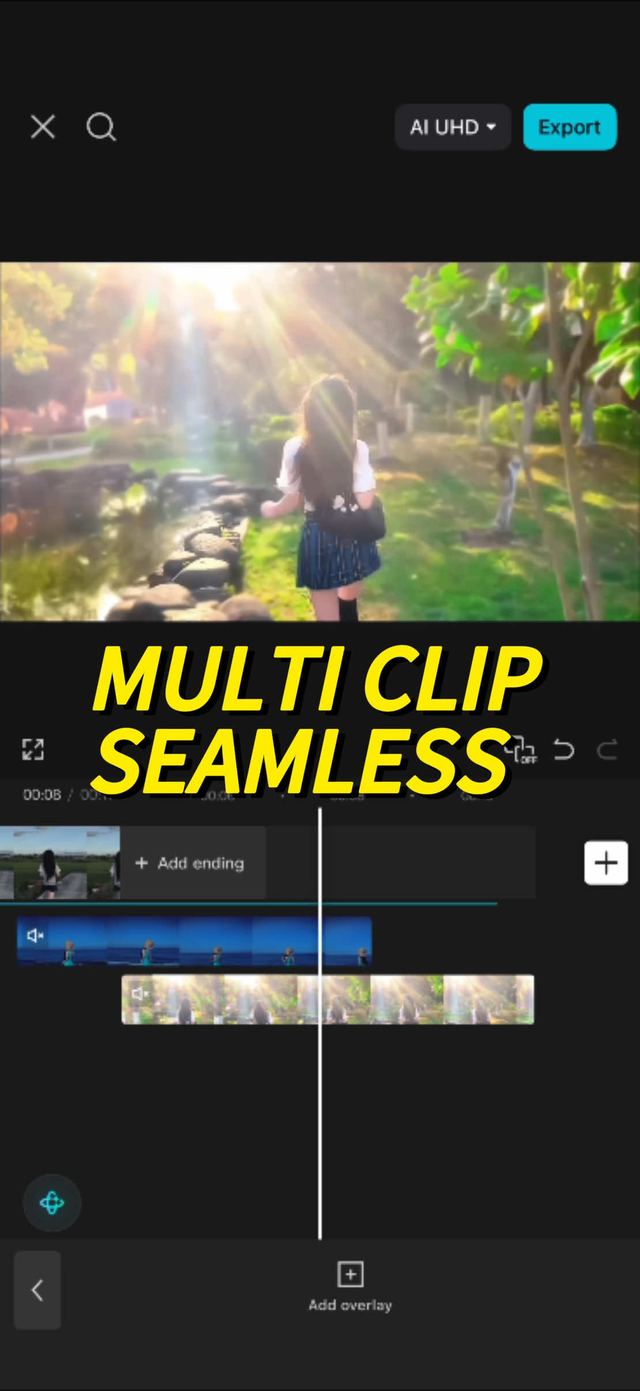
5. CapCut Seamless Multi-Clip Transition Series
Editors are posting numbered tutorial episodes, "Episode 5," "Episode 20," teaching seamless, invisible-cut transitions between multiple clips. It is an episodic micro-genre rather than a single effect, and the format itself is part of why it is spreading: it gives viewers a reason to follow a specific editing account instead of just liking one clip. Match the camera's movement direction and speed across the cut point, a whip-pan exiting frame right should be matched by a whip-pan entering frame right in the next clip, so the eye never registers a cut. Line up matching motion blur amounts on both clips at the cut frame; mismatched blur is the most common tell that gives away a "seamless" transition.
Who's doing it:
6. Infinite Loop / Velocity Edit
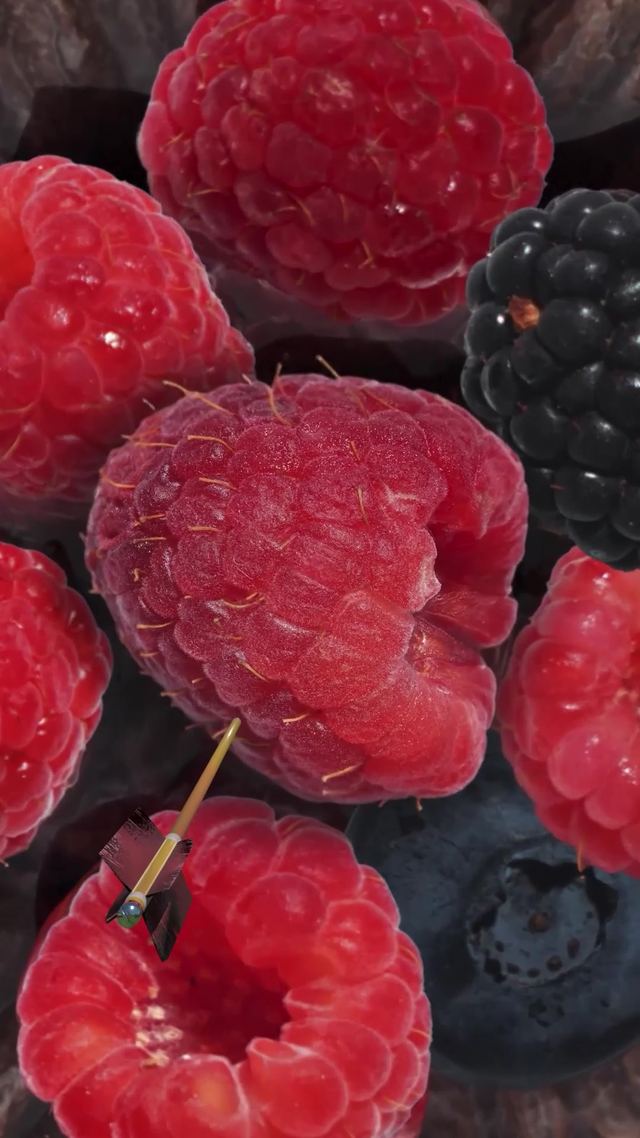
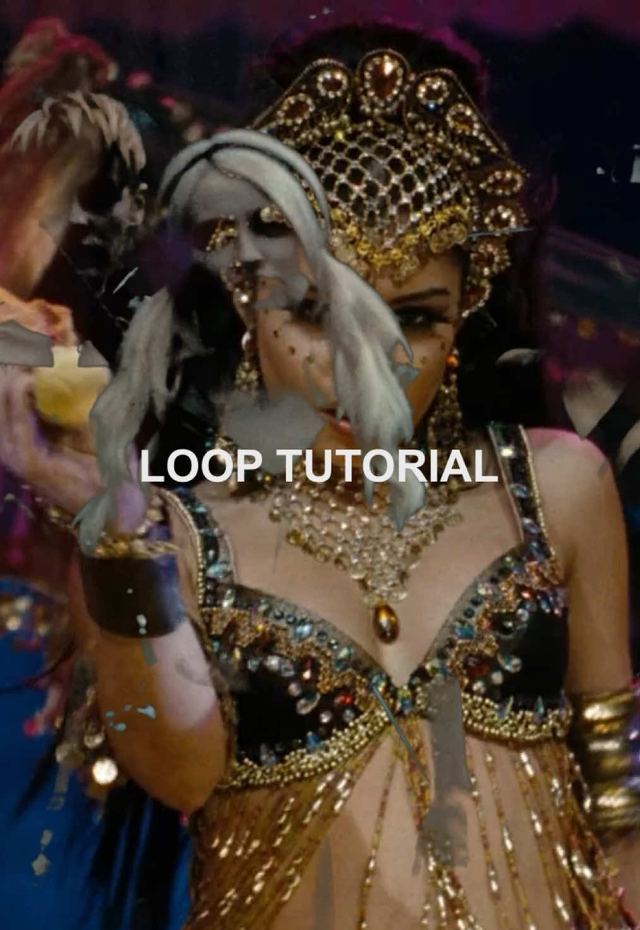
Velocity edits cut to loop seamlessly, the last frame matches the first so the clip can autoplay forever with no visible seam. Cut hard on the beat during the fast section, but keep the first and last 10 to 15 frames near-identical in framing (same angle, same subject position) so the loop point stays invisible. Speed-ramp into the loop point rather than hard-cutting it; a 4 to 6 frame ease keeps the seam from reading as a jump cut.
Who's doing it:
7. Big-Guy Velocity Edit
A meme-audio-driven velocity edit that stacks rapid-fire clips timed to bass hits, popular in gaming and fandom-edit circles right now. Cut clips to 0.15 to 0.3 seconds each on the bass-hit section of the audio, adding a zoom-punch or flash on every third or fourth cut to keep the rhythm from feeling monotonous. Slow to full-length clips on the payoff moment so the edit has a release point instead of running at max speed the whole time.
Who's doing it:
8. Beat-Synced Photo/Video Montage
An upload-your-own-footage montage template that syncs stills and clips to precise beat markers, paired this week with a marble-and-Italian-funk audio combo and sports-highlight edits. Mark the beat hits in the audio first, then place each photo or clip so its hard cut lands exactly on a beat marker rather than eyeballing the timing. Hold stills for 2 to 4 beats depending on tempo, and add a subtle zoom (105 to 110 percent) across the hold so static photos do not feel frozen against the moving beat.
Who's doing it:
9. Concert/Event Outfit-Change Transition
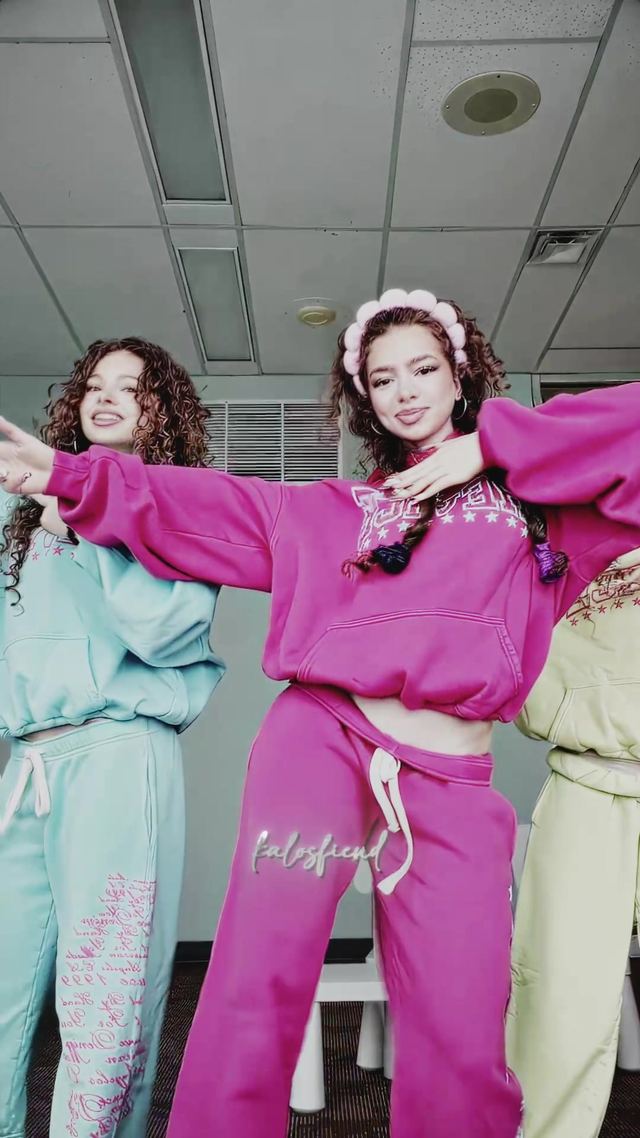
A spin or snap transition that swaps a creator's outfit mid-frame, heavily used this week for concert-prep and event-reveal content as late-summer show season peaks. Snap the transition on a full-body spin or a hand-clap gesture, cutting at the exact frame the hand or body fully obscures the camera so the wardrobe swap is invisible. Keep the background and lighting identical across both clips; mismatched lighting is what breaks the illusion fastest on this particular transition.
Who's doing it:

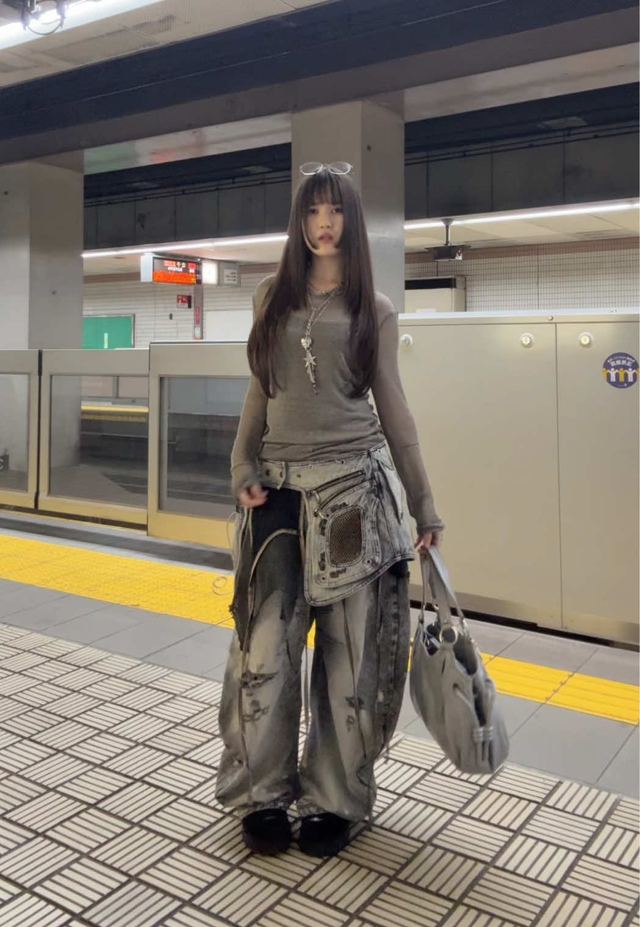
10. Anime-Style Zoom Transition
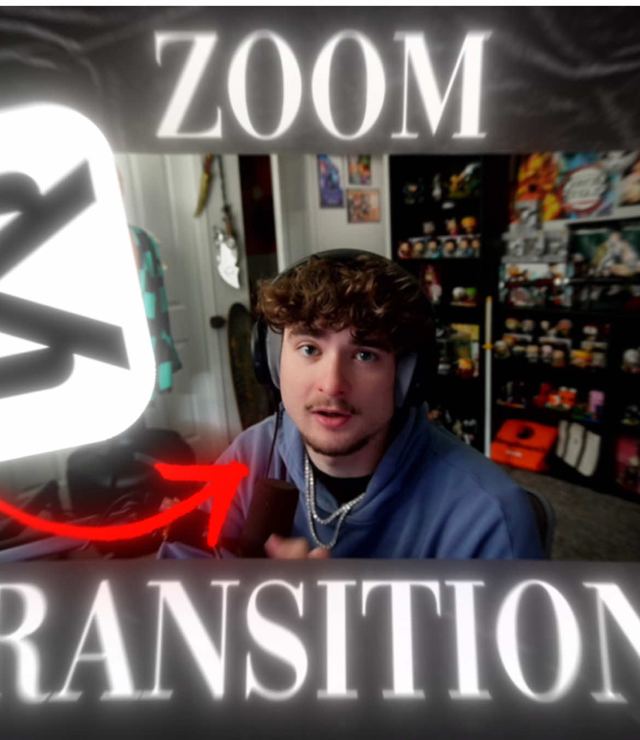
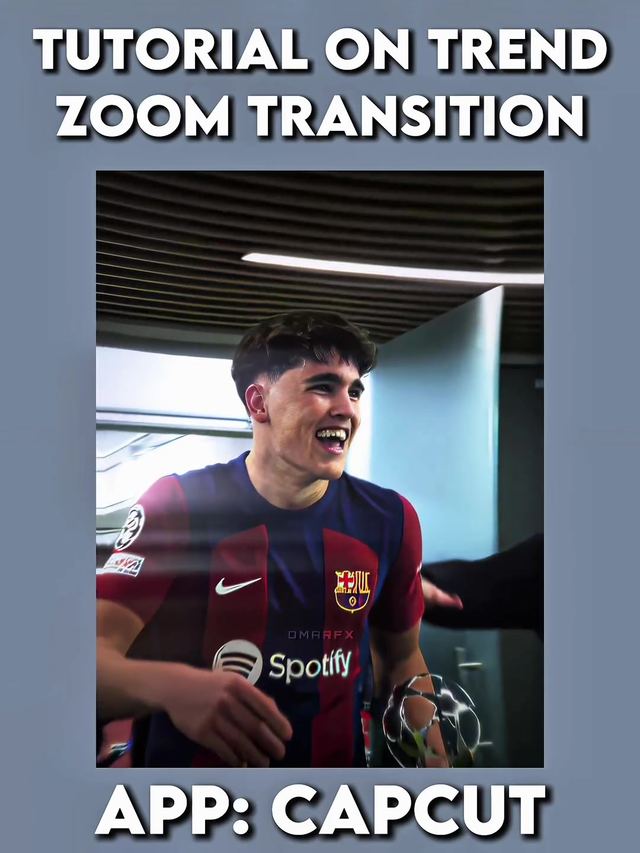
A fast push-zoom (and its reverse, a fast pull-zoom) borrowed from anime AMV editing conventions, now being taught as a standalone CapCut technique outside fandom-edit circles. Keyframe scale from 100 percent to roughly 400 to 500 percent over 3 to 5 frames with a sharp ease-in for the push version (reverse the keyframes for the pull variant), and add a directional motion-blur layer during the zoom frames to sell the speed. Land the zoom's peak exactly on a hit sound or beat drop so the effect reads as impact rather than just a fast camera move.
Who's doing it:
There is no direct overlap with last week's trend list this time, this cycle skews toward transitions and velocity edits where the previous report leaned on audio-driven text stamps. What is consistent across both weeks: the lowest-effort, highest-reach formats keep being the ones built around a single recognizable audio cue rather than raw editing skill. If you are short on footage variety, the beat-synced montage and split-screen templates are your highest-leverage picks this week, both work on any footage you already have on your camera roll.
Turn a Trend Into Your Hook
The template gives everyone the same edit. The hook is what makes yours the one people stop on. Paste a topic, get hooks built on what is actually working this week. Free to try.
Generate a Hook →
- Wes Fleming
ScriptHooks Weekly Trends