The Big Picture
This week's data skews TikTok-heavy. The scraper passes for Instagram and YouTube didn't surface enough fresh, verifiable examples inside our 21-day freshness window to clear the bar, so every trend below is TikTok-sourced this cycle. That's a data note, not a platform call, worth flagging so you don't read too much into the platform mix.
The through-line across all eight trends: restraint is outperforming flash. The two biggest view-count outliers this week, a 14.4M-view satisfying edit and a 5.1M-view nostalgia edit, both lean on doing less rather than stacking more effects. Fewer cuts. One sharp reference instead of a dozen loose ones. That's the opposite instinct most editors reach for when a video isn't performing. Small accounts are punching well above their follower counts across nearly every format on this list. A 1K-follower account hit 1M views with the satisfying-edit style. A 3K-follower account hit 3.5M views with the paparazzi transition. A 6K-follower account hit 644K views on a storytime hook. That's the format doing the work, not an existing audience.
If speed matters more than novelty this week, the montagem character edit is the one to prioritize. It's currently the single most saturated format in fan-edit spaces, which means the audio and cut pattern are both proven, but it's also audio-driven, so its shelf life is shorter than the evergreen formats on this list.
1. Rapid-Fire Story Stacking
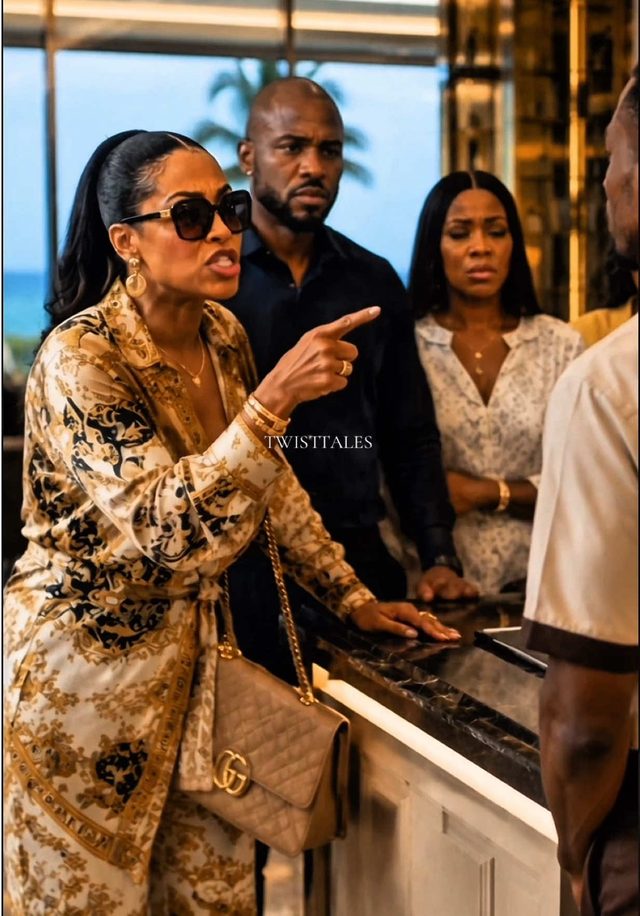
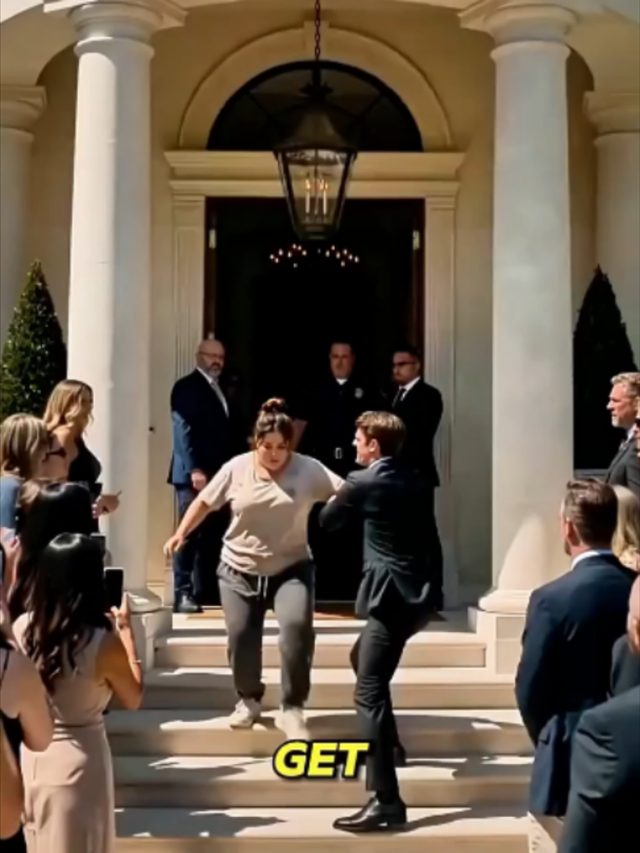
Multi-part storytime videos compressed into a single clip with a hard cliffhanger, forcing a follow so the viewer can catch the next part. Editors are stacking chapter-style story beats instead of dragging one story across an entire video.
To build one: land your hook line in the first second, hard cut straight into the story with no cold open, burn "Part 1" into the text overlay, and end on the highest-tension beat before any resolution. Hold off on a music swell until the final two seconds and let the voiceover or captions carry the rest.
Who's doing it:
2. Paparazzi Glow-Up Transition
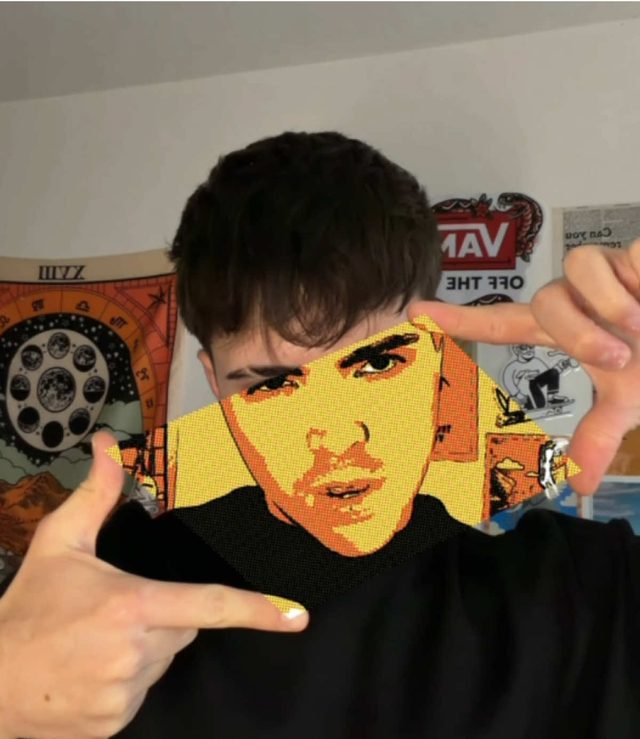
A glow-up transition synced to the Lady Gaga "Paparazzi" dubstep remix, riding this month's 2016-nostalgia wave. The bass drop hides a hard cut from a plain "before" pose to a styled "after" reveal.
Hold the "before" pose static through the build-up. On the exact bass-drop frame of the remix, cut to the "after" shot with a one to two frame white flash and a quick zoom punch-in. Match body position between the two shots so the flash sells the transition, not the cut itself.
Who's doing it:

3. Nostalgia Edit
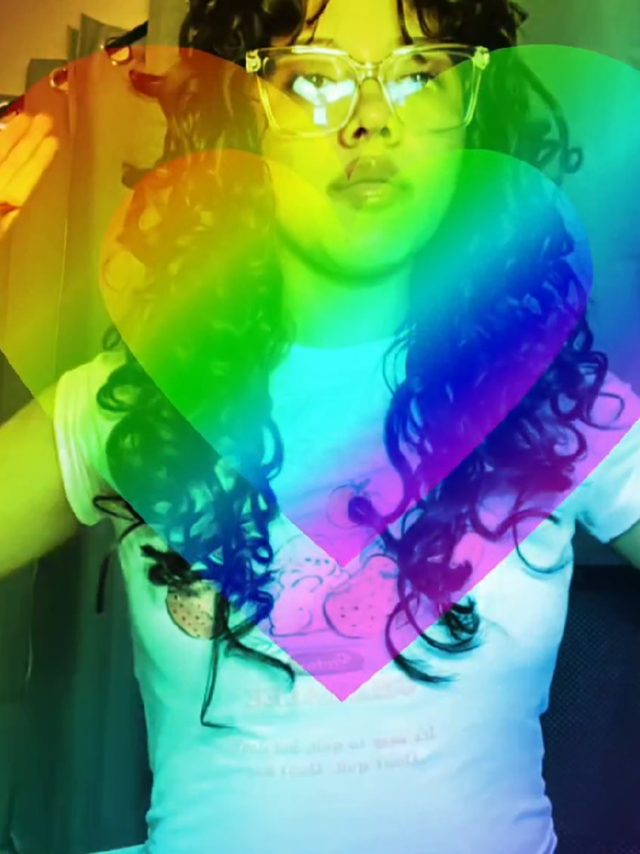
Throwback compilation edits built around 2016-era internet culture, discontinued products, and childhood media, set to slowed and reverbed audio that leans into "we'll never get this back" sentimentality.
Grade footage slightly warm and desaturated, layer a light film-grain or chromatic-aberration texture, and cut on the beat roughly every one to two seconds. Close on a held still frame with a short, wistful caption line instead of a call to action.
Who's doing it:
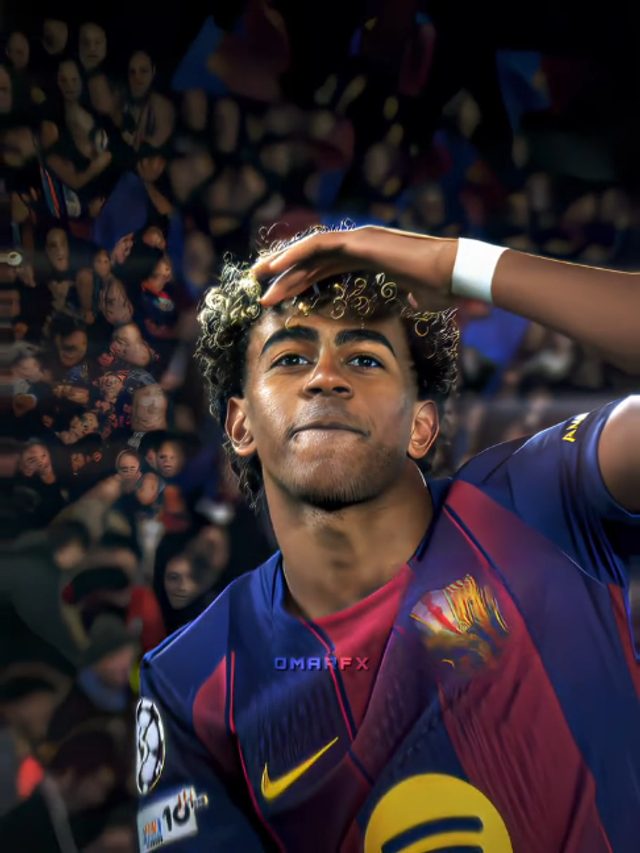
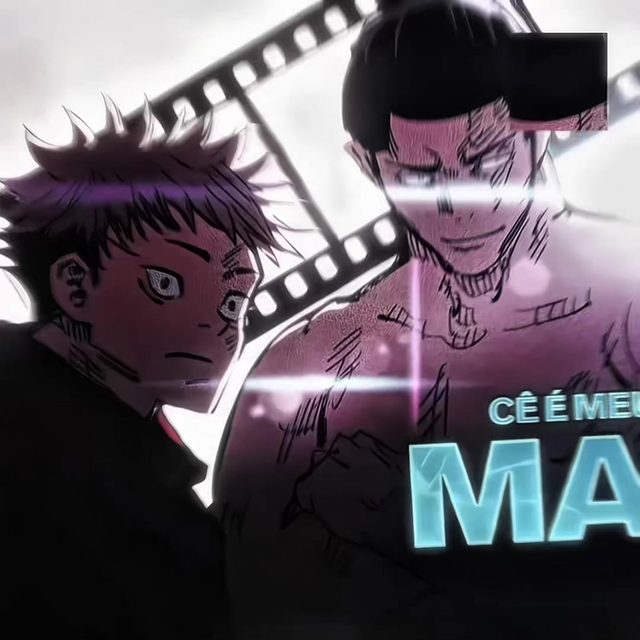
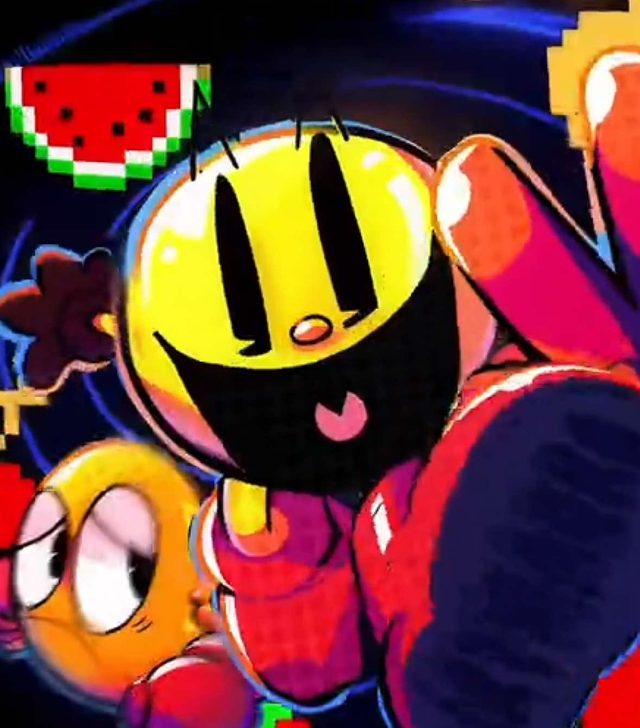
4. Montagem Character Edit
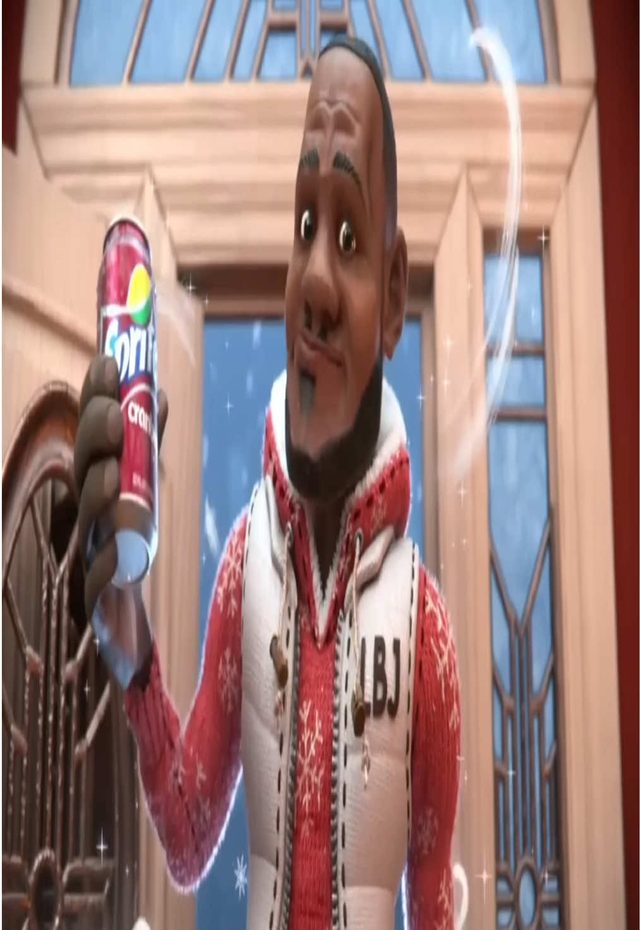
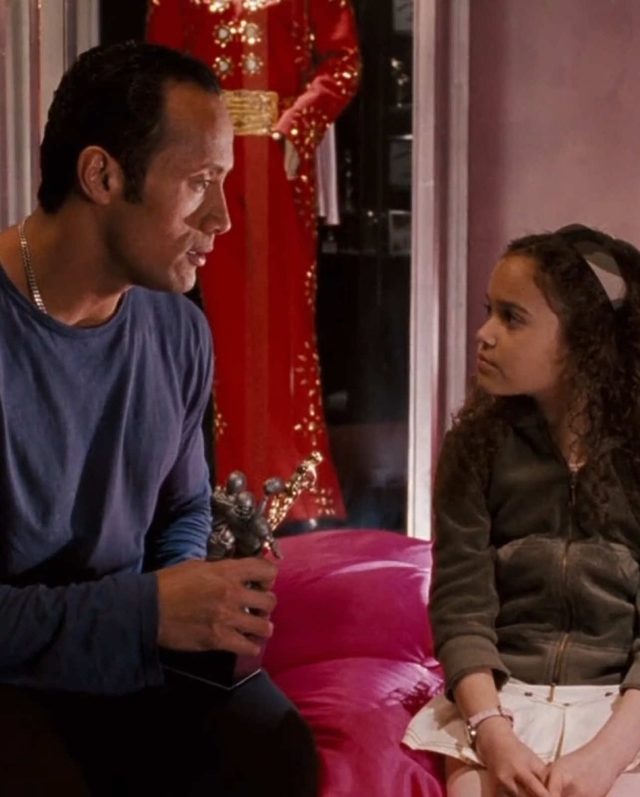
Brazilian funk and phonk "Montagem" tracks (slowed, bass-heavy) synced to anime, gaming, or sports-star footage using a looped head-bop or walk-cycle animation and hard beat-matched cuts. This is currently the dominant audio-and-edit pairing in fan-edit spaces.
Loop a one to two second clip of the subject's head-bop or walk cycle, hard-cut on every kick drum in the montagem track, and layer a slow zoom-in (roughly 105 to 110 percent over the loop) so it doesn't feel static. Credit the animator and the song in your on-screen text, that's a strong community norm in this space.
Who's doing it:
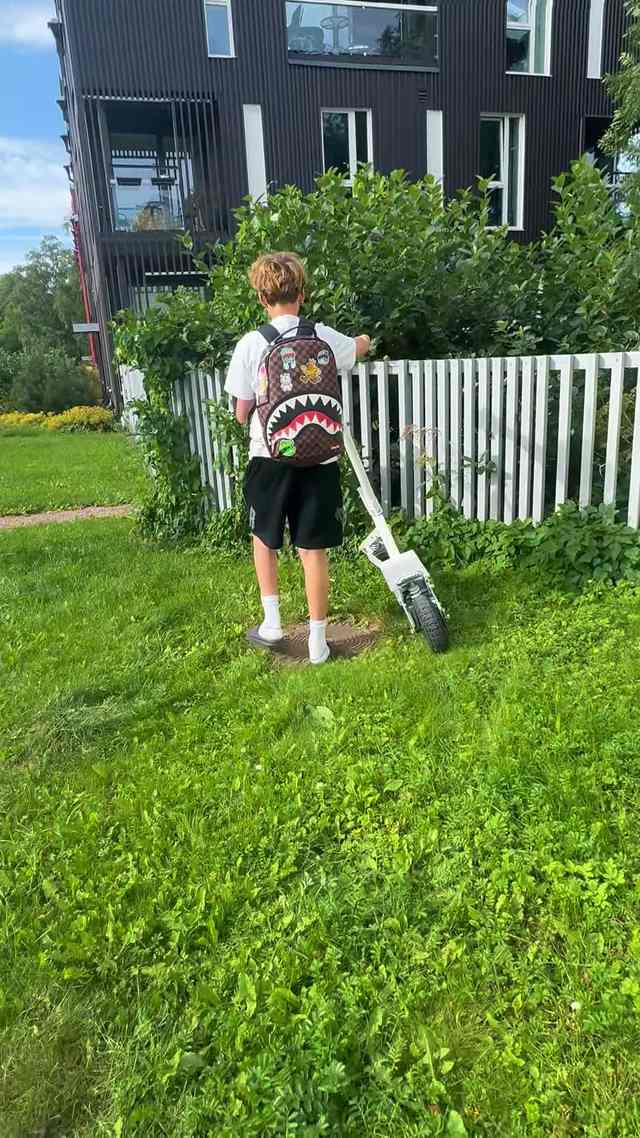
5. Satisfying Clean-Cut Edit
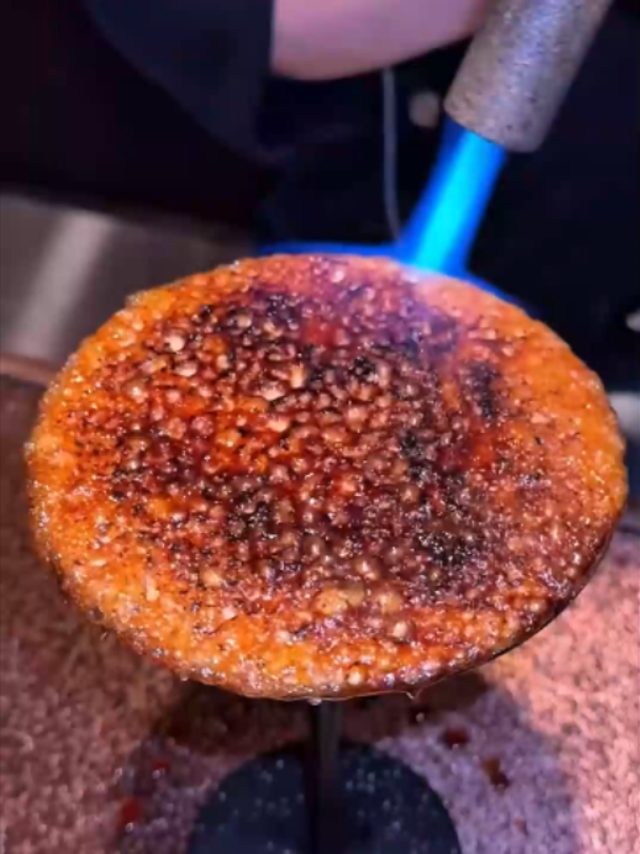
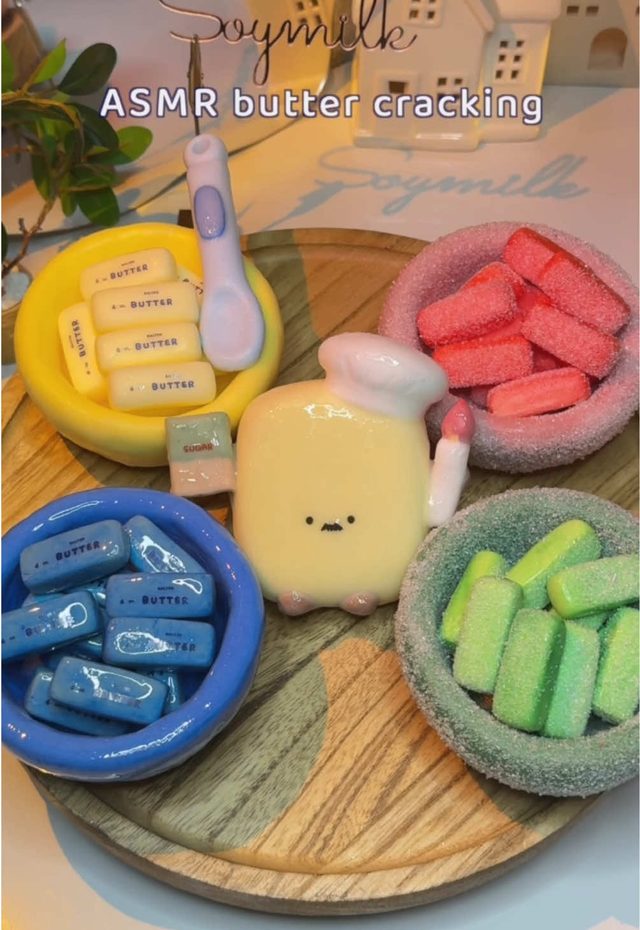
ASMR-adjacent "so clean" edits: crisp cuts on satisfying physical actions, a ski carve, an e-bike pass, food prep, paired with tight sound design and zero wasted frames. Usually captioned "clean" or "so clean."
Cut precisely on the action's peak moment (the carve apex, the slice, the pass), layer close-mic'd foley or sound effects under the music bed, and keep every individual shot under 1.5 seconds. Cut anything that doesn't directly serve the action, filler B-roll is the fastest way to break the effect.
Who's doing it:

6. Outfit Reveal Transition
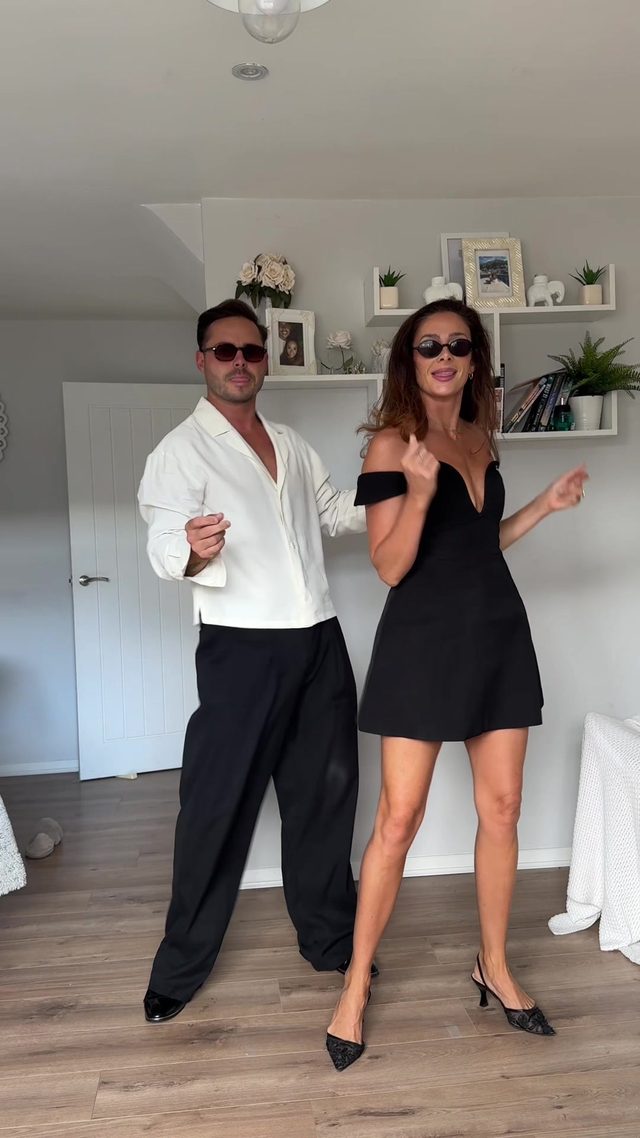
A snap-transition outfit reveal: a spin, hand-swipe, or door-close conceals the cut, revealing a full outfit change exactly on the beat.
Time the concealment gesture to land one frame before the beat, and match the subject's body position frame-to-frame across the cut so the transition reads as invisible rather than as an edit. Tag the outfit pieces in your on-screen captions while you're at it, it's free engagement.
Who's doing it:
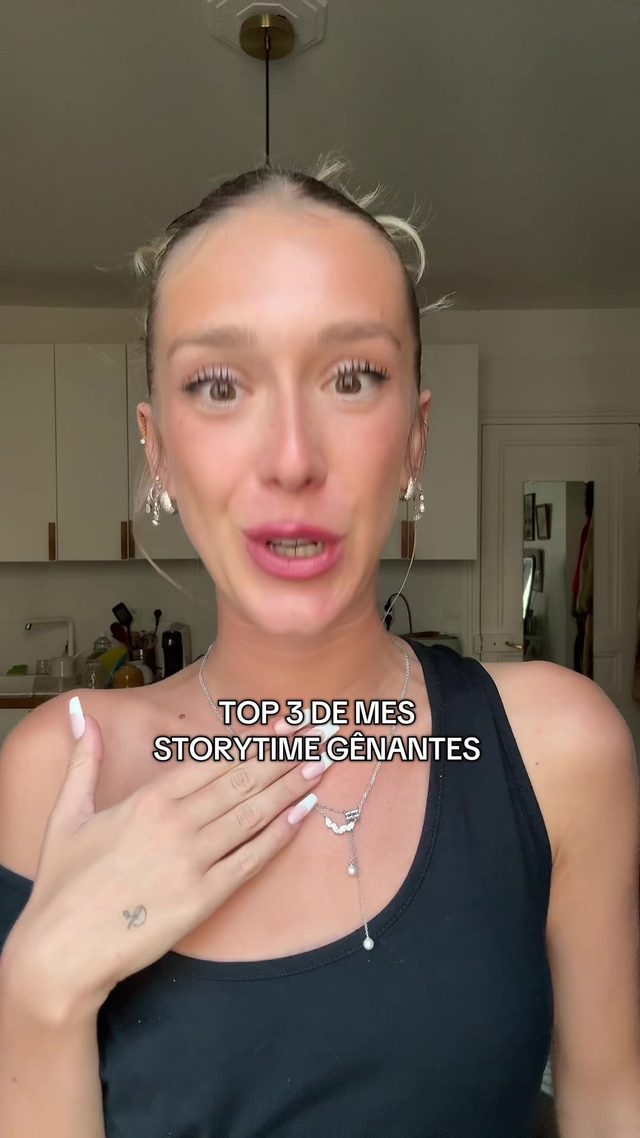
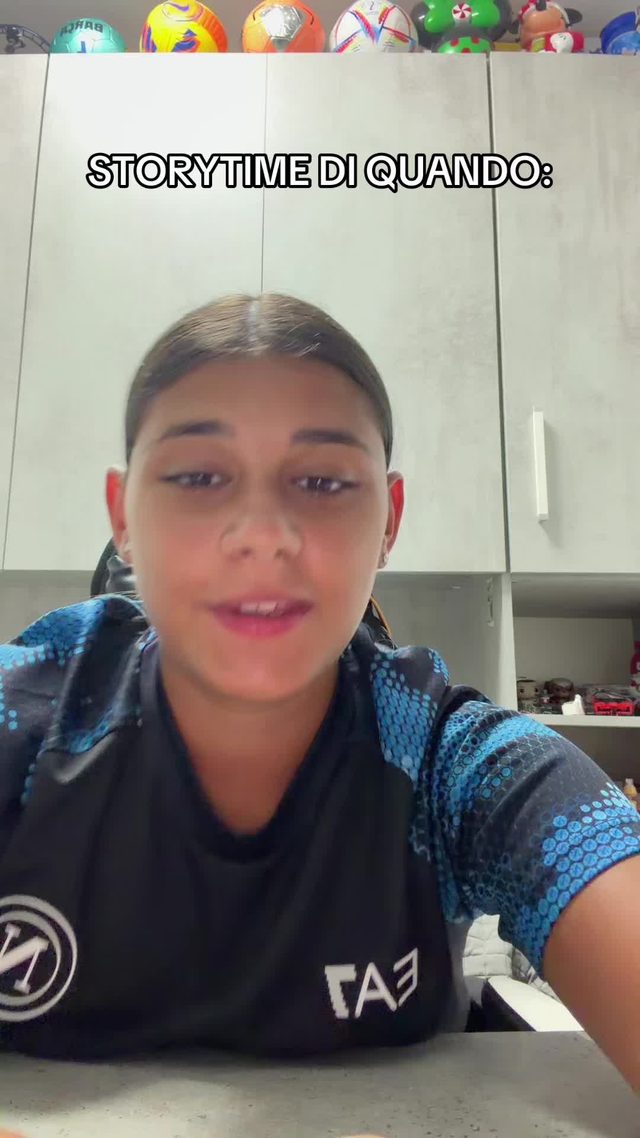
7. POV Storytime Hook
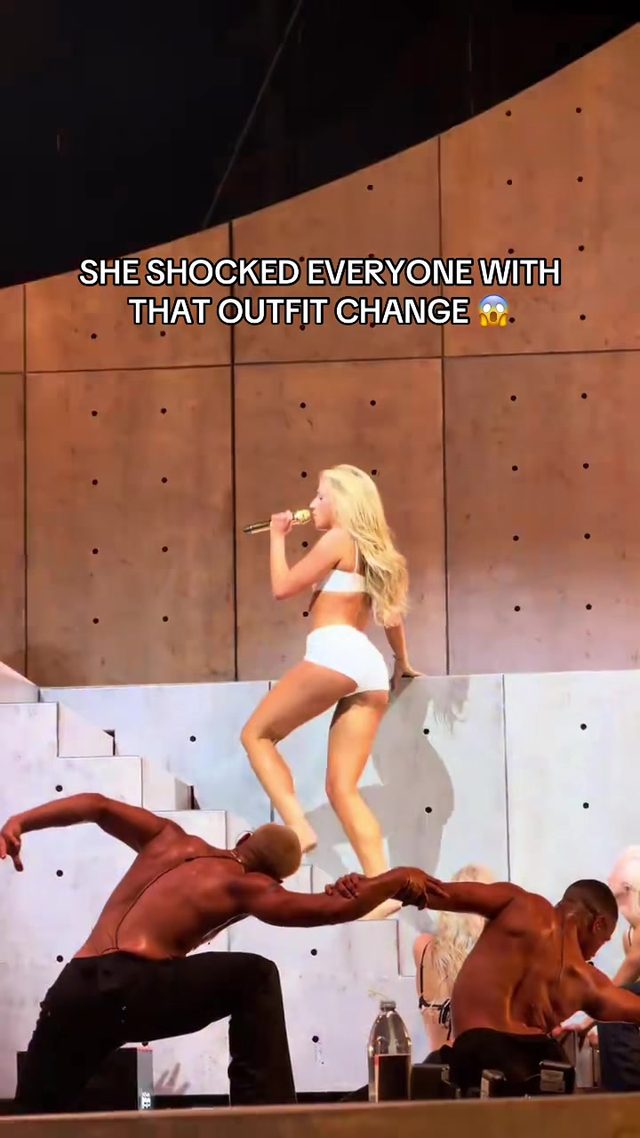
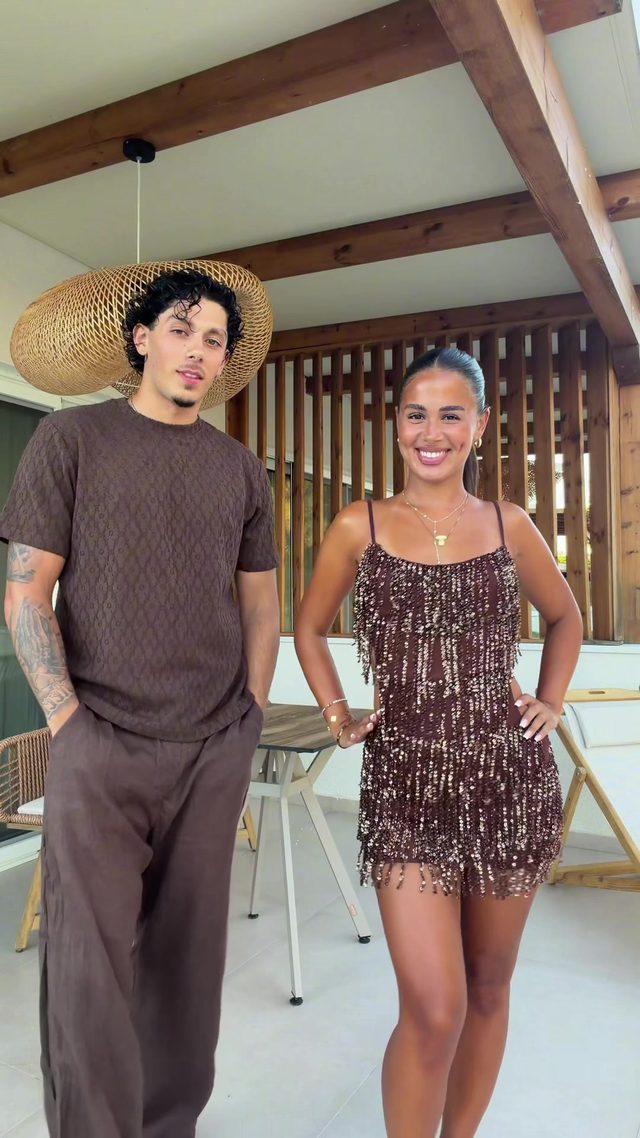
A single-scene, direct-to-camera or text-driven storytime that opens on the highest-stakes line first, then unfolds as one continuous reveal rather than splitting into a multi-part series, the opposite structure from the story-stacking trend above.
Open with the twist or the stakes stated outright in your first caption line, keep the camera static or lightly handheld, and sync burned-in caption text word-by-word to the spoken or emotional beats. Hold any music swell until the reveal line lands.
Who's doing it:
8. Cinematic Speed-Ramp Edit
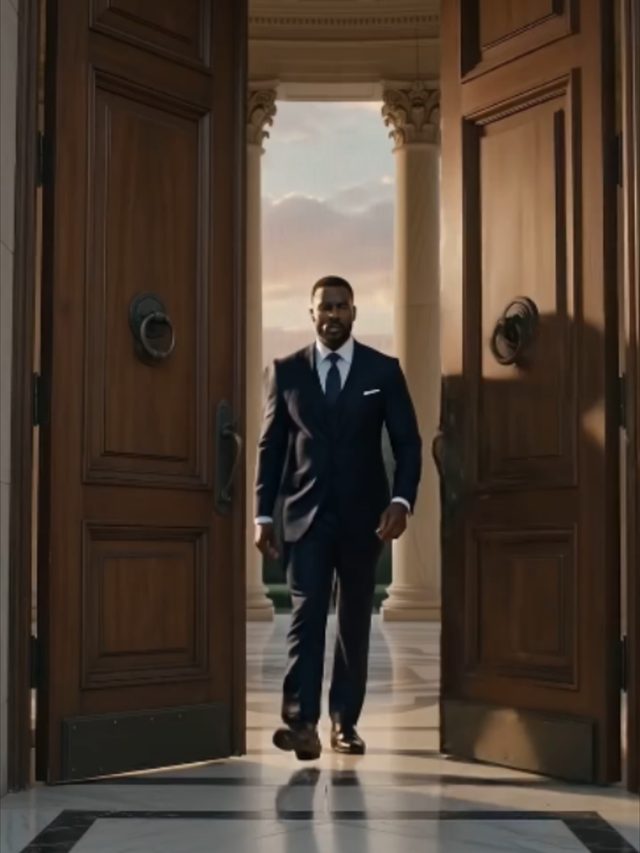
Travel and lifestyle footage cut with speed ramps, easing from slow motion into a fast punch-in or the reverse, graded with a moody cinematic look and built around a single striking location or moment.
Shoot at 60fps minimum for ramp headroom. Ease your speed curve from 100 percent down to roughly 40 percent and back up to 150 percent using a keyframed curve rather than a linear one, add a subtle push-in during the slow section, and grade with a teal-orange or desaturated cinematic look. Cut on a musical swell.
Who's doing it:

Compared to last week's list, this cycle leans harder into technique over template. Fewer creators are dropping their footage into a pre-built app template, more are hand-timing a specific cut pattern or transition themselves. If you only build one thing from this report, make it the satisfying clean-cut style, it's the highest view-to-follower ratio on the whole list, and it needs nothing but timing discipline, no trending audio, no template, no app dependency.
Turn a Trend Into Your Hook
The template gives everyone the same edit. The hook is what makes yours the one people stop on. Paste a topic, get hooks built on what is actually working this week. Free to try.
Generate a Hook →
- Wes Fleming
ScriptHooks Weekly Trends